


 Send Inquiry
Viewsonic LS740HD Projector
Price 1110000.0 INR/ Piece
MOQ : 1 Piece
Viewsonic LS740HD Projector Specification
- Illumination
- Laser
- Type
- DLP Projector
- Use
- Home Theater
- Portable
- No
- Brightness
- 5000 ANSI Lumens
- Resolution
- 1920 x 1080 (Full HD)
- Projection Distance
- 0.96m - 16.29m (100 @ 2.68m)
- Lamp
- Laser Phosphor Light Source
- Lens
- 1.6x Optical Zoom, F=1.6-2.0, f=15.81-25.29mm
- Contrast Ratio
- 3,000,000:1
- Pictures Size
- 30 - 300
- Keystone
- Vertical/Horizontal 30
- Power
- Typical: 260W, Max: 320W
- Voltage
- 100-240V AC, 50/60 Hz
- Operating Temperature
- 0-40C
- Wireless Presentation
- Optional via USB dongle
- Dimensions (WxHxD)
- 405 x 133 x 276 mm
- Light Source Life
- Up to 30,000 hours (Eco Mode)
- Speaker
- 10W Mono
- 3D Compatibility
- Yes
- Aspect Ratio
- 16:9
- Remote Control
- Yes, included
- Noise Level
- 32 dB (Normal), 27 dB (Eco)
- Focus
- Manual
- Color Reproduction
- 1.07 Billion Colors
- Throw Ratio
- 1.13-1.85
- Input Connectivity
- 2x HDMI, 1x VGA, 1x USB Type-A, 1x Audio in, 1x Audio out, 1x RS232
- Weight
- 5.7 kg
Viewsonic LS740HD Projector About
- 3rd generation laser phosphor technology with up to a 30,000-hour lifespan
- 5,000 ANSI Lumens offering bright images in any environment
- Up to 300" ultra large screen with lower cost-per-inch
- Compact size and light weight reducing cost of transportation and installation
- Installation flexibility: 1.3x optical zoom, H/V keystone, 360 projection, and portrait mode
Unmatched Visual Performance
With a Full HD native resolution and an impressive 5,000 ANSI lumens brightness, the ViewSonic LS740HD ensures crisp, clear images in any lighting condition. Its 3,000,000:1 contrast ratio brings out vivid details and deep blacks, making it a standout choice for immersive home cinema experiences.
Advanced Connectivity and Versatility
Equipped with multiple input options such as two HDMI ports, VGA, USB Type-A, and audio in/out, the LS740HD integrates effortlessly with a range of multimedia devices. Optional wireless presentation strengthens its adaptability for flexible home and professional setups.
Durable and Efficient Design
Rely on the LS740HD's laser phosphor light source for up to 30,000 hours of life in Eco Mode, reducing maintenance and lamp replacements. The projector operates quietly and features vertical and horizontal keystone correction for easy installation in various room configurations.
FAQ's of Viewsonic LS740HD Projector:
Q: How do I connect external devices to the ViewSonic LS740HD projector?
A: You can connect external devices such as laptops, Blu-ray players, or streaming sticks using the two HDMI ports, VGA input, or USB Type-A for certain dongles. Audio input and output are also available for enhanced sound integration.Q: What is the process for switching between normal and Eco modes?
A: You can toggle between normal and Eco modes using the projector's on-screen menu, accessible either directly on the unit or via the remote control. Eco mode helps extend the lifespan of the laser light source while reducing power consumption and operating noise.Q: When should I use the manual focus and zoom features?
A: Manual focus and 1.6x optical zoom are especially useful when setting up the projector at varying distances or screen sizes, such as in different rooms or with screens between 30 and 300 inches. Adjust these settings for optimal image sharpness and framing.Q: Where can I place the projector for optimal image quality?
A: For the best results, position the projector between 0.96m and 16.29m from your screen (a 100" image can be achieved at 2.68m distance). Utilize the vertical and horizontal keystone correction for image adjustment if perfect alignment is not possible.Q: What are the benefits of the laser phosphor light source?
A: The laser phosphor light source ensures up to 30,000 hours of operation in Eco Mode, minimizing maintenance costs and downtime. It delivers high brightness and vibrant colors, suitable for both dark and well-lit environments.Q: How does the wireless presentation feature work?
A: Wireless presentation is available as an optional feature via a compatible USB dongle. Simply plug the dongle into the USB Type-A port and follow on-screen instructions to connect your wireless device for cable-free projecting.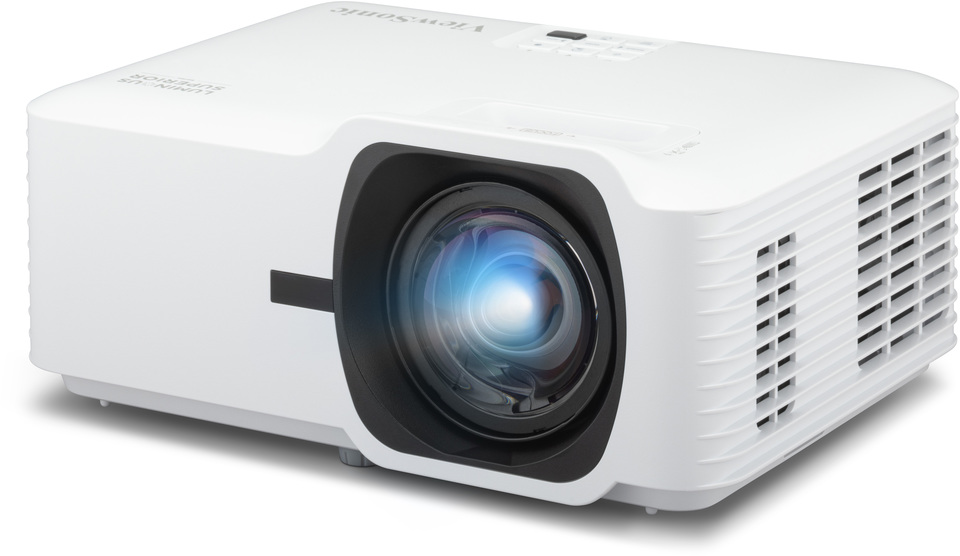
Tell us about your requirement

Price:
Quantity
Select Unit
- 50
- 100
- 200
- 250
- 500
- 1000+
Additional detail
Mobile number
Email

More Products in Smart Projectors Category
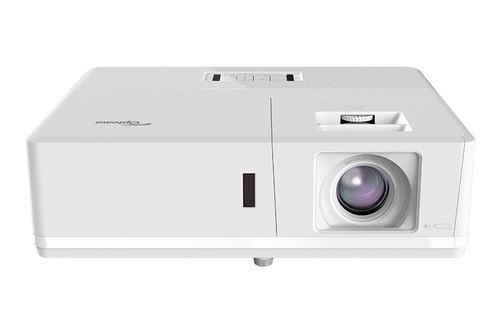
Optoma Projector - Zu516sa
Price 250000 INR / Piece
Minimum Order Quantity : 1 Piece
Contrast Ratio : 300,000:1
Resolution : 1920 x 1200
Brightness : 5000 ANSI Lumens
Lens : Manual zoom and focus
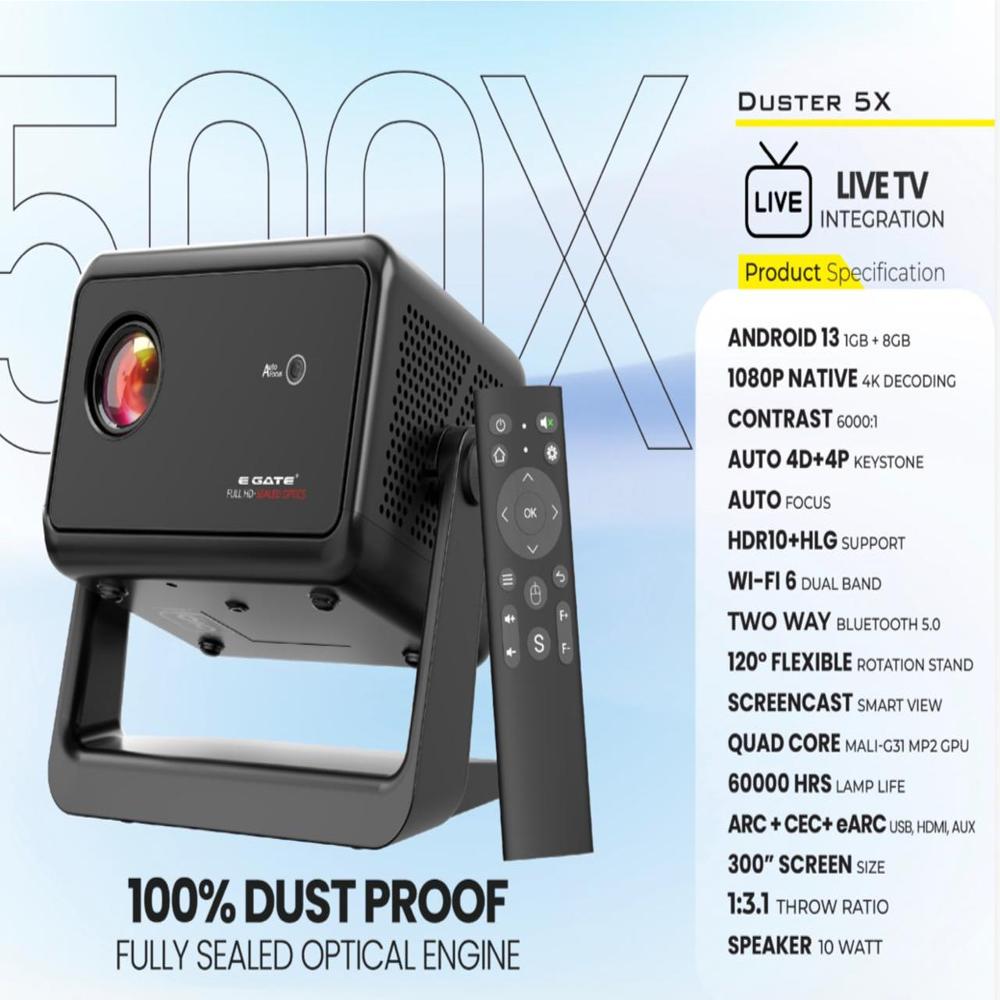
EGATE DUSTER 5X
Price 14000.0 INR / Piece
Minimum Order Quantity : 1 Piece
Contrast Ratio : 2000:1
Resolution : Native 800 x 480, supports up to 1080p
Brightness : 3000 Lumens
Lens : Multilayer Glass Lens
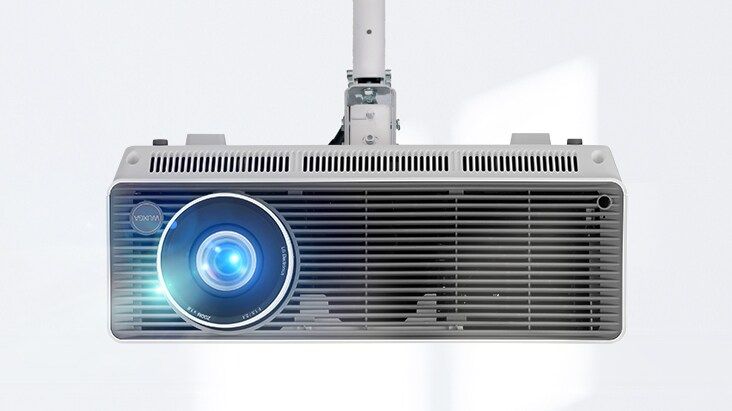
BF60RG- 6000 lumens, WUXGA, Laser, inbuilt Wi-Fi
Price 250000.0 INR
Minimum Order Quantity : 1
Contrast Ratio : 3,000,000:1
Resolution : Full HD 1080p
Brightness : 6000 lumens
Lens : Manual zoom and focus; Ratio 1.13 1.46
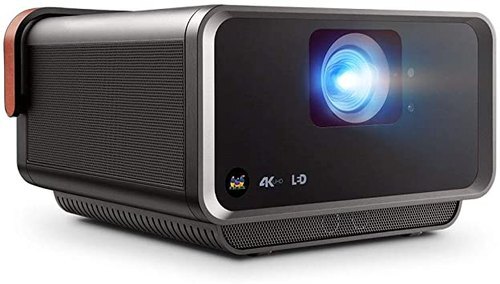
ViewSonic X10-4K Projector
Price 170000 INR / Piece
Minimum Order Quantity : 1 Piece
Contrast Ratio : 3000000:1
Resolution : 3840x2160
Brightness : 2400 LED Lumens
Lens : F=1.8, f=8.5mm


- B No. 67, Ganesh Chandra Avenue -Ground Floor, Near Hind Cinema,Kolkata - 700013, West Bengal, India
- Phone : 08071781754


- Mr Ashwin Jaiswal (Proprietor)
- Mobile : 08071781754
-
 Send Inquiry
 Send Inquiry
TECHNO VIBEZ
All Rights Reserved.(Terms of Use)
Developed and Managed by Infocom Network Private Limited.
Developed and Managed by Infocom Network Private Limited.

