

 Send Inquiry
65inch LG Interactive Flat Panel TR3ER
Price 90000.0 INR/ Piece
MOQ : 1 Piece
65inch LG Interactive Flat Panel TR3ER Specification
- Power Supply
- AC 100-240V, 50/60Hz
- Power Consumption
- 250W
- Voltage
- 100-240V
- Usage
- Education, Corporate, Conference Rooms, Collaboration
- Product Type
- Interactive Flat Panel
- Material
- Toughened Glass, Metal Frame
- Size
- 65 Inch
- Style
- Wall Mounted/Standalone
- Weight
- Approx. 45-55 kg
- Feature
- Multi-Touch Support, 4K UHD Resolution, Wireless Screen Sharing, Built-in Speaker, Annotation, Anti-Glare Screen, Smart Pen Software
- Color
- Black
- Built-in Memory
- 32GB (Android)
- Operating System
- Windows, Android (Built-in)
- Touch Points
- Up to 20 Points Multi-touch
- Audio Output
- 2 x 12W Speakers
- RAM
- 3GB (Android)
- Wall Mount VESA
- 800 x 400 mm
- Contrast Ratio
- 1200:1
- Dimensions (WxHxD)
- Approx. 1500 x 880 x 87 mm
- Resolution
- 3840 x 2160 (Ultra HD 4K)
- Connectivity
- HDMI, VGA, USB (2.0/3.0), LAN, Audio In/Out, RS232, Wi-Fi
- Display Technology
- IPS LED
- Brightness
- 350 cd/m2
- Glass Hardness
- 7H Mohs
- Viewing Angle
- 178 x 178
About 65inch LG Interactive Flat Panel TR3ER
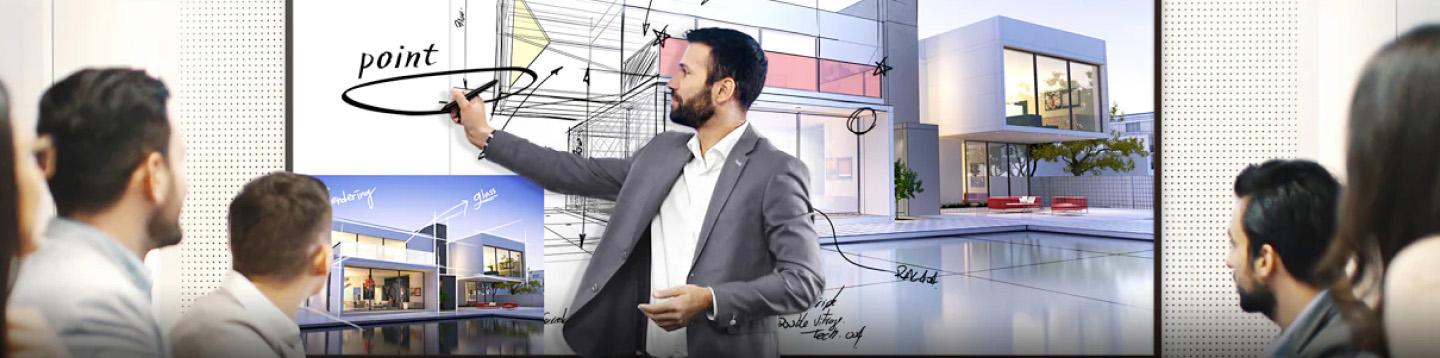
LG CreateBoard has received Google certification*, enabling users to seamlessly integrate with the Google ecosystem by connecting their Google accounts.LG CreateBoard boasts a multi-touch functionality that can concur rently detect up to 50 touch points. This feature facilitates simulta neous touch and gesture inputs from multiple users, fostering easy collaboration and idea sharing among team members. This enables efficient interaction in group activities or meetings.Ultra HD Visual Experience
Enjoy stunning clarity with 4K Ultra HD resolution and IPS LED technology, delivering vibrant colors and sharp details from every angle. The anti-glare screen ensures visibility even in bright rooms, making this panel suitable for diverse lighting conditions in classrooms and meeting spaces.
Advanced Touch Technology
With up to 20-point multi-touch capability and toughened 7H Mohs glass, the TR3ER fosters interactive learning and collaboration. Smart pen software and annotation tools make brainstorming, presenting, and note-taking effortless for all users.
Robust Connectivity and Performance
Support seamless integration into your network with HDMI, VGA, USB, LAN, RS232, and Wi-Fi connections. The flexible dual operating system and spacious built-in memory enable users to switch between applications easily, enhancing workflow and saving time.
FAQ's of 65inch LG Interactive Flat Panel TR3ER:
Q: How does the 20-point multi-touch functionality enhance collaboration on the LG Interactive Flat Panel TR3ER?
A: The 20-point multi-touch feature allows multiple users to interact with the panel simultaneously. This makes group activities, collaborative projects, and team brainstorming sessions more engaging, especially in educational environments and meetings.Q: What are the main benefits of using the LG TR3ER in education or conference rooms?
A: Key benefits include Ultra HD 4K visuals for clear presentations, durable toughened glass for heavy usage, advanced annotation software for interactive learning, and versatile connectivity for easy device integration, making sessions more dynamic and productive.Q: When is it most suitable to use the LG Interactive Flat Panel TR3ER as a standalone display or wall-mounted?
A: The panel can be wall-mounted when permanent installation is required, such as classrooms or conference rooms, or used standalone when mobility or flexible room arrangements are needed. This versatility adapts to various space and user requirements.Q: Where can the LG TR3ER's wireless screen sharing feature be particularly useful?
A: Wireless screen sharing is especially helpful in environments where multiple users need to present content quickly, such as in collaborative meetings, training sessions, or student presentations, reducing the hassle of multiple cables and setup time.Q: What is the process for connecting external devices to the TR3ER panel?
A: Connecting external devices is straightforward via HDMI, VGA, USB (2.0/3.0), LAN, or RS232 ports. Users simply plug in their device, and the panel's interface guides them through any necessary input selection for quick access.Q: How does the anti-glare screen benefit daily usage?
A: The anti-glare feature minimizes reflections from ambient lighting, ensuring content remains visible and comfortable to view for all participants, thus supporting long sessions in well-lit educational or corporate settings.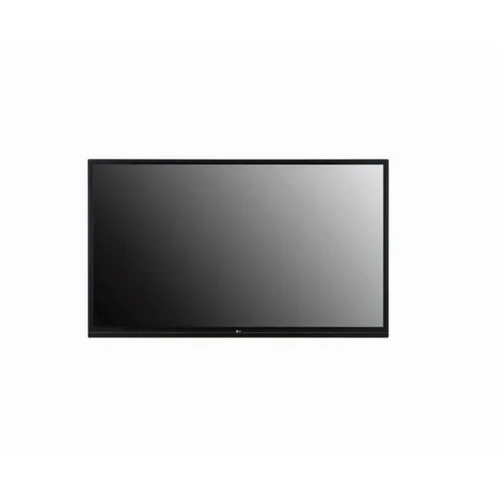
Tell us about your requirement

Price:
Quantity
Select Unit
- 50
- 100
- 200
- 250
- 500
- 1000+
Additional detail
Mobile number
Email

More Products in Interactive White Board Category
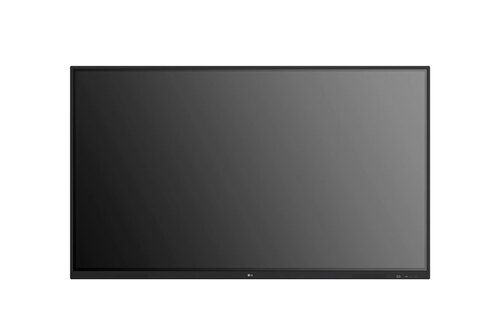
Benq 65 Inch Interactive Flat Panel
Price 120000 INR / Piece
Minimum Order Quantity : 1 Piece
Color : Black
Product Type : Interactive Flat Panel
Power Supply : AC 100240V, 50/60Hz
Usage : Educational, Office, Conference Room
Samsung WA75C Interactive Flat Panel
Price 125000 INR / Piece
Minimum Order Quantity : 1 Piece
Color : Black
Product Type : Samsung WA75C Interactive Flat Panel
Power Supply : Electric
Usage : Industrial
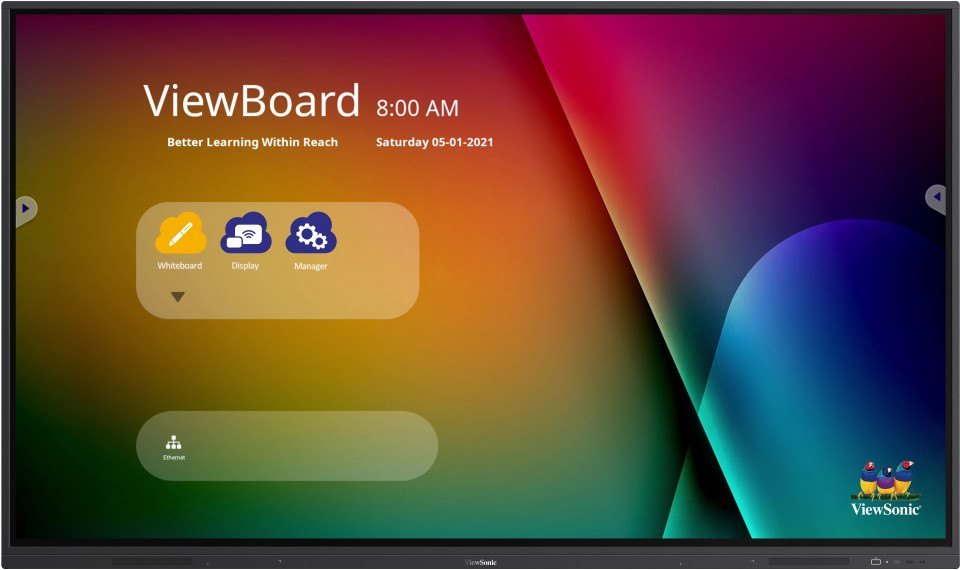
Viewsonic Interactive Flat Panel IN6503
Price 95000.0 INR / Piece
Minimum Order Quantity : 1 Piece
Color : Black
Product Type : Interactive Flat Panel
Power Supply : AC 100240V, 50/60Hz
Usage : Educational and Business Presentations
Samsung Interactive Flat Panel WA86D
Price 200000.0 INR / Piece
Minimum Order Quantity : 1 Piece
Color : Black
Product Type : Samsung WA86D Interactive Flat Panel
Power Supply : Electric
Usage : Industrial


- B No. 67, Ganesh Chandra Avenue -Ground Floor, Near Hind Cinema,Kolkata - 700013, West Bengal, India
- Phone : 08071781754


- Mr Ashwin Jaiswal (Proprietor)
- Mobile : 08071781754
-
 Send Inquiry
 Send Inquiry
TECHNO VIBEZ
All Rights Reserved.(Terms of Use)
Developed and Managed by Infocom Network Private Limited.
Developed and Managed by Infocom Network Private Limited.

