


 Send Inquiry
Maxhub Interactive Flat Panel E6521
Price 95000.0 INR/ Piece
MOQ : 1 Piece
Maxhub Interactive Flat Panel E6521 Specification
- Usage
- Education, Conference, Presentation
- Power Supply
- AC 100-240V, 50/60Hz
- Power Consumption
- 180W
- Voltage
- 100-240V AC
- Product Type
- Interactive Flat Panel
- Material
- Metal Frame, Tempered Glass
- Size
- 65 Inch
- Style
- Wall Mount / Floor Stand
- Weight
- Approx. 41 kg
- Feature
- 4K UHD Display, Multi-Touch, Wireless Screen Sharing, Built-in OS, Anti-Glare Surface
- Color
- Black
- Output Ports
- Audio Out, SPDIF, HDMI Out
- Audio Output
- 2 x 12W built-in speakers
- Panel Type
- LED Backlight IPS
- Input Ports
- HDMI, VGA, USB, LAN, Audio In
- Contrast Ratio
- 1200:1
- Dimensions
- 1506.2 x 901.2 x 87 mm
- Resolution
- 3840 x 2160 (4K UHD)
- Network
- LAN, Wi-Fi Supported
- Touch Technology
- Infrared Touch
- Mounting
- VESA Standard (600 x 400 mm)
- Lifespan
- 30,000h (typical for LED panel)
- Operating System
- Android 8.0 (Built-in); Windows 10 (Optional OPS Module)
- Touch Points
- 20 points (writing), 10 points (gesture)
- RAM/Storage (Built-in Android)
- 3GB/32GB
- Brightness
- 400 cd/m2
Maxhub Interactive Flat Panel E6521 About
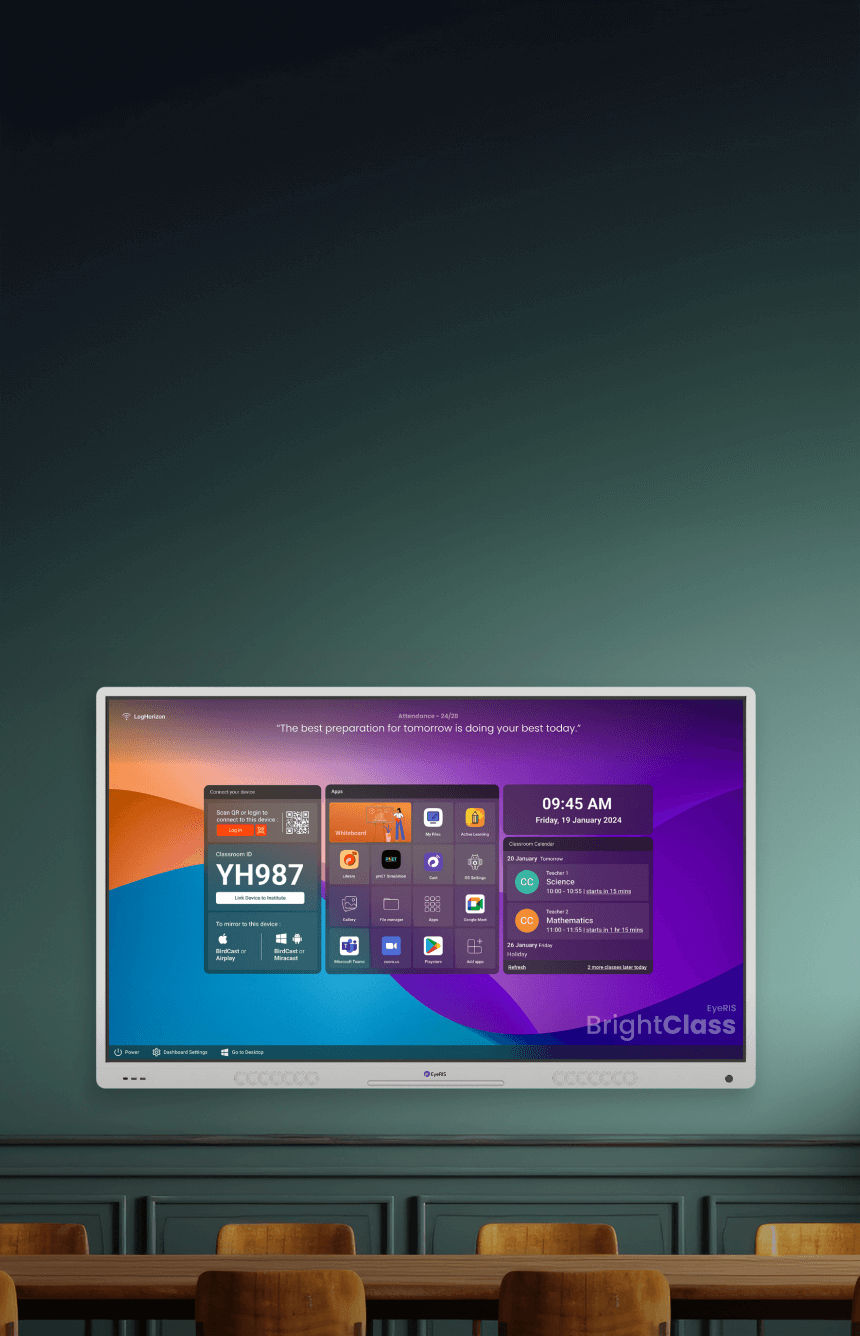
1000 Mbps Network Adapter 2.0GHz Quad-core CPU Android 13 or Windows 11 8GB RAM and 64GB ROMCare for your eyes with Flicker Free and Low Blue Light certifications from TV. The E2 Series features glass with a high haze factor for improved anti-glare efficacy and optimal eye protection. With certifications from SGS, SIAA ISO22196 for KOHKIN, and TV, the antibacterial screen, alongside the TV-certified stylus,buttons, and remote control, effectively inhibits the spread of bacteria, ensuring a cleaner and healthier learning space.
Superior 4K UHD Display Technology
Experience immersive clarity with the E6521's 3840 x 2160 resolution IPS panel. The anti-glare, tempered glass ensures vivid, crisp visuals even in well-lit spaces, making it ideal for classrooms, conference rooms, and professional presentations. The high brightness and contrast ratio offer consistent performance and visibility from any angle.
Enhanced Multi-Touch and Collaborative Functionality
Leverage advanced infrared touch technology supporting 20 points (writing) and 10 points (gesture) for simultaneous multi-user interaction. Whether brainstorming in a meeting or collaborating in a classroom, this feature encourages engagement, creativity, and a smooth handwriting experience combined with natural gesture support.
Intuitive Operating System and Connectivity Options
With a built-in Android 8.0 OS and optional Windows 10 OPS module, users enjoy flexibility and powerful computing capability. Broad input/output ports, including HDMI, USB, VGA, LAN, and wireless connectivity, simplify device integration, screen sharing, and ensure seamless interoperability with modern education and business tools.
FAQ's of Maxhub Interactive Flat Panel E6521:
Q: How does the multi-touch feature enhance user collaboration on the Maxhub E6521 Interactive Flat Panel?
A: The Maxhub E6521 supports up to 20 simultaneous touch points for writing and 10 points for gestures, enabling multiple users to write, draw, or interact with content concurrently. This encourages team collaboration in meetings, classrooms, and presentations, making group work interactive and engaging.Q: What benefits does the 4K UHD resolution offer for presentations and education?
A: The 4K UHD (3840 x 2160) resolution provides exceptional detail, sharpness, and color accuracy. This high-quality display ensures that images, text, and videos are crisp and easily visible to all participants, enhancing understanding and maintaining attention during lessons or presentations.Q: Where can the Maxhub E6521 be installed, and what mounting options are available?
A: This interactive flat panel is suitable for use in educational institutions, corporate boardrooms, training centers, or conference venues. It supports both wall mounting (using the VESA 600 x 400 mm standard) and floor stand installation, offering flexibility to suit various room layouts and user preferences.Q: What is the process for connecting external devices to the Maxhub E6521?
A: The E6521 offers multiple input ports, including HDMI, VGA, USB, LAN, and audio in, allowing for easy connection to laptops, computers, external speakers, and networks. Output ports such as HDMI Out, SPDIF, and Audio Out provide additional connectivity to peripherals like projectors or sound systems.Q: When should I consider using the Windows 10 OPS module with the built-in Android OS?
A: Use the optional Windows 10 OPS module if you need access to Windows-specific applications, advanced software, or seamless network integration. The built-in Android 8.0 OS covers general use, but the OPS module enhances the panel's versatility for professional or IT-intensive environments.Q: How does wireless screen sharing work on the Maxhub E6521?
A: The panel includes built-in wireless connectivity, allowing users to share content from their mobile devices, laptops, or tablets without cables. With Wi-Fi support, participants can mirror screens, display documents, or present slideshows directly onto the interactive flat panel, streamlining meetings and collaborative sessions.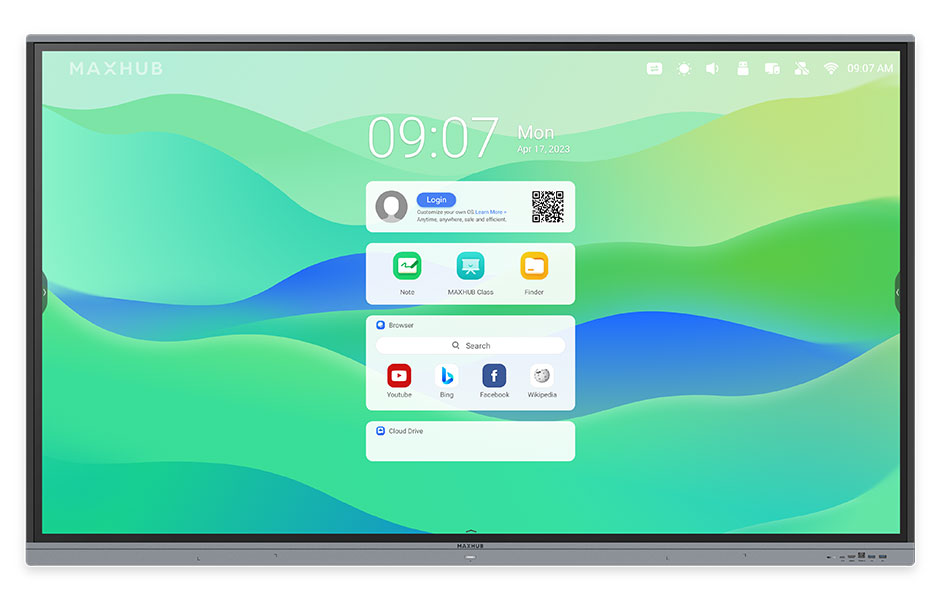
Tell us about your requirement

Price:
Quantity
Select Unit
- 50
- 100
- 200
- 250
- 500
- 1000+
Additional detail
Mobile number
Email

More Products in Interactive Panel Category
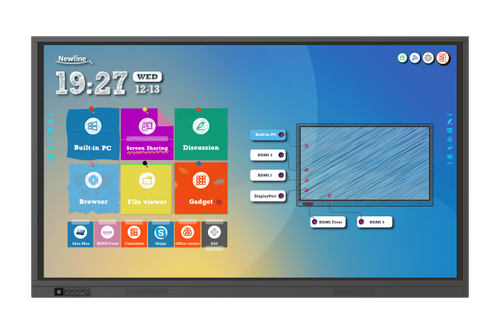
75 Newline Interactive Panel
Price 150000 INR / Piece
Minimum Order Quantity : 1 Piece
Size : 75 inches
Power Supply : AC 100240V 50/60Hz
Product Type : Interactive panel
Material : Glass and plastic
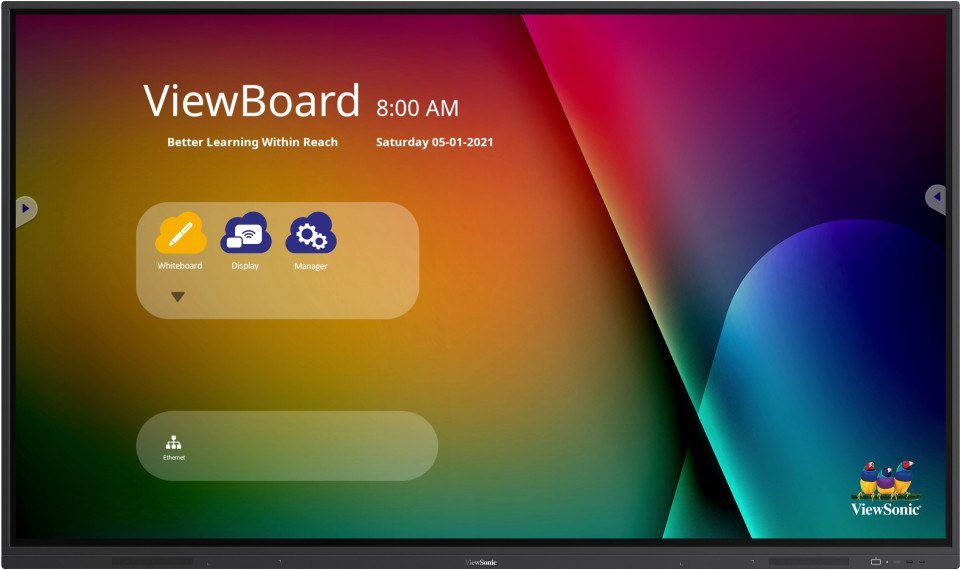
Viewsonic Interactive Flat Panel IN6502
Price 105000 INR / Piece
Minimum Order Quantity : 1 Piece
Size : 65 Inch
Power Supply : AC 100240V, 50/60Hz
Product Type : Interactive Flat Panel
Material : Tempered Glass, Metal Frame
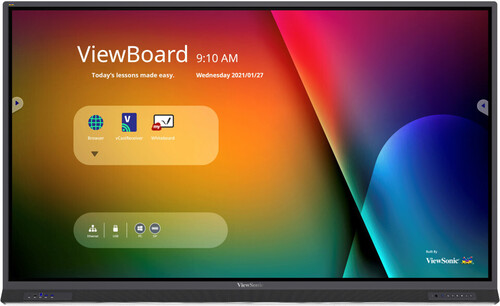
Interactive Flat Panel IFP8633
Price 220000 INR / Piece
Minimum Order Quantity : 1 Piece
Size : 86 Inch Diagonal
Power Supply : AC 100240V, 50/60Hz
Product Type : Interactive Flat Panel IFP8633
Material : Highgrade Tempered Glass, ABS Frame
75 Inch Hikvision Interactive Flat Panel
Price 90000.0 INR
Minimum Order Quantity : 1 Piece
Size : 75 Inch
Power Supply : Electric
Product Type : 75 Inch Hikvision Interactive Flat Panel
Material : Plastic


- B No. 67, Ganesh Chandra Avenue -Ground Floor, Near Hind Cinema,Kolkata - 700013, West Bengal, India
- Phone : 08071931135


- Mr Ashwin Jaiswal (Proprietor)
- Mobile : 08071931135
-
 Send Inquiry
 Send Inquiry
TECHNO VIBEZ
All Rights Reserved.(Terms of Use)
Developed and Managed by Infocom Network Private Limited.
Developed and Managed by Infocom Network Private Limited.

