


 Send Inquiry
Numark Mixstream Pro
Price 75000 INR/ Piece
MOQ : 1 Piece
Numark Mixstream Pro Specification
- Bluetooth
- NO
- FM Turner
- NO
- HDMI
- No
- Screen Size
- 7-inch touchscreen display
- Remote Controlled
- NO
- USB Port
- 2 x USB-A, 1 x USB-B, SD Card Slot
- Aux Option
- Yes
- Auto Memory
- Yes
- Channels
- 2
- Product Type
- Standalone DJ Controller
- Material
- Plastic/Metal
- Input Power
- DC 12V, 3A
- Frequency Range (Hz)
- 20Hz 20kHz
- Sound Level
- Master Output: 4Vrms, Headphone Output: 1Vrms
- Earphone/Headphones Plugin
- 1 x 6.3mm jack, 1 x 3.5mm jack
- Include Display
- Yes
- Game Function
- No
- Dimension (L*W*H)
- 56 x 29 x 10 cm
- Weight (kg)
- 3.68 Kilograms (kg)
- Color
- Black
- Warranty
- 1 Year
- Cue Mix Control
- Yes
- Performance Pads
- 8 RGB pads per deck
- Wi-Fi Capability
- Yes
- Library Controls
- Dedicated buttons and browser knob
- Microphone Input
- 1 x 1/4-inch TS jack
- Lighting Control
- Built-in Engine Lighting via DMX and Philips Hue
- Display Resolution
- 1024 x 600
- Output Connections
- Stereo RCA, balanced XLR
- Supported Media
- USB, SD Card, Streaming services
- Recording
- Direct to USB or SD Card
- Effects
- 4 built-in effects per channel
- Jog Wheels
- 6-inch capacitive touch
- Mixer Controls
- 3-band EQ, filter, gain per channel
- Pitch Control
- Adjustable pitch fader per deck
- Software Compatibility
- Engine DJ OS
Numark Mixstream Pro About
The Numark Mixstream Pro is a standalone DJ system, that doesnt need a laptop to DJ with. It has built-in speakers, connectivity to streaming services for instant access to music (the clues in the name), and can even interact with your Philips Hue lights for an instant home DJ light show.Flexible Media and Connectivity Options
The Mixstream Pro supports USB drives, SD cards, and direct streaming from Wi-Fi-connected services, providing DJs with multiple music source choices. Dedicated output connections include balanced XLR, stereo RCA, and both 6.3mm and 3.5mm headphone jacks. Two USB-A ports and an SD card slot facilitate library management, while the controllers robust build ensures reliability in both live and studio settings.
Advanced Performance Features
Take command of your mix with 8 RGB performance pads per deck, allowing for creative remixing and live cue triggering. Each channel offers four built-in effects, adjustable via dedicated controls. The units capacitive touch jog wheels and pitch faders enable precise beat matching and scratching, giving DJs tactile feedback for dynamic performances.
Seamless Control and Customization
A high-resolution 7-inch touchscreen lets users browse libraries, load tracks, and tweak settings with ease. Library management is enhanced by dedicated buttons and a browser knob. The integrated Engine Lighting feature allows direct lighting control, compatible with DMX and Philips Hue systemseliminating the need for extra hardware or software during live sets.
FAQs of Numark Mixstream Pro:
Q: How do I connect music sources to the Numark Mixstream Pro?
A: You can connect your music via USB drives, SD cards, or stream directly using built-in Wi-Fi for online music platforms. The controller is equipped with two USB-A ports and an SD card slot, making it simple to load and access your tracks.Q: What is the process for recording my DJ sets on the Mixstream Pro?
A: Recording is straightforward: simply insert a USB drive or SD card and use the onboard recording function to capture your session directlyno need for external devices or complicated setup.Q: When should I use the built-in effects on each channel?
A: The four built-in effects per channel are ideal for creative transitions, enhancing tracks, or adding unique elements to your mix at any point during a set. You can access and control them via dedicated knobs for on-the-fly adjustments.Q: Where can the Mixstream Pro be used effectively?
A: Its lightweight design and multiple output options make it perfect for mobile gigs, home studios, small venues, or as a reliable backup in professional settings. The balanced XLR and stereo RCA outputs guarantee compatibility with most sound systems.Q: How does the lighting control feature work, and what are its benefits?
A: With Engine Lighting, you can connect and control DMX lighting fixtures or Philips Hue lights directly from the Mixstream Pro without the need for extra gear. This integration enables synchronized light shows and ambient effects, elevating the overall atmosphere of your performance.Q: What are the benefits of using the touchscreen display?
A: The 7-inch touchscreen streamlines navigation through tracks and settings, speeds up song loading, and provides visual feedback on waveforms and library managementmaking live mixing more intuitive and efficient.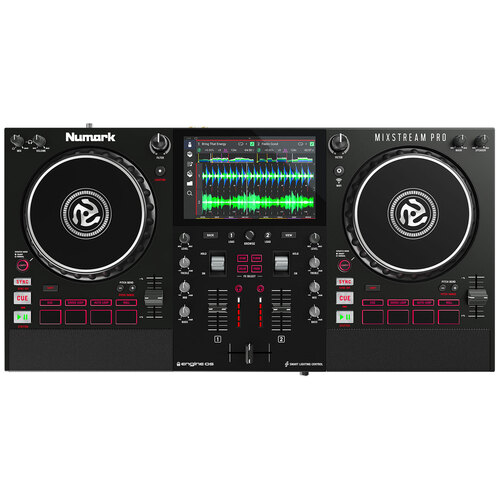
Tell us about your requirement

Price:
Quantity
Select Unit
- 50
- 100
- 200
- 250
- 500
- 1000+
Additional detail
Mobile number
Email

More Products in DJ Controller Category
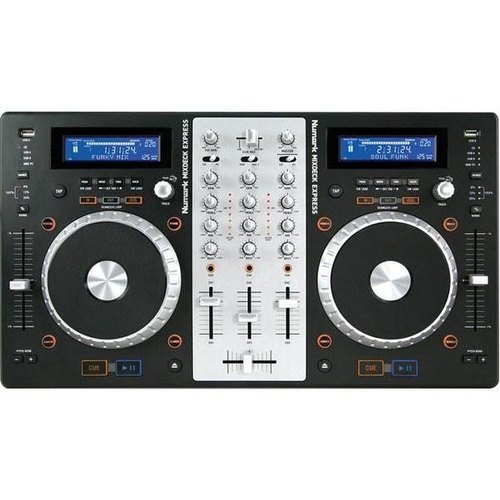
Numark Mixdeck Express All in One DJ Controller
Price 55000.0 INR / Piece
Minimum Order Quantity : 1 Piece
Weight (kg) : 6.17 Kilograms (kg)
Channels : 3
Product Type : AllinOne DJ Controller
Color : Black
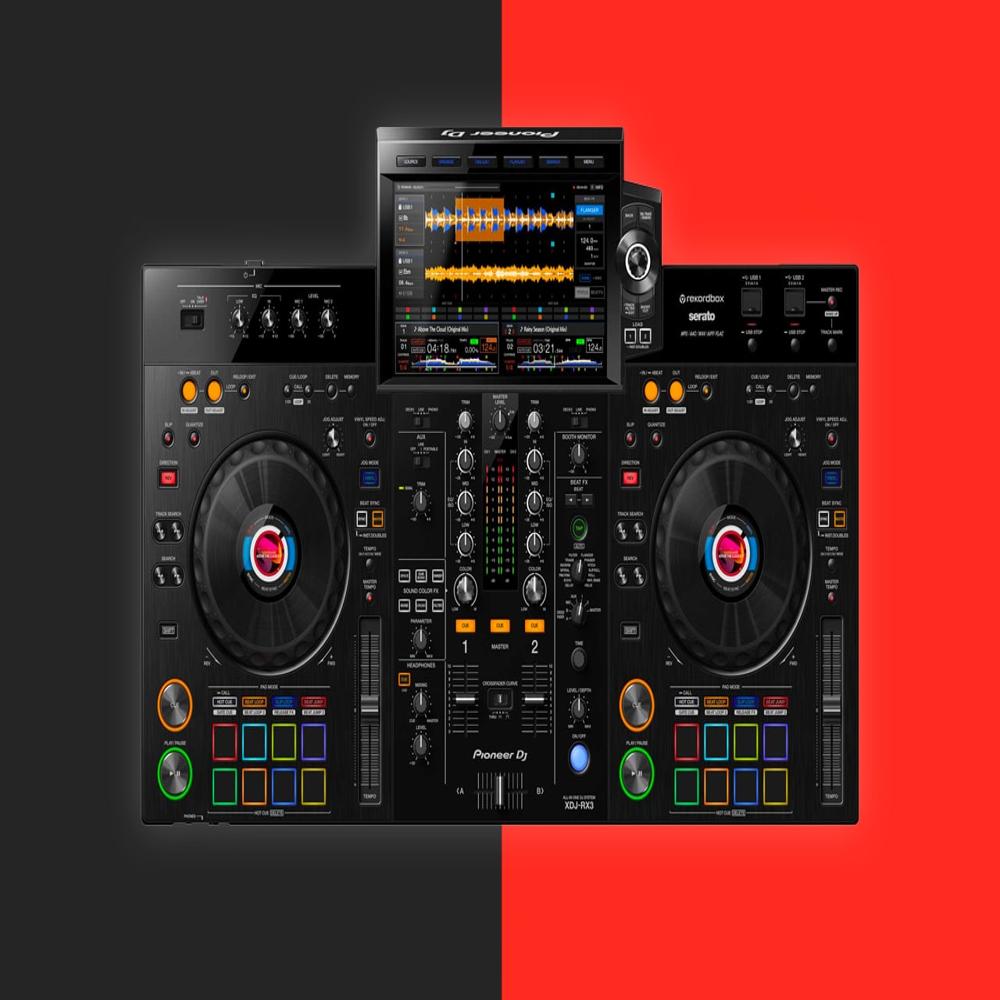
PIONEER XDJ-RX3
Price 224590.0 INR
Minimum Order Quantity : 1
Weight (kg) : 9.3 kg
Channels : 2
Product Type : DJ Controller
Color : Black
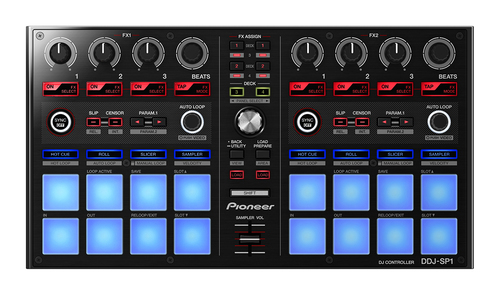
Pioneer DDJ-SP1 DJ Controller
Price 31700 INR / Piece
Minimum Order Quantity : 1 Piece
Weight (kg) : 1.41 Kilograms (kg)
Channels : None (controller no builtin mixer)
Product Type : DJ Controller
Color : Black
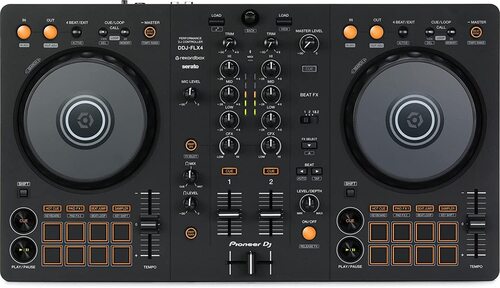
Pioneer DDJ-FLX4 DJ Controller
Price 38690.0 INR / Piece
Minimum Order Quantity : 1 Piece
Weight (kg) : 2 Kilograms (kg)
Channels : 2
Product Type : Samsung WA86D Interactive Flat Panel
Color : Black


- B No. 67, Ganesh Chandra Avenue -Ground Floor, Near Hind Cinema,Kolkata - 700013, West Bengal, India
- Phone : 08071931135


- Mr Ashwin Jaiswal (Proprietor)
- Mobile : 08071931135
-
 Send Inquiry
 Send Inquiry
TECHNO VIBEZ
All Rights Reserved.(Terms of Use)
Developed and Managed by Infocom Network Private Limited.
Developed and Managed by Infocom Network Private Limited.

