


 Send Inquiry
Samsung Interactive Flat Panel WA65F
Price 81000.0 INR/ Piece
MOQ : 1 Piece
Samsung Interactive Flat Panel WA65F Specification
- Usage
- Education, Corporate, Conference Rooms, Collaborative Spaces
- Voltage
- 100-240 V
- Power Consumption
- 300 W (Typical)
- Power Supply
- AC 100-240V, 50/60Hz
- Product Type
- Interactive Flat Panel
- Material
- Tempered Glass, Plastic Frame
- Size
- 65 Inch
- Style
- Modern
- Weight
- 48.2 kg
- Feature
- Multi Touch, Built-in Wireless, Ultra HD Resolution, Whiteboard Function, Screen Share, Interactive Display
- Color
- Black
- Operating Temperature
- 0C to 40C
- Operating System
- Built-in Android OS
- Touch Points
- 20 Points Multi Touch
- Brightness
- 350 nits
- Screen Type
- LED
- Contrast Ratio
- 4000:1
- Speakers
- 2 x 15W Built-in
- Viewing Angle
- 178(H)/178(V)
- Mounting Type
- Wall Mount or Floor Stand (Optional)
- Wall Mount
- VESA Standard Supported
- Touch Technology
- Infrared Touch
- Input Ports
- HDMI x3, USB x3, LAN, VGA, Audio in/out
- Response Time
- 8 ms
- Dimensions
- 1521.4 x 901.7 x 87.3 mm (Without Stand)
- Display Resolution
- 3840 x 2160 (4K UHD)
Samsung Interactive Flat Panel WA65F About
Introducing the WAF Series, your new interactive display that delivers captivating educational experiences. Its familiar and intuitive Android OS interface is powered by a processor that guarantees smooth performance, intelligent AI processing and detailed graphics. Access a world of pre-installed tools and interactive educational apps to boost productivity and usher in a new era of learning. Plus, tap into the updated tools that make it easier to engage and collaborate with multiple students in real time, allowing for customizable learning environments that create a shared, yet personal, learning experienceImmersive Ultra HD Clarity
With a 3840 x 2160 (4K UHD) LED display, the Samsung WA65F ensures sharp, vibrant images regardless of the application. Its 178 viewing angle allows everyone in the room to participate, making it ideal for classrooms and boardrooms alike.
Intuitive Multi-Touch Experience
The infrared touch system supports up to 20 simultaneous multi-touch points, enabling natural handwriting, drawing, and gesture control. This enhances group collaboration and interactive activities in both educational and professional meetings.
Versatile Connectivity and Usage
Equipped with HDMI, USB, LAN, VGA, and audio ports, the WA65F accommodates a wide variety of devices. Built-in Android OS facilitates apps, screen sharing, and whiteboard functions, making it suitable for modern teaching, meetings, and brainstorming sessions.
FAQ's of Samsung Interactive Flat Panel WA65F:
Q: How do I install the Samsung Interactive Flat Panel WA65F?
A: The WA65F is designed to be wall-mounted using VESA standard mounts or placed on an optional floor stand. Simply select your preferred mounting option and follow the included installation instructions. Professional installation is recommended for optimal safety and positioning.Q: What makes infrared touch technology beneficial in this panel?
A: Infrared touch technology provides highly accurate and responsive touch recognition, supporting up to 20 simultaneous touch points. This allows multiple users to interact together, making it ideal for collaborative activities in classrooms or meetings.Q: When is the ideal usage scenario for the WA65F?
A: The WA65F is suitable for a range of collaborative environments such as educational institutions, corporate offices, conference rooms, and other spaces where group interaction and presentations are essential.Q: Where can I connect external devices on the panel?
A: You can use the HDMI, USB, LAN, VGA, and audio input/output ports located on the side or back of the panel for connecting laptops, computers, and other peripherals. The display also supports wireless screen sharing for added convenience.Q: What process is involved in utilizing the whiteboard function?
A: To use the whiteboard feature, activate it from the built-in Android OS interface. You can write, draw, and save content using your finger or a stylus, and multiple users can participate at once. Saved notes can be exported or shared as needed.Q: How does the built-in wireless capability benefit users?
A: The integrated wireless connectivity allows seamless screen sharing from laptops, tablets, or smartphones. This streamlines presentations and group work, eliminating the need for cables while enhancing flexibility in collaborative spaces.Q: What are the main benefits of using the Samsung WA65F in educational and corporate settings?
A: This interactive flat panel enhances engagement, supports multi-user collaboration, delivers ultra-clear 4K visuals, and offers reliable connectivity. Its robust build, versatile mounting options, and modern design make it a valuable asset for innovative learning and teamwork.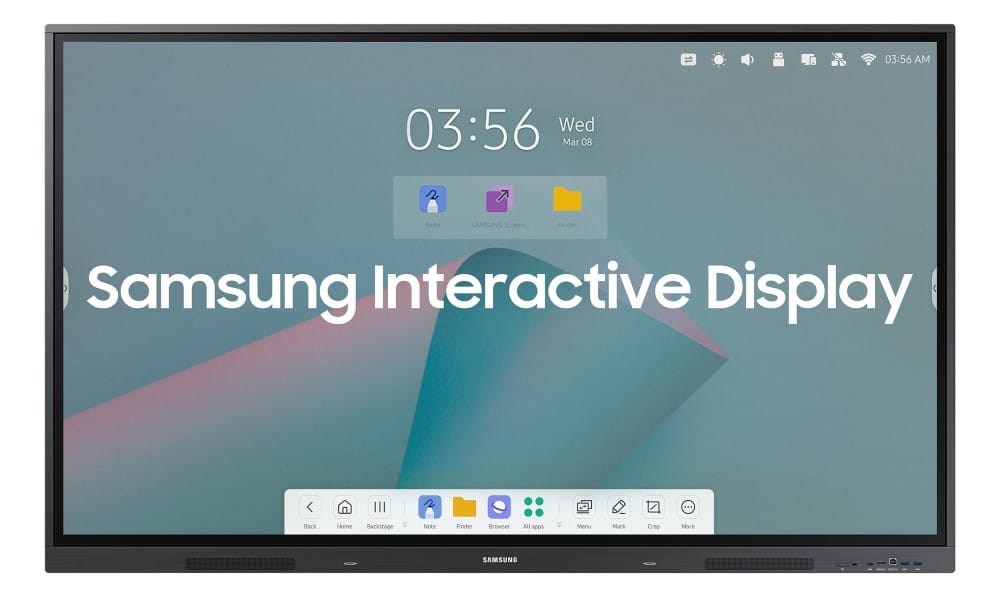
Tell us about your requirement

Price:
Quantity
Select Unit
- 50
- 100
- 200
- 250
- 500
- 1000+
Additional detail
Mobile number
Email

More Products in Interactive Panel Category
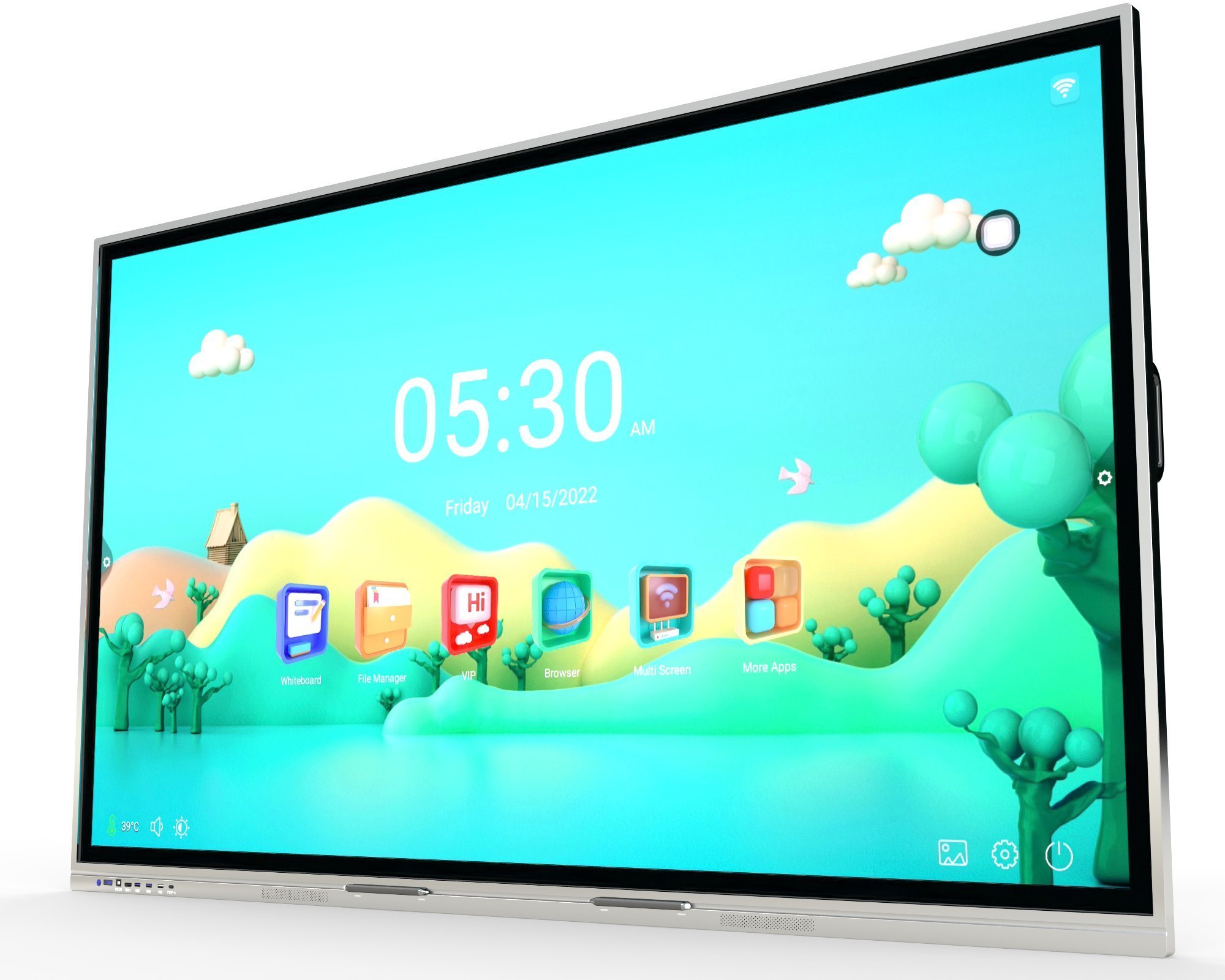
Samsung Interactive Flat Panel WA65D
Price 100000.0 INR / Piece
Minimum Order Quantity : 1 Piece
Power Supply : Electric
Size : 75inch
Color : Black
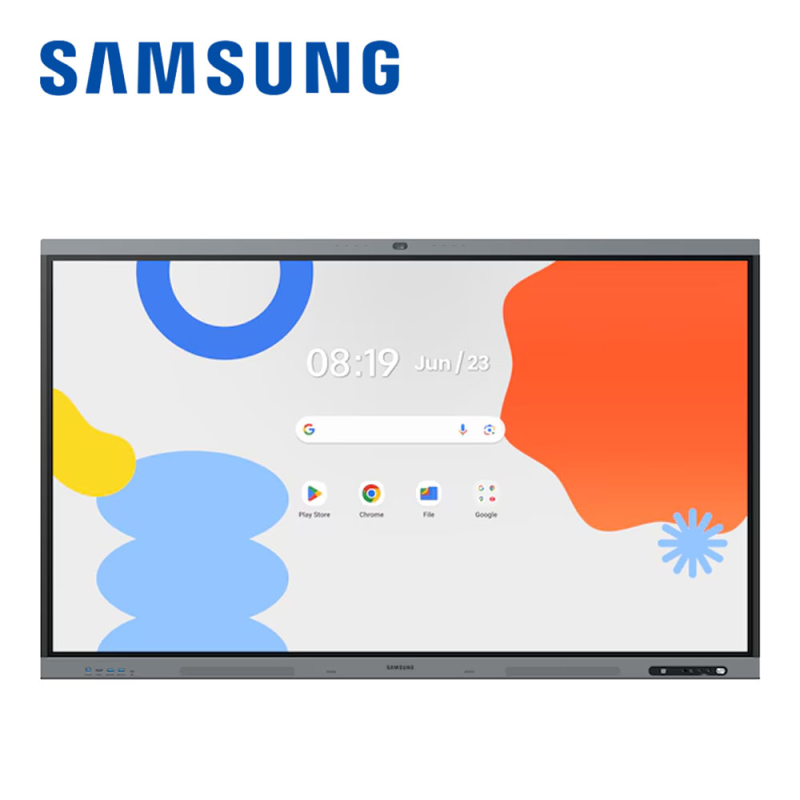
75inch Samsung Interactive Flat Panel WA75FX-P
Price 185000.0 INR / Piece
Minimum Order Quantity : 1 Piece
Power Supply : AC 100240V, 50/60Hz
Size : 75 Inch
Weight : Approx. 56 kg
Color : Black / Grey
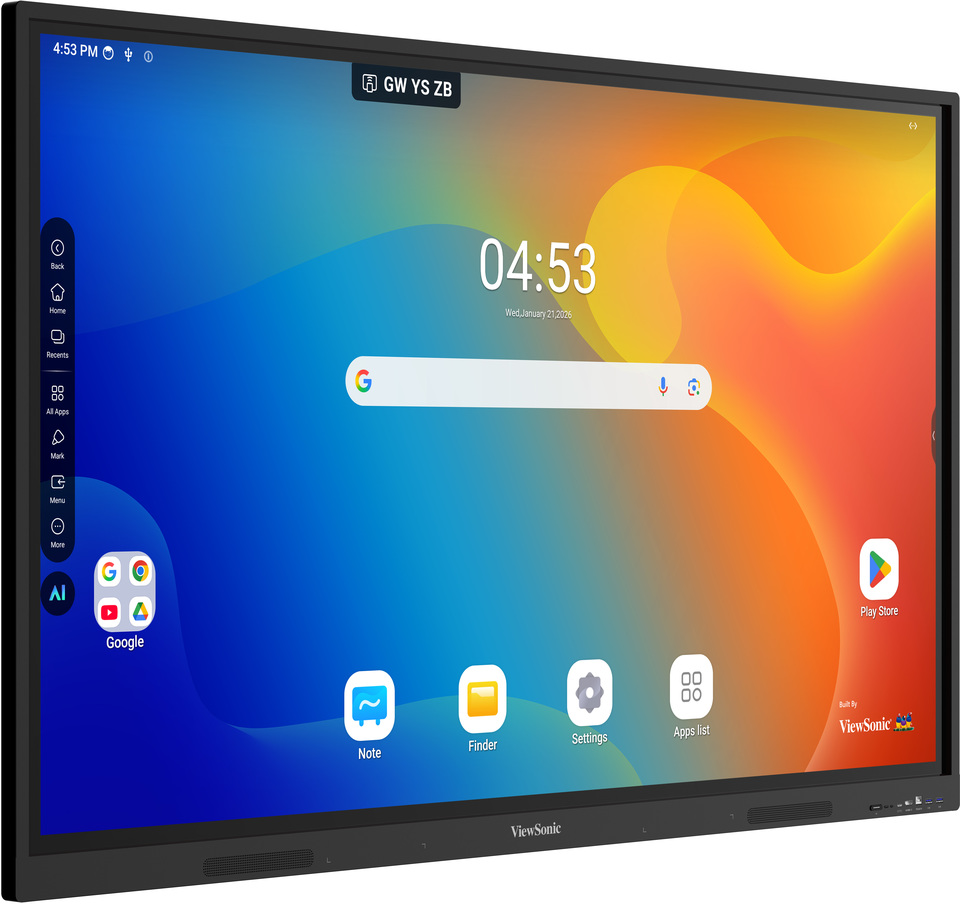
Viewsonic Interactive Flat Panel IN6504V-N
Price 115000.0 INR / Piece
Minimum Order Quantity : 1 Piece
Power Supply : AC 100240V, 50/60Hz
Size : 65 Inch
Weight : Approx. 43 kg
Color : Black
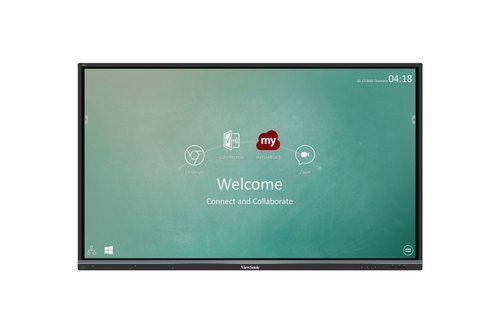
75" Viewsonic Interactive Panel
Price 164000.00 INR / Piece
Minimum Order Quantity : 1 Piece
Power Supply : AC 100240V
Size : 75 inches
Weight : 45 kg
Color : Black


- B No. 67, Ganesh Chandra Avenue -Ground Floor, Near Hind Cinema,Kolkata - 700013, West Bengal, India
- Phone : 08071931135


- Mr Ashwin Jaiswal (Proprietor)
- Mobile : 08071931135
-
 Send Inquiry
 Send Inquiry
TECHNO VIBEZ
All Rights Reserved.(Terms of Use)
Developed and Managed by Infocom Network Private Limited.
Developed and Managed by Infocom Network Private Limited.

