


 Send Inquiry
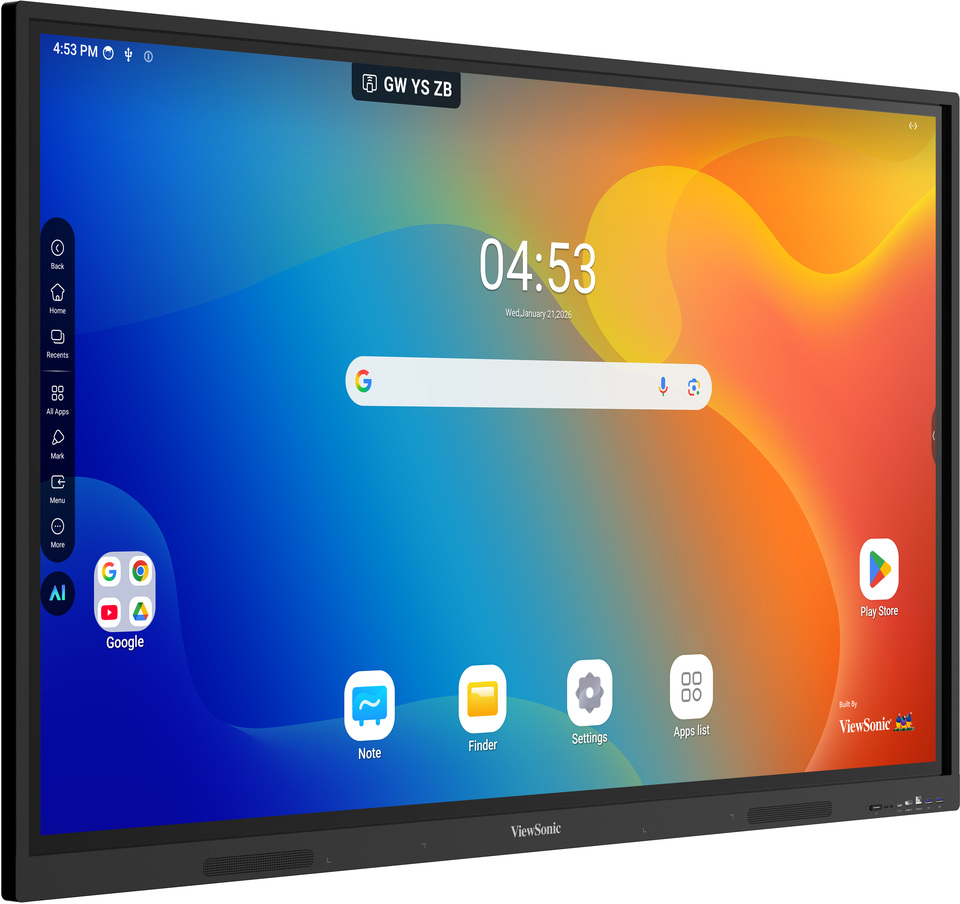
Viewsonic Interactive Flat Panel IN7504V-N
Price 140000.0 INR/ Piece
MOQ : 1 Piece
Viewsonic Interactive Flat Panel IN7504V-N Specification
- Power Consumption
- 500W (Max)
- Voltage
- 100-240V AC
- Usage
- Education, Conference Room, Corporate Training
- Power Supply
- AC 100-240V, 50/60Hz
- Product Type
- Interactive Flat Panel
- Material
- Tempered Glass, Metal Frame
- Size
- 75 Inch
- Style
- Wall Mounted / Stand Supported
- Weight
- About 52 kg
- Feature
- 4K UHD Resolution, Touch Screen, Anti-Glare, Wireless Screen Sharing
- Color
- Black
- Operating Temperature
- 0C to 40C
- Mounting Type
- VESA (800 x 400 mm)
- Display Resolution
- 3840 x 2160 (4K UHD)
- Output Ports
- HDMI x1, Audio out
- Model Name
- IN7504V-N
- Response Time
- 8 ms
- Operating System Compatibility
- Windows, Android, Mac, Chrome OS
- Input Ports
- HDMI x3, VGA x1, USB x5, LAN x1, Audio in/out
- Built-in Speaker
- 2 x 15W
- Viewing Angle
- 178(H)/178(V)
- Glass Hardness
- 7H
- Touch Technology
- Infrared Touch, 20 Points Multi-touch
- Contrast Ratio
- 1200:1 (Typ.)
- Brightness
- 400 cd/m2
About Viewsonic Interactive Flat Panel IN7504V-N
With the Google EDLA-certified IN04V series, educators and students can confidently use technology in a protected environment, thanks to automatic Android security and application updates. This also eases the workload of IT staff, who no longer need to worry about update maintenance.Stunning 4K UHD Visuals and Immersive Touch Experience
The IN7504V-N delivers ultra-sharp images and vibrant colors with its 3840 x 2160 (4K UHD) resolution and 400 cd/m2 brightness, suitable for classrooms or meeting spaces. Its 20-point infrared multi-touch capability supports multiple users simultaneously, enabling dynamic and engaging interactions for effective presentations and collaborative activities.
Comprehensive Connectivity and Easy Sharing
With multiple input ports-including HDMI, VGA, five USBs, LAN, and audio in/out-the IN7504V-N easily connects to a variety of devices. Wireless screen sharing lets users project content directly from Windows, Android, Mac, or Chrome OS devices, simplifying group work and presentations without cable clutter.
Engineered for Reliability and Versatility
Built to withstand rigorous usage, the panel features tough 7H tempered glass and a sturdy metal frame. With flexible installation options-wall-mounted or on a stand-the panel adapts to diverse environments. Its powerful dual 15W speakers deliver clear audio, while anti-glare technology ensures visibility in different lighting conditions.
FAQ's of Viewsonic Interactive Flat Panel IN7504V-N:
Q: How can I connect my laptop or device to the Viewsonic IN7504V-N?
A: You can connect your laptop or device using HDMI, VGA, or USB ports. The IN7504V-N also supports wireless screen sharing for Windows, Android, Mac, and Chrome OS devices, allowing you to cast your screen without physical cables.Q: What makes the IN7504V-N ideal for educational or corporate environments?
A: Its 4K UHD resolution, responsive 20-point multi-touch display, anti-glare glass, and broad operating system compatibility foster interactive presentations and collaborative learning or meetings. The built-in speakers and flexible input options provide a comprehensive solution for various professional settings.Q: When is the best time to use the wireless screen sharing feature?
A: Wireless screen sharing is best used during collaborative sessions, presentations, or meetings where participants from different devices need to share content quickly and seamlessly without rearranging cables.Q: Where can the Viewsonic IN7504V-N be installed?
A: The IN7504V-N is designed for wall mounting using a standard 800 x 400 mm VESA mount. It can also be used with compatible stands, making it suitable for classrooms, conference rooms, or corporate training spaces.Q: What process should I follow to enable multi-user touch interactions?
A: Simply ensure the panel is powered on and connected to your device. Up to 20 users can interact simultaneously using their fingers or styluses, making it easy for groups to write, annotate, or navigate content together.Q: How does the anti-glare, 7H tempered glass enhance the user experience?
A: The anti-glare, 7H tempered glass reduces reflections and resists scratches, ensuring content remains visible and the surface stays pristine even with frequent use, providing a reliable and safe touch interface in busy environments.Q: What benefits does the built-in 2 x 15W speaker system provide?
A: The dual 15W speakers deliver clear, robust audio, eliminating the need for external sound equipment in most educational or conference settings and ensuring that presentations, videos, and discussions are easily heard throughout the room.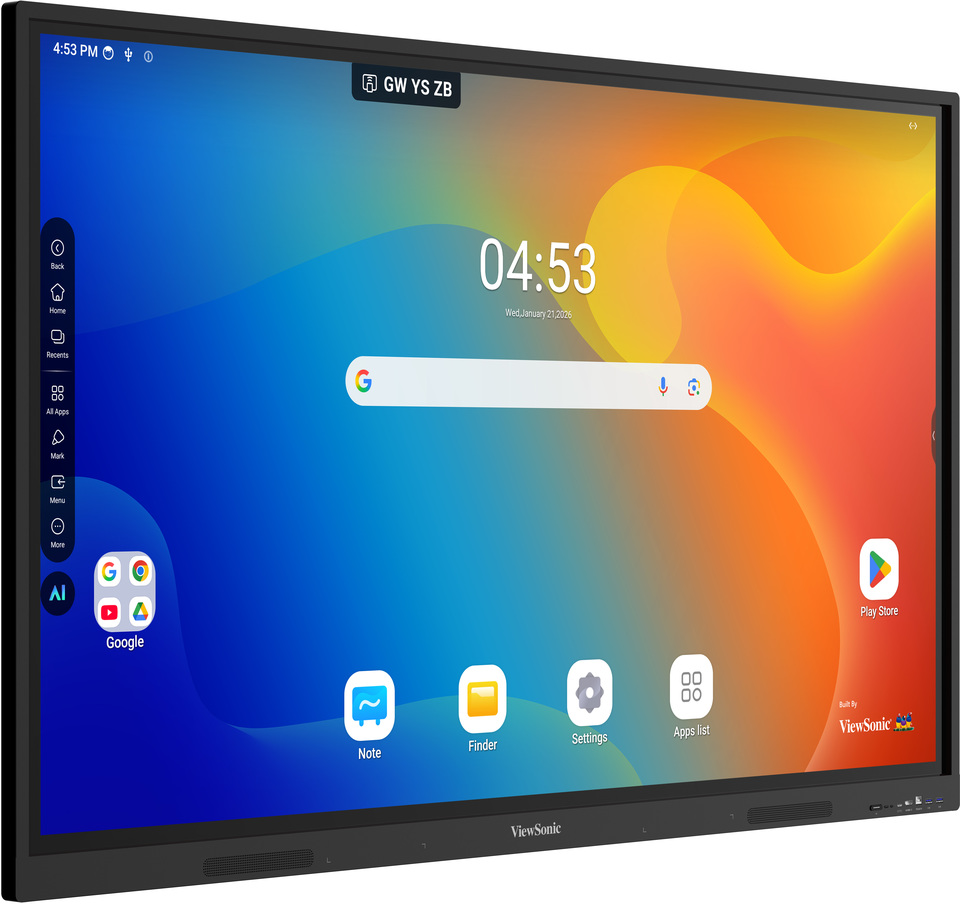
Tell us about your requirement

Price:
Quantity
Select Unit
- 50
- 100
- 200
- 250
- 500
- 1000+
Additional detail
Mobile number
Email

More Products in Interactive Panel Category
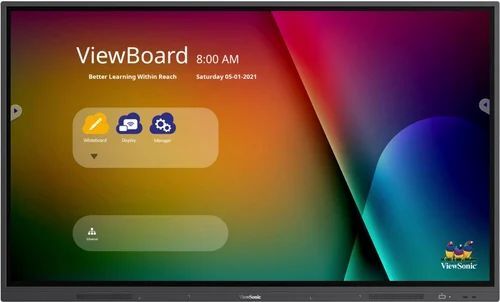
Viewsonic Interactive Flat Panel - IFP7532-2
Price 145000 INR / Piece
Minimum Order Quantity : 1 Piece
Usage : Educational, Business, Conference
Size : 75 inch
Voltage : AC 100240 V
Style : Rectangle, Slim Bezel
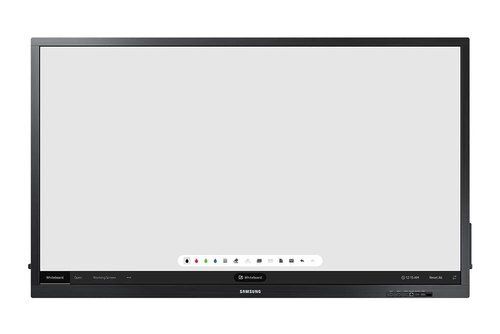
Samsung 75 inch Interactive Flat Panel
Price 101700.0 INR / Piece
Minimum Order Quantity : 1 Piece
Usage : Educational, Business Presentation, Conferencing
Size : 75 inch
Voltage : 100~240V
Style : Modern, Slim Bezel
Viewsonic Interactive Flat Panel IN6501-2-1N
Price 100000.0 INR / Piece
Minimum Order Quantity : 1 Piece
Usage : Smart Classroom, Meeting Room, Presentation, Conference
Size : 65 Inch Display
Voltage : 100240V
Style : Wall Mount/Stand Mount
Viewsonic Interactive Flat Panel IN7505-N
Price 120000.0 INR / Peice
Minimum Order Quantity : 1 Peice
Usage : Education, Meeting, Conference Room, Classroom
Size : 75 Inch
Voltage : 100240V
Style : WallMounted/Movable Stand


- B No. 67, Ganesh Chandra Avenue -Ground Floor, Near Hind Cinema,Kolkata - 700013, West Bengal, India
- Phone : 08071781754


- Mr Ashwin Jaiswal (Proprietor)
- Mobile : 08071781754
-
 Send Inquiry
 Send Inquiry
TECHNO VIBEZ
All Rights Reserved.(Terms of Use)
Developed and Managed by Infocom Network Private Limited.
Developed and Managed by Infocom Network Private Limited.

