


 Send Inquiry
Benq 86Inch Interactive Flat Panel
Price 190000 INR/ Piece
MOQ : 1 Piece
Benq 86Inch Interactive Flat Panel Specification
- Power Supply
- AC 100~240V, 50/60Hz
- Voltage
- 100-240V
- Power Consumption
- 450W
- Usage
- Conference Rooms, Classrooms, Digital Presentation
- Product Type
- Interactive Flat Panel
- Material
- Aluminum Frame, Tempered Glass
- Size
- 86 Inch
- Style
- Wall Mount, Slim Bezel
- Weight
- Approx. 65 kg
- Feature
- 4K UHD Resolution, Multi-Touch, Anti-Glare, Built-in Android System
- Color
- Black
- Response Time
- 8 ms
- Panel Brightness
- 400 cd/m2
- Contrast Ratio
- 1200:1
- Connectivity Ports
- HDMI x3, VGA, USB x6, Audio In/Out, LAN, RS232
- Operating System Support
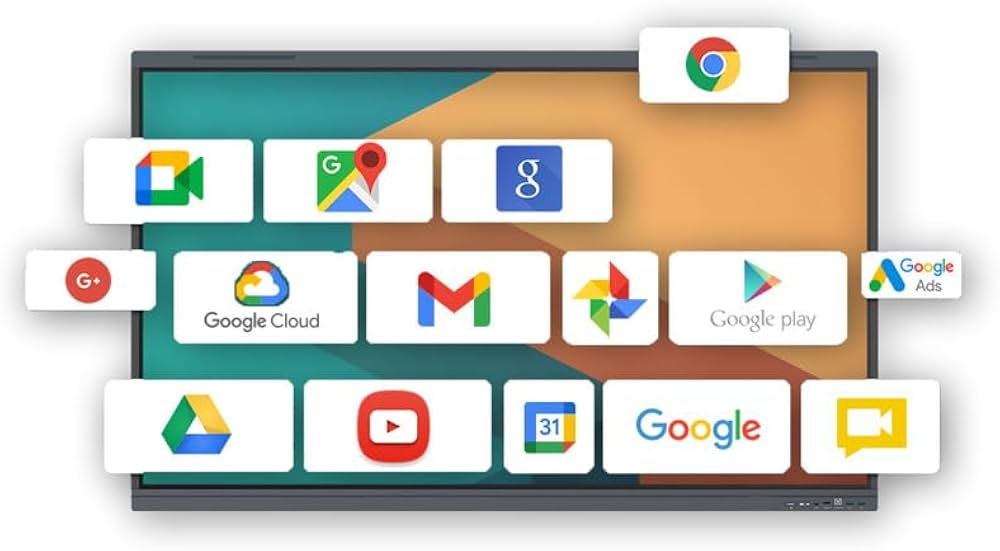
- Windows, Android, macOS, Linux, Chrome
- Accessories Included
- Remote Control, Wall Mount Kit, Stylus Pens, Power Cable
- Display Resolution
- 3840 x 2160 (4K UHD)
- Dimensions (W x H x D)
- 1948 x 1177 x 119 mm
- Screen Technology
- LED-backlit LCD
- Surface Hardness
- 7H Tempered Glass
- Audio Output
- 20W (10W x 2 speakers)
- Viewing Angle
- 178/178 (H/V)
- Touch Technology
- Infrared (IR), 20-point multi-touch
- Built-in OS
- Android 8.0 or above (varies by model)
- Wall Mount Compatibility
- VESA 800 x 600 mm
Benq 86Inch Interactive Flat Panel About
RM8602K is designed to tap into the dynamic possibilities of the classroom and help teachers build a healthy and engaging learning environment. Not only does RM8602K come with Eye-Care solution, but it is also installed with proficient cloud whiteboard for enhanced class participation and foster collaboration with students beyond locations and platforms. RM8602K is your ultimate interactive display to achieve a touch-enhanced, and connect entire class for a smooth and fun learning experience.Immersive Clarity and Touch Precision
Experience breathtaking visual quality with 4K UHD resolution and vibrant colors. The 20-point IR multi-touch capability allows several users to interact simultaneously, making discussions and presentations dynamic and engaging. The anti-glare tempered glass ensures durability and comfort during prolonged use.
Seamless Connectivity and Device Compatibility
Equipped with multiple HDMI, VGA, USB, audio, and LAN ports, this interactive panel easily connects to Windows, Android, macOS, Linux, and Chrome devices. Its built-in Android OS enables instant start-up and usability, while the included remote control and stylus pens offer added convenience.
FAQs of Benq 86Inch Interactive Flat Panel:
Q: How do I install the Benq 86-inch Interactive Flat Panel on the wall?
A: The panel supports VESA 800 x 600 mm wall mounting and comes with a wall mount kit. Follow the detailed installation manual, ensuring the wall can bear at least 65 kg. Engage professional installation for optimal safety and alignment.Q: What devices and operating systems are compatible with this interactive flat panel?
A: This model supports Windows, Android, macOS, Linux, and Chrome OS. Simply connect via HDMI, VGA, or USB ports for display and touch functionality, ensuring smooth operation across a wide variety of devices.Q: Where is the Benq 86-inch Interactive Flat Panel most effectively used?
A: It is ideal for conference rooms, classrooms, and other collaborative environments, facilitating digital presentations, interactive lessons, or video conferences with enhanced clarity and engagement features.Q: What is the process for enabling multi-touch and interactive features?
A: Connect your device to the panel using the appropriate port (HDMI, USB, etc.). The integrated infrared touch system enables up to 20 points of touch simultaneously. Touch functionality is ready to use upon connection with compatible operating systemsno additional drivers needed for most major platforms.Q: When is the built-in Android system utilized?
A: The built-in Android system activates when no external device is connected or can be selected via the remote control input source. It allows users to access apps, digital whiteboard features, and internet browsing directly from the panel.Q: What are the benefits of using the 4K UHD resolution and anti-glare tempered glass?
A: 4K UHD offers exceptional image clarity and detail, important for both detailed digital content and large audiences. The anti-glare, 7H tempered glass protects the screen against scratches and reduces eye strain, making it well-suited for continuous professional or educational use.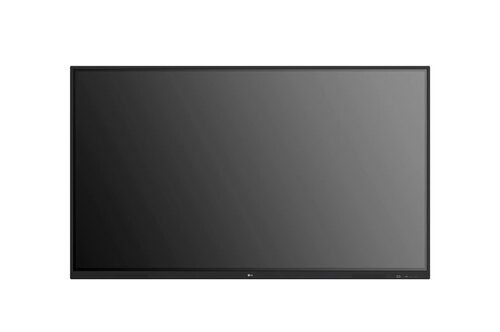
Tell us about your requirement

Price:
Quantity
Select Unit
- 50
- 100
- 200
- 250
- 500
- 1000+
Additional detail
Mobile number
Email

More Products in Interactive Panel Category
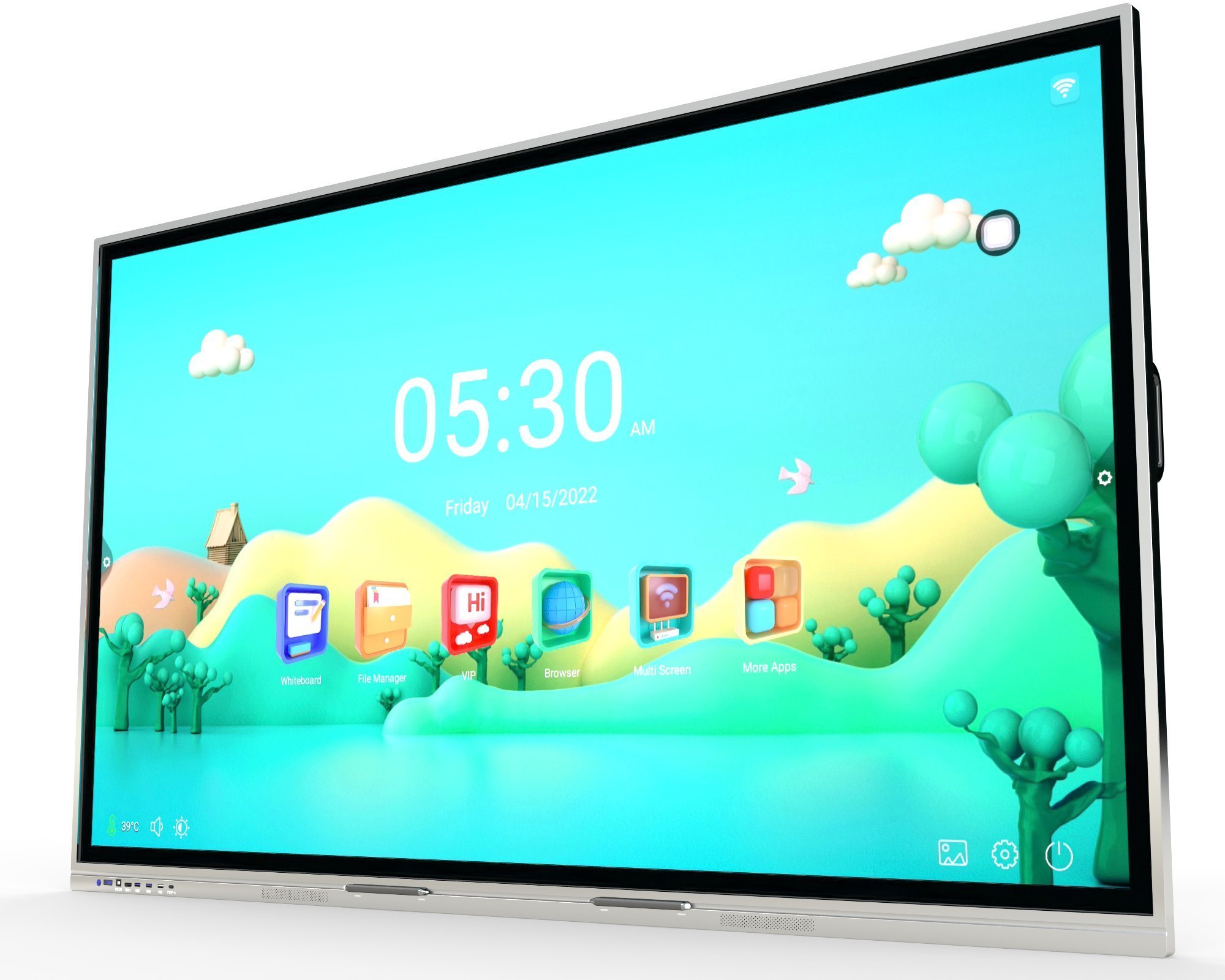
Samsung Interactive Flat Panel WA65D
Price 100000.0 INR / Piece
Minimum Order Quantity : 1 Piece
Power Supply : Electric
Size : 75inch
Color : Black
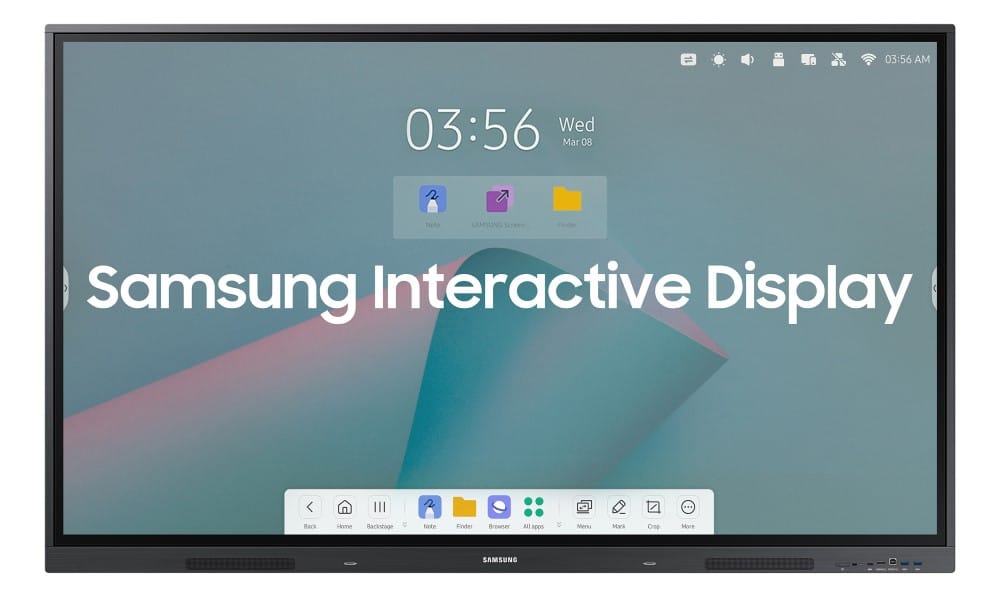
Samsung Interactive Flat Panel WA86F
Price 180000.0 INR / Piece
Minimum Order Quantity : 1 Piece
Power Supply : AC 100240 V, 50/60 Hz
Size : 86 Inch
Material : Metal frame with tempered glass
Color : Black
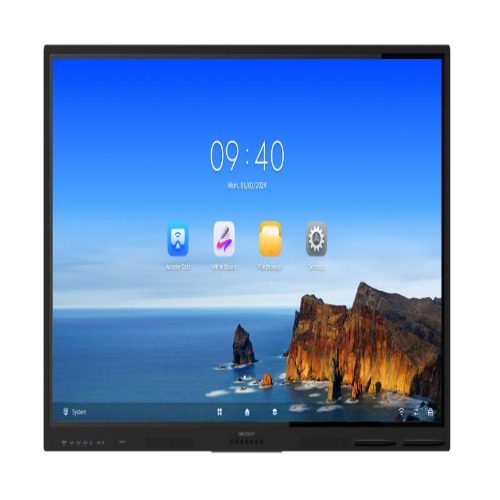
Hikvision Interactive Flat Panel DS-D5B86RB/EL
Price 155000.0 INR / Piece
Minimum Order Quantity : 1 Piece
Power Supply : AC 100240V, 50/60Hz
Size : 86 Inch
Material : Metal and Tempered Glass
Color : Black
86inch Bigvue Interactive Flat Panel
Price 135000.0 INR
Minimum Order Quantity : 1 Number
Power Supply : AC 100240V, 50/60Hz
Size : 86 inch
Material : Toughened Glass, Aluminum Alloy Frame
Color : Black


- B No. 67, Ganesh Chandra Avenue -Ground Floor, Near Hind Cinema,Kolkata - 700013, West Bengal, India
- Phone : 08071931135


- Mr Ashwin Jaiswal (Proprietor)
- Mobile : 08071931135
-
 Send Inquiry
 Send Inquiry
TECHNO VIBEZ
All Rights Reserved.(Terms of Use)
Developed and Managed by Infocom Network Private Limited.
Developed and Managed by Infocom Network Private Limited.

