


 Send Inquiry
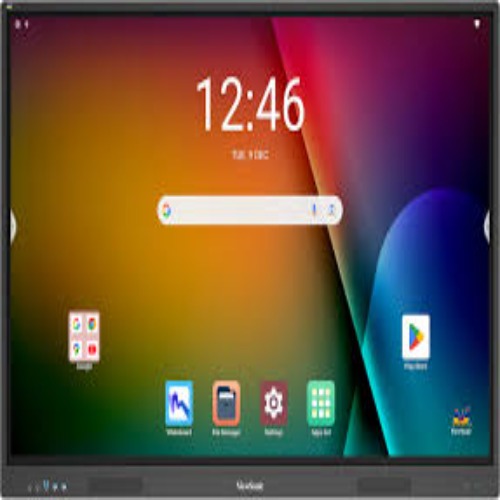
Hikvision Interactive Flat Panel DS-D5C65RB/B
Price 120000.0 INR/ Piece
MOQ : 1 Piece
Hikvision Interactive Flat Panel DS-D5C65RB/B Specification
- Power Consumption
- 200 W
- Voltage
- 100-240 V
- Usage
- Education, Corporate, Meeting Rooms
- Power Supply
- AC 100-240V, 50/60Hz
- Product Type
- Interactive Flat Panel
- Material
- Metal and Tempered Glass
- Size
- 65 inch
- Style
- Wall-Mounted / Floor Stand Compatible
- Weight
- Approx. 45 kg
- Feature
- 4K UHD Resolution, Multi-touch, Built-in Android OS, Wireless Screen Sharing, Annotation
- Color
- Black
- Speaker Output
- 2 16W
- RAM / Storage
- 3 GB RAM / 32 GB ROM (Android System)
- Viewing Angle
- 178(H)/178(V)
- Operating System
- Android 8.0 (Built-in), Supports Windows via OPS
- Operating Environment
- 0C to 40C, 10-90% Humidity
- Touch Points
- 20 Points Touch
- Touch Technology
- Infrared (IR) Touch
- Inputs/Outputs
- HDMI, VGA, USB 2.0/3.0, Audio In/Out, LAN, AV, RS232, OPS Slot
- Glass Type
- Tempered, Anti-glare
- Display Resolution
- 3840 2160 (4K UHD)
- Accessories
- Remote Control, Touch Pen(s), Wall Mount Kit, Power Cable
- Brightness
- 350 cd/m2
- Dimensions (W H D)
- Approx. 1489 882 93 mm
- VESA Mount
- 600 400 mm
- Contrast Ratio
- 4000:1
Hikvision Interactive Flat Panel DS-D5C65RB/B About
Commercial A Grade and UHD 4K Display with Resolution of 38402160
Zero-Gap Optical Bonding Screen reduces diffuse reflection and eliminate screen ghosting
Professional Anti-glare, Anti-blocking(Scratch & Fingerprint) surface treatment design to ensure smooth interaction
along with Auto Brightness & Temperature Control
Optical Anti-blue Light to protect human eyes, preventing the harmful blue light
Fluent and Ultra-Fine Writing Experience with Quick response
Annotation over Anything and Anywhere
Built-in Android Whiteboard application with many features
One-Touch and Convenient sharing for Meeting
Collaborative Working Without Distance Limit
Quad view of Wireless Projection through Android, iOS and Windows up to 4 devices simultaneous projection, NFC
projection by Android phones
Split-Screen Mode and Multi-Window Mode enabling multi-tasking
Multi-screen Interaction in Group Scenario
Multi-user accounts, convenient for customized collaboration use
Various Useful tools like File Transfer, Lock Screen, Screenshot, Screen Recorder with Audio, USB lock, Voting Tool, WPS
Office Built-in etc.
Dual systems of Android and Windows (Optional OPS Module) saving cost and easy to use, video conference software
are recommended to run under Windows system for better performance and usability
Advanced Industrial Design with elegant appearance suiting Modern Interior Environment
Industry-Leading Display Clarity
Experience ultra-high-definition visuals with a native 3840 2160 (4K UHD) resolution and a sharp 4000:1 contrast ratio. The 65-inch panel delivers crisp images and vivid colors, ideal for both classroom environments and professional meeting spaces. Anti-glare tempered glass ensures excellent viewing from any angle (178 H/V).
Effortless Interactive Collaboration
The advanced IR touch technology supports up to 20 simultaneous touch points, enabling multiple users to interact, annotate, and collaborate on the screen at once. Designed for intuitive operation, sessions can be enhanced with the included touch pens for precise writing and drawing.
Versatile Built-in and External System Support
The DS-D5C65RB/B runs on built-in Android 8.0 for powerful standalone functionality and integrates seamlessly with Windows platforms via the OPS slot. With 3 GB RAM and 32 GB storage, users can run educational or corporate applications smoothly. Its wide range of inputs, including HDMI, VGA, USB 2.0/3.0, and LAN, allows easy device integration.
FAQ's of Hikvision Interactive Flat Panel DS-D5C65RB/B:
Q: How can I connect external devices such as laptops to the Hikvision Interactive Flat Panel?
A: You can connect devices like laptops using HDMI, VGA, USB, or OPS slots. The panel supports both Windows and Android platforms, offering broad compatibility and straightforward connectivity for a wide variety of devices.Q: What process should I follow to annotate or write on the screen during presentations?
A: Simply use your finger or the included touch pen to interact directly with the panel. The 20-point IR touch technology allows for smooth, precise annotations, drawing, and writing, enhancing your presentations or discussions.Q: Where is the Hikvision Interactive Flat Panel best used?
A: This panel is ideal for educational settings, corporate environments, and meeting rooms where interactive presentations, group collaboration, and digital annotation are required to boost engagement and productivity.Q: What are the benefits of the tempered, anti-glare glass on this panel?
A: The tempered anti-glare glass provides enhanced durability, making it resistant to scratches and impacts. It also minimizes reflections, ensuring clear visibility from anywhere in the room, which is crucial for group settings.Q: How does wireless screen sharing work on the DS-D5C65RB/B?
A: The built-in Android OS and compatible software allow users to wirelessly mirror their smartphone, tablet, or laptop screens onto the panel. This process encourages flexible collaboration and rapid content sharing without cables.Q: When should I use the wall mount kit versus a floor stand for installation?
A: The choice depends on your room layout and audience size. The included wall mount kit is perfect for permanent, space-saving installations, while a floor stand (compatible but typically purchased separately) offers greater mobility and flexibility.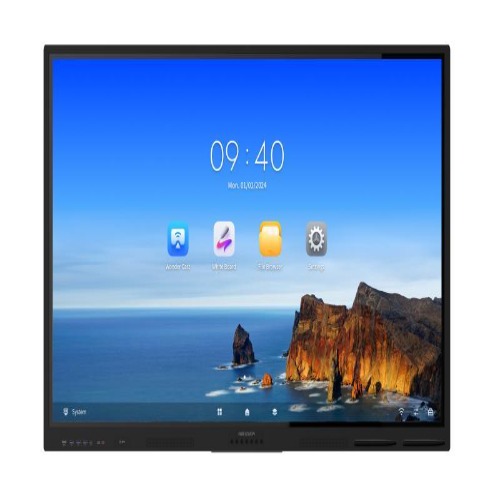
Tell us about your requirement

Price:
Quantity
Select Unit
- 50
- 100
- 200
- 250
- 500
- 1000+
Additional detail
Mobile number
Email

More Products in Interactive Panel Category
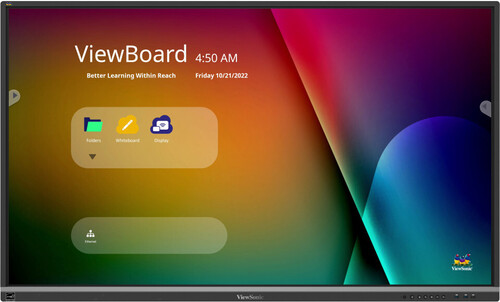
Viewsonic 65 inch Interactive Flat Panel - IFP6550-5
Price 130000 INR / Piece
Minimum Order Quantity : 1 Piece
Product Type : Interactive Panel
Color : Black
Material : Metal Frame with Tempered Glass
Size : 65 inch
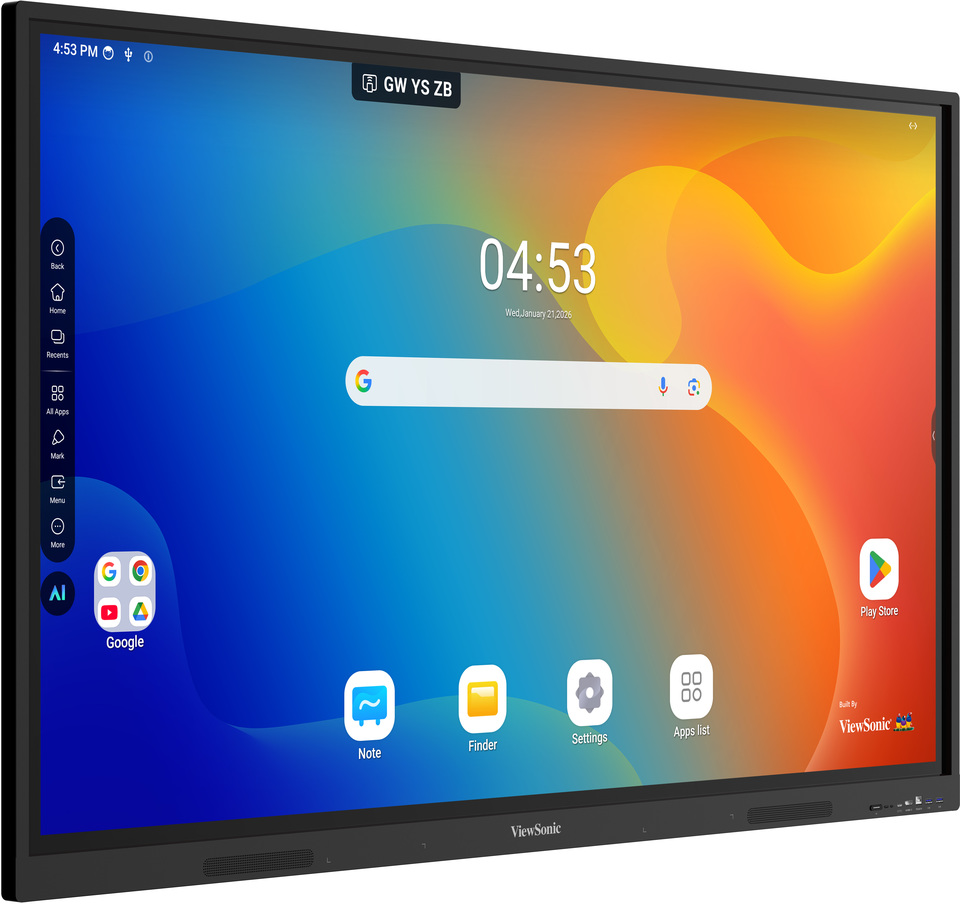
Viewsonic Interactive Flat Panel IN6505-N
Price 100000.0 INR / Piece
Minimum Order Quantity : 1 Piece
Product Type : Interactive Flat Panel
Color : Black
Material : Tempered Glass, Metal Frame
Size : 65 Inch
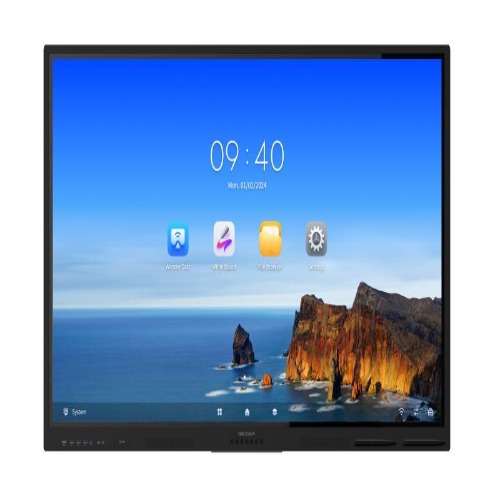
Hikvision Interactive Flat Panel DS-D5C75RB/B
Price 145000.0 INR / Piece
Minimum Order Quantity : 1 Piece
Product Type : Interactive Flat Panel
Color : Black
Material : Aluminium Alloy Frame, Tempered Glass
Size : 75 Inch
Viewsonic Interactive Flat Panel IN6501-2-1N
Price 100000.0 INR / Piece
Minimum Order Quantity : 1 Piece
Product Type : Interactive Flat Panel
Color : Black
Material : Highstrength aluminum frame, tempered antiglare glass
Size : 65 Inch


- B No. 67, Ganesh Chandra Avenue -Ground Floor, Near Hind Cinema,Kolkata - 700013, West Bengal, India
- Phone : 08071931135


- Mr Ashwin Jaiswal (Proprietor)
- Mobile : 08071931135
-
 Send Inquiry
 Send Inquiry
TECHNO VIBEZ
All Rights Reserved.(Terms of Use)
Developed and Managed by Infocom Network Private Limited.
Developed and Managed by Infocom Network Private Limited.

