


 Send Inquiry
Maxhub 86 inch Interactive Panel - E8620C
Price 225000 INR/ Piece
MOQ : 1 Piece
Maxhub 86 inch Interactive Panel - E8620C Specification
- Power Supply
- AC 100-240V, 50/60Hz
- Usage
- Interactive Learning, Presentations, Conferences
- Voltage
- 100-240V
- Power Consumption
- 150 - 220 Watt (W)
- Product Type
- Touch Screen Panel
- Material
- Aluminum Alloy Frame, Tempered Glass Panel
- Size
- 86"
- Style
- Wall-mountable, Sleek Modern Design
- Weight
- 75.5 Kilograms (kg)
- Feature
- Multi-touch, 4K UHD Display, Anti-glare Glass, Wireless Screen Sharing
- Color
- Black
- Audio Output
- 2 x 15W Speakers
- RAM
- 4GB
- Camera
- Built-in 8MP Camera
- Display Type
- LED Backlit, 4K UHD (3840x2160)
- Storage
- 32GB
- I/O Ports
- HDMI, USB, VGA, Audio In/Out
- Response Time
- 8 ms
- Brightness
- 400 cd/m²
- Viewing Angle
- 178°
- Network
- Wi-Fi, LAN Ethernet Port
- Package Dimension
- Approx. 1986 x 1243 x 115 mm
- Operating System
- Android 9.0, Optional Windows Module
- Touch Technology
- Infrared Touch, Up to 20 Touch Points
Maxhub 86 inch Interactive Panel - E8620C Trade Information
- Minimum Order Quantity
- 1 Piece
- Supply Ability
- 1 Piece Per Week
- Delivery Time
- 5 Days
Maxhub 86 inch Interactive Panel - E8620C About
Maxhub 86 Inch Interactive panel with android and ops. Inspired by the real classroom scenes, MAXHUB Whiteboard is born for better immersive learning experience. A re-invented whiteboard that recognizes the hand drawing and offers a wide range of illustration options. Automatically straightens up the hand-drawn shapes. Auto-adaptive height and width in each cell. Make class alive EasyNote 5 with screen recording. Best product to prepare YouTube videos.Immersive 4K Display
The Maxhub E8620Cs expansive 86-inch 4K UHD LED screen delivers exceptional visuals. With 400 cd/m brightness and a wide 178 viewing angle, every detail remains sharp and vibrant, making it ideal for classrooms, boardrooms, and collaborative spaces.
Advanced Touch Capabilities
Equipped with infrared touch technology, this panel recognizes up to 20 touch points simultaneously. This enables multiple users to interact naturally, annotate, and collaborate efficiently during group activities, presentations, or lessons.
Versatile Connectivity & Functionality
Featuring Wi-Fi, LAN, HDMI, USB, VGA, and audio in/out ports, the E8620C integrates seamlessly into any environment. Whether using Android 9.0 or the optional Windows module, users enjoy flexible access to apps and resources while benefiting from wireless screen sharing and built-in 8MP camera capabilities.
FAQs of Maxhub 86 inch Interactive Panel - E8620C:
Q: How do I connect my device to the Maxhub E8620C for wireless screen sharing?
A: You can connect your device wirelessly by enabling screen sharing on the Maxhub panel. Ensure both devices are on the same Wi-Fi network and use compatible casting technologies, such as Miracast or the Maxhub app, to mirror your screen for presentations or collaboration.Q: What is the benefit of having up to 20 touch points on the panel?
A: With support for up to 20 simultaneous touch points, multiple participants can interact with the panel at once. This multi-touch capability enhances teamwork, encourages group activities, and improves productivity during interactive sessions.Q: When should I use the built-in 8MP camera?
A: The integrated 8MP camera is ideal for video conferencing, online classes, and remote collaborations. Use it whenever high-quality video capture is needed to engage with remote participants, ensuring clear visuals and smooth communication.Q: Where can I install the Maxhub 86-inch panel?
A: This interactive panel is designed for wall mounting in a variety of settingsclassrooms, meeting rooms, conference halls, or collaborative workspaces. Its sleek, modern profile and sturdy materials make it suitable for high-traffic environments.Q: What is the process for switching between Android and the optional Windows module?
A: To switch operating systems, ensure the optional Windows module is installed. Using the remote or control panel, select the desired input source, allowing you to transition seamlessly between Android 9.0 and Windows interfaces as needed for your workflow.Q: How does the anti-glare glass benefit users in bright environments?
A: The anti-glare glass minimizes reflections and light interference, ensuring content remains visible and easy to read even in well-lit rooms. This feature is particularly useful in spaces with large windows or strong overhead lighting.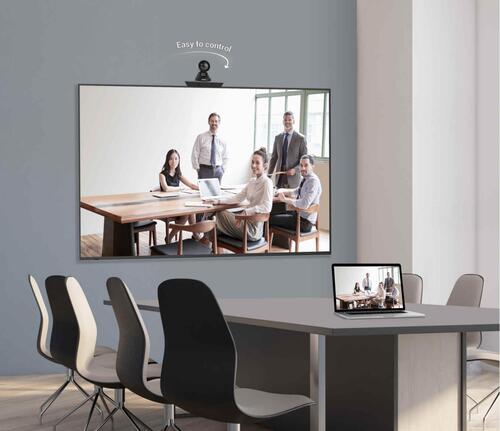
Tell us about your requirement

Price:
Quantity
Select Unit
- 50
- 100
- 200
- 250
- 500
- 1000+
Additional detail
Mobile number
Email

More Products in Interactive Panel Category
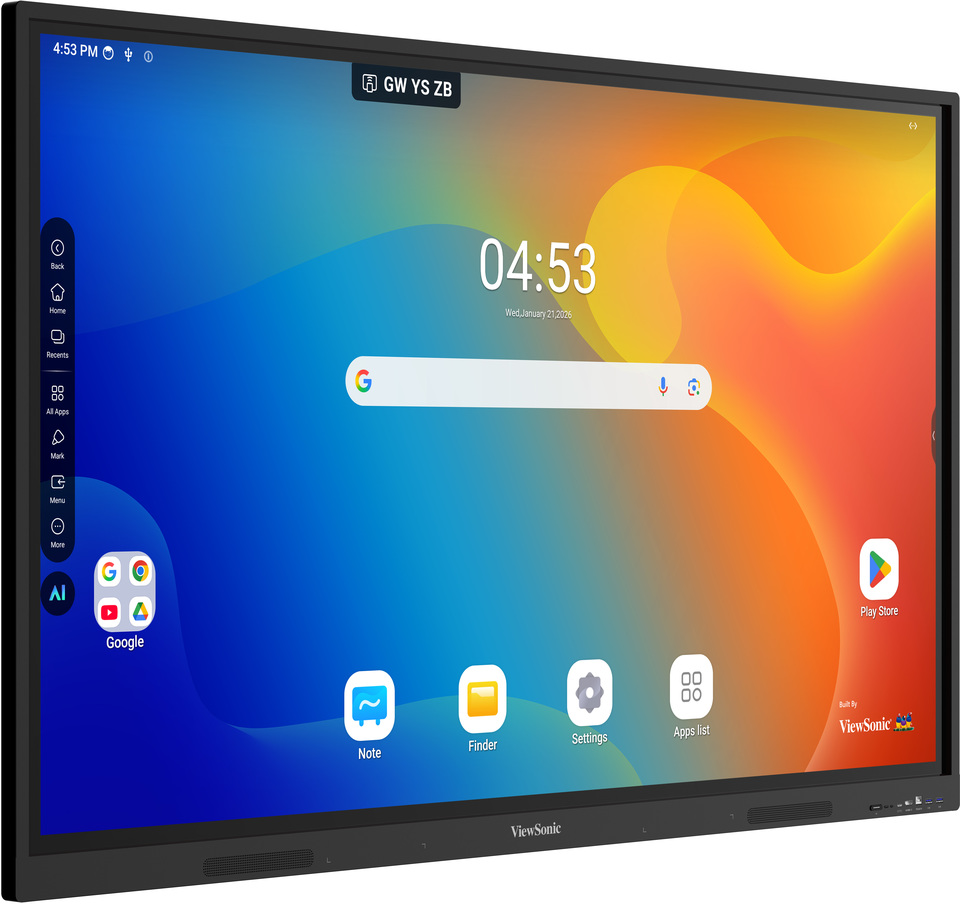
Viewsonic Interactive Flat Panel IN6504V-N
Price 115000.0 INR / Piece
Minimum Order Quantity : 1 Piece
Material : Toughened Glass, Metal Frame
Style : Wall Mounted / Stand Mounted
Voltage : 100240 V
Power Supply : AC 100240V, 50/60Hz
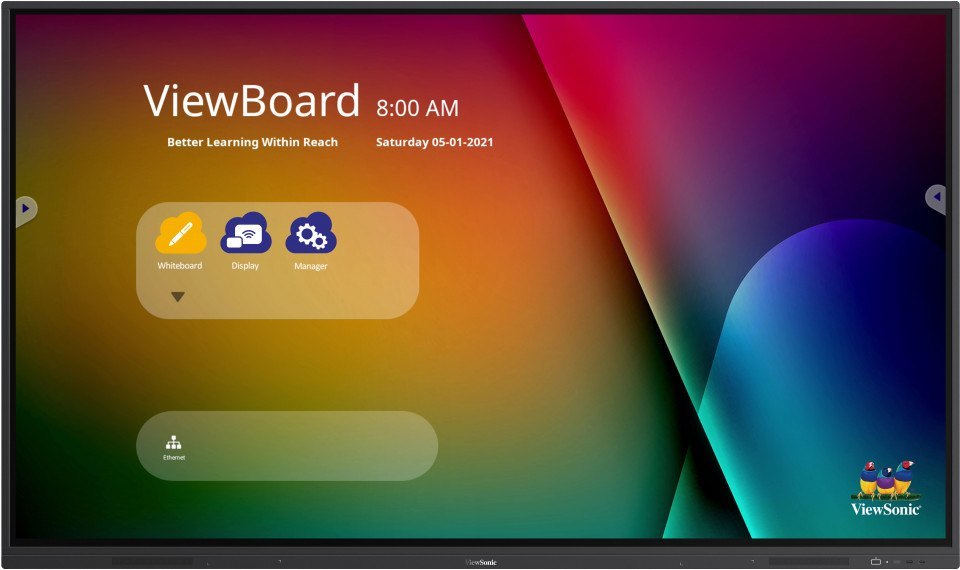
Viewsonic Interactive Flat Panel IN7502
Price 1150000 INR / Piece
Minimum Order Quantity : 1 Piece
Material : Toughened Glass, Metal Frame
Style : Wall Mount or Stand
Voltage : 100240 V
Power Supply : AC 100240V, 50/60 Hz
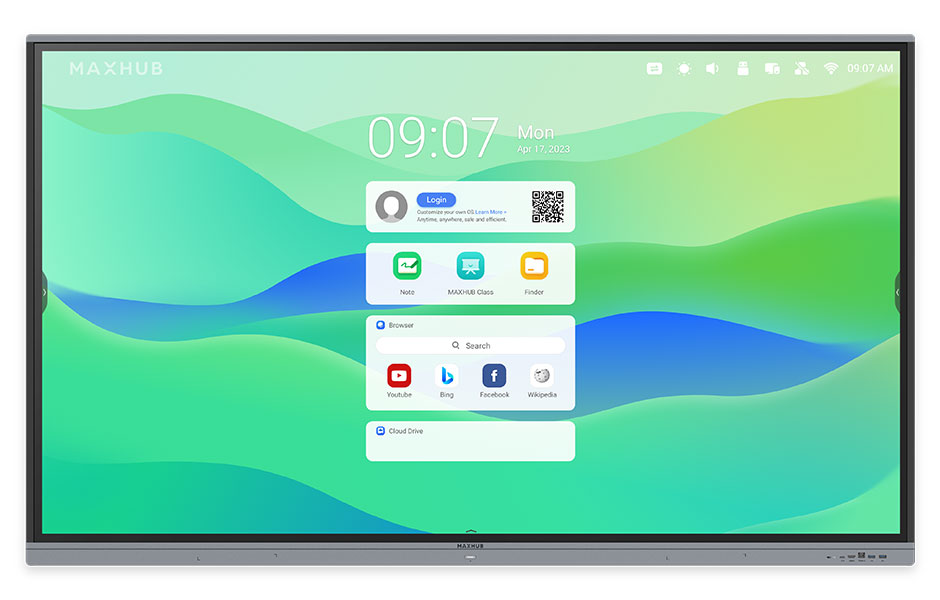
Maxhub Interactive Flat Panel E7521
Price 120000.0 INR / Piece
Minimum Order Quantity : 1 Piece
Material : Metal Frame, Tempered Glass
Style : Modern, Slim Bezel Design
Voltage : 100~240V
Power Supply : AC 100240V, 50/60Hz
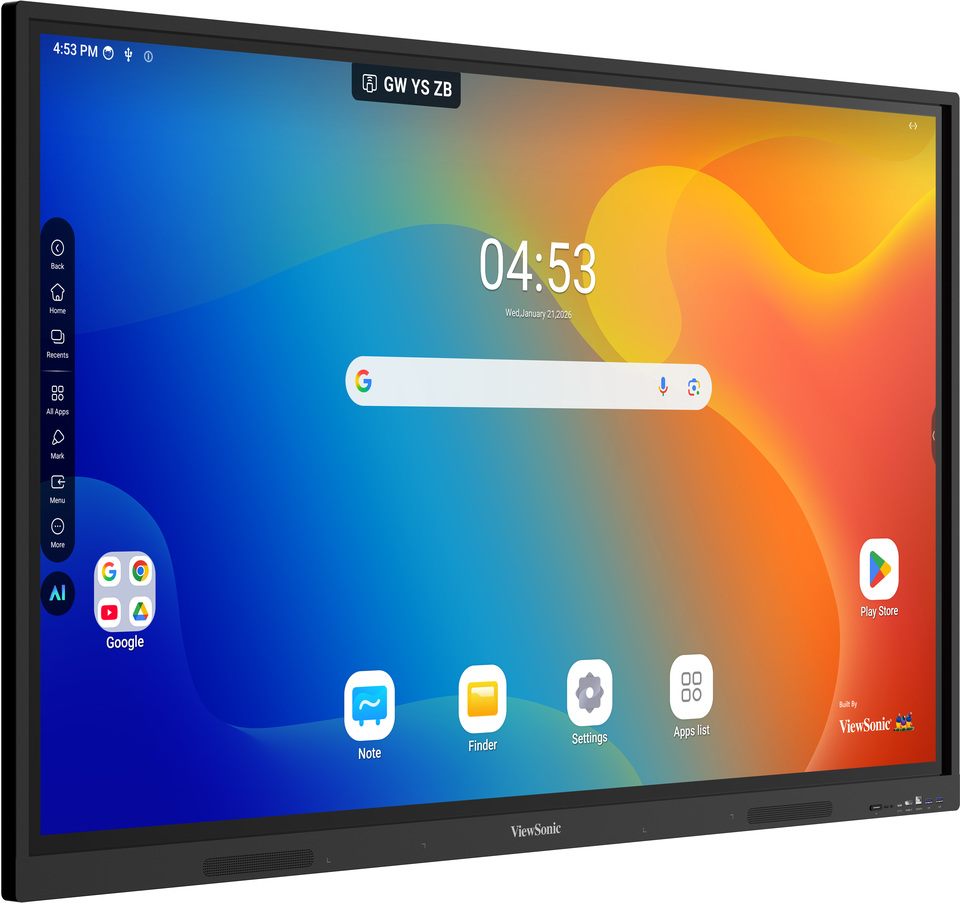
Viewsonic Interactive Flat Panel IN8604V-N
Price 200000.0 INR / peice
Minimum Order Quantity : 1 peice
Material : Tempered Glass, Metal Chassis
Style : Wall Mounted/Stand Mountable
Voltage : AC 100240V
Power Supply : AC 100240V, 50/60Hz


- B No. 67, Ganesh Chandra Avenue -Ground Floor, Near Hind Cinema,Kolkata - 700013, West Bengal, India
- Phone : 08071931135


- Mr Ashwin Jaiswal (Proprietor)
- Mobile : 08071931135
-
 Send Inquiry
 Send Inquiry
TECHNO VIBEZ
All Rights Reserved.(Terms of Use)
Developed and Managed by Infocom Network Private Limited.
Developed and Managed by Infocom Network Private Limited.

