


 Send Inquiry
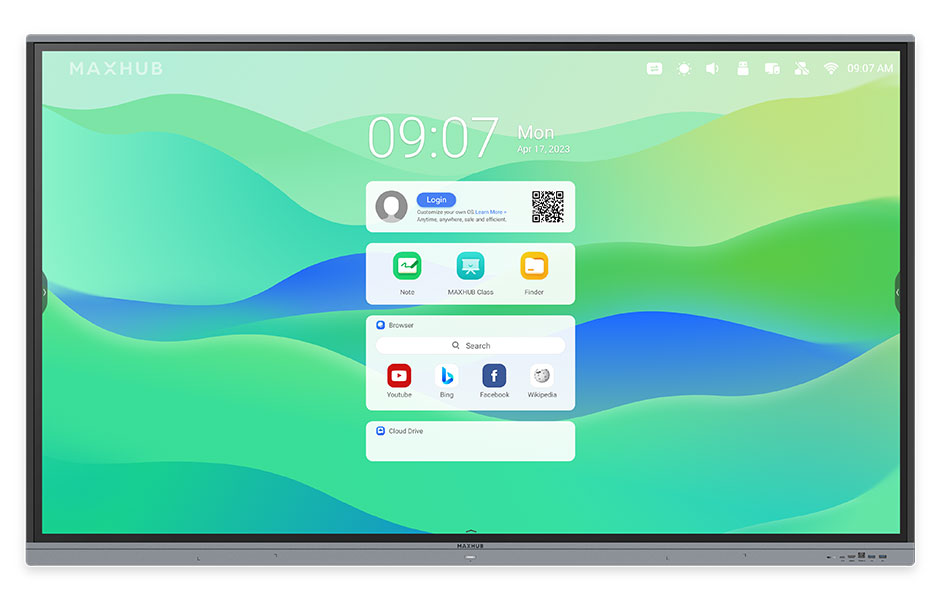
Maxhub Interactive Flat Panel 86inch E3 Series
Maxhub Interactive Flat Panel 86inch E3 Series Specification
- Voltage
- AC 100-240V
- Power Consumption
- 400W
- Power Supply
- AC 100-240V, 50/60Hz
- Usage
- Education, Conference, Presentation
- Product Type
- Interactive Flat Panel Display
- Material
- Tempered Glass, Aluminum Alloy
- Size
- 86 inch
- Style
- Wall-mounted or Stand-mounted
- Weight
- Approx. 58 kg
- Feature
- 4K UHD Resolution, Multi-Touch, Wireless Screen Sharing, Ultra-thin Bezels, Eye-care Technology
- Color
- Black
- RAM/ROM
- 3GB RAM / 32GB ROM
- Viewing Angle
- 178(H/V)
- Dimensions (mm)
- 1954 x 1200 x 88 (W x H x D)
- Aspect Ratio
- 16:9
- Operating Temperature
- 0C ~ 40C
- Output Ports
- HDMI, Audio out, SPDIF
- Storage Temperature
- -20C ~ 60C
- Camera Support
- Optional 1080p camera
- Speaker Output
- 2x 16W stereo speakers
- Panel Type
- LED backlight, DLED
- Display Resolution
- 3840 x 2160 (4K UHD)
- Contrast Ratio
- 1200:1
- Microphone
- Optional, Array Microphone Support
- Input Ports
- HDMI x3, VGA, USB 2.0 x2, USB 3.0 x3, Audio in, RS232, LAN
- Response Time
- 8 ms
- Mounting
- VESA Standard (800 x 400 mm)
- Brightness
- 400 cd/m2
- Touch Technology
- Infrared touch, 20-point multi-touch
- Built-in OS
- Android 9.0
Maxhub Interactive Flat Panel 86inch E3 Series About
MAXHUB E3 Series shines as an exceptional choice, tailored specifically for educational environments. It features a secure operating system for seamless integration with Google apps and accounts. The AI-powered SoC ensures smooth performance, while the advanced touchscreen allows for natural and precise writing. With versatile connectivity options, teachers can easily share content from multiple devices. MAXHUB E3 Series enhances classroom collaboration and engagement, making it the perfect choice for educators and studentsOutstanding Visual Clarity and Touch Experience
The 86-inch E3 Series Interactive Flat Panel offers 4K UHD resolution and a high brightness of 400 cd/m2, making images, text, and presentations exceptionally vivid. The advanced 20-point multi-touch infrared technology allows simultaneous interaction by multiple users, perfect for collaborative tasks in classrooms and conference rooms.
Versatile Connectivity & Smart Integration
Maxhub's E3 Series panel ensures connectivity for all your devices. With three HDMI inputs, VGA, a total of five USB ports, audio in/out, and LAN, it supports most modern and legacy devices. Wireless screen sharing and support for optional accessories such as a 1080p camera enable flexible integration in diverse settings.
Designed for Comfort and Durability
Built with eye-care technology and ultra-thin bezels, the Maxhub E3 Series combines safety with style. It utilizes robust tempered glass and an aluminum alloy frame to withstand daily use, while its flexible mounting options (wall or stand) allow for easy installation in schools, offices, or training centers.
FAQ's of Maxhub Interactive Flat Panel 86inch E3 Series:
Q: How does the 20-point multi-touch feature benefit interactive sessions?
A: The 20-point multi-touch capability allows up to 20 users to write, draw, or interact with the panel simultaneously, making it ideal for collaborative meetings or group activities in educational environments.Q: What devices can I connect to the Maxhub Interactive Flat Panel?
A: You can connect laptops, PCs, media players, and USB storage through its variety of ports-three HDMI inputs, VGA, multiple USB 2.0 and 3.0 ports, audio inputs, and LAN-ensuring compatibility with most modern and legacy devices.Q: When is the Maxhub E3 Series suitable to use in a professional setting?
A: It is suitable for videoconferencing, presentations, lectures, or brainstorming sessions, thanks to its 4K resolution, multi-touch functions, wireless screen sharing, and optional camera and microphone support.Q: Where can I install or mount the Maxhub Interactive Flat Panel?
A: The panel supports VESA-standard mounting (800 x 400 mm), allowing installation on walls or compatible stands in classrooms, conference rooms, training centers, or offices.Q: What is the process for wirelessly sharing screens with the panel?
A: You can wirelessly share screens from compatible devices, such as laptops or smartphones, using the built-in wireless screen sharing function, enhancing collaborative presentations and discussions.Q: How does the Maxhub panel ensure eye comfort during extended usage?
A: Equipped with eye-care technology, this panel reduces eye strain during long sessions by optimizing brightness and sharpness, making it suitable for prolonged educational or professional use.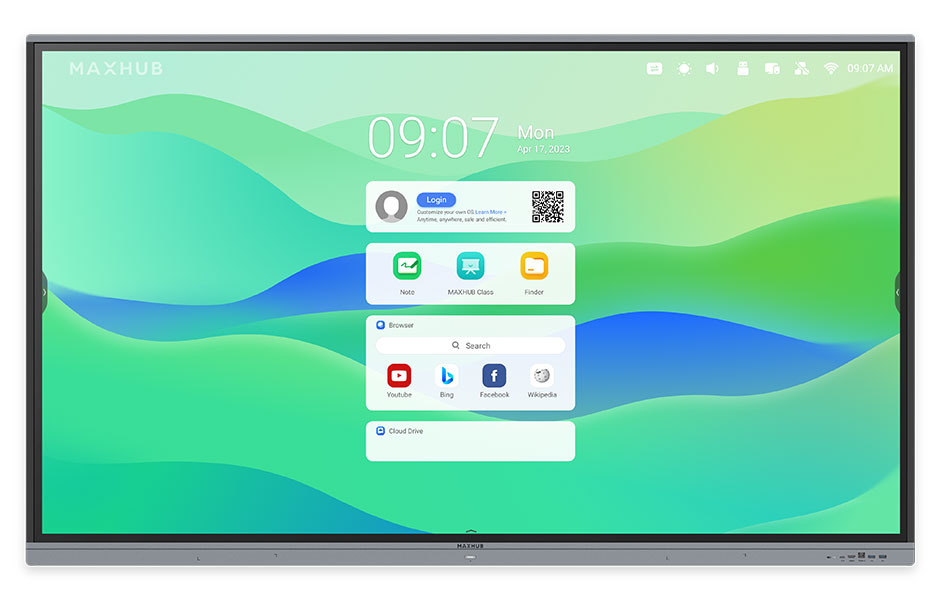
Tell us about your requirement

Price:
Quantity
Select Unit
- 50
- 100
- 200
- 250
- 500
- 1000+
Additional detail
Mobile number
Email

More Products in Interactive Panel Category
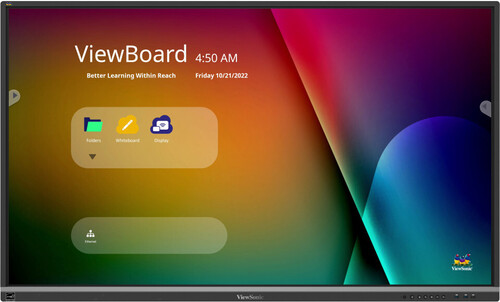
Viewsonic 65 inch Interactive Flat Panel - IFP6550-5
Price 130000 INR / Piece
Minimum Order Quantity : 1 Piece
Voltage : 100240V AC
Power Supply : AC 100240V, 50/60Hz
Color : Black
Size : 65 inch
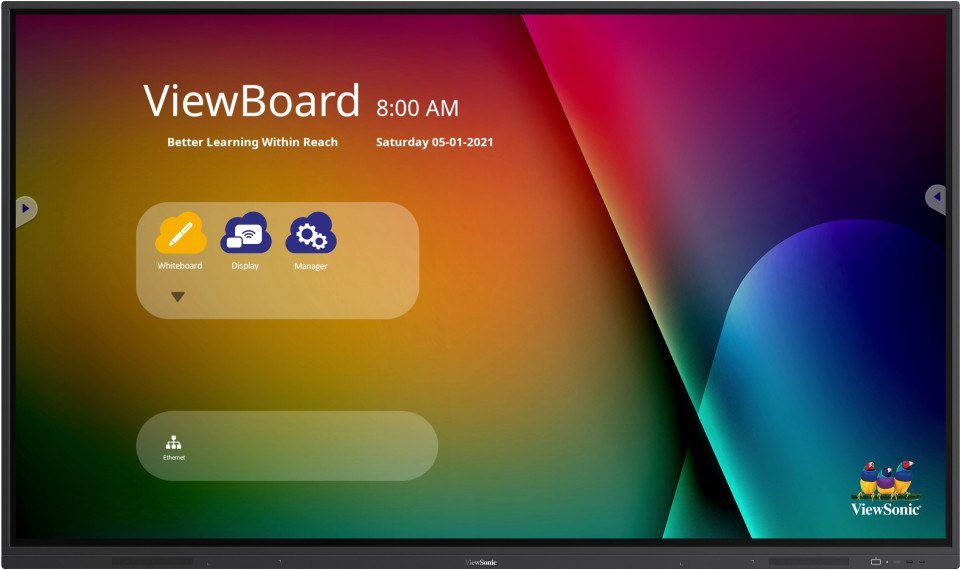
Viewsonic Interactive Flat Panel IN6502
Price 105000 INR / Piece
Minimum Order Quantity : 1 Piece
Voltage : 110240 V
Power Supply : AC 100240V, 50/60Hz
Color : Black
Size : 65 Inch
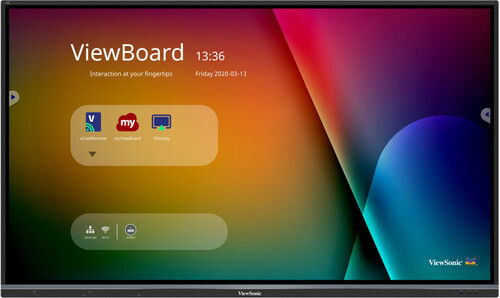
Interactive Flat Panel IFP7533
Price 150000 INR / Piece
Minimum Order Quantity : 1 Piece
Voltage : 110220 V
Power Supply : AC 100240V, 50/60Hz
Color : Black
Size : 75 Inch
Maxhub Interactive Flat Panel E6521
Price 95000.0 INR / Piece
Minimum Order Quantity : 1 Piece
Voltage : 100240V AC
Power Supply : AC 100240V, 50/60Hz
Color : Black
Size : 65 Inch


- B No. 67, Ganesh Chandra Avenue -Ground Floor, Near Hind Cinema,Kolkata - 700013, West Bengal, India
- Phone : 08071931135


- Mr Ashwin Jaiswal (Proprietor)
- Mobile : 08071931135
-
 Send Inquiry
 Send Inquiry
TECHNO VIBEZ
All Rights Reserved.(Terms of Use)
Developed and Managed by Infocom Network Private Limited.
Developed and Managed by Infocom Network Private Limited.

