


 Send Inquiry
Pioneer DDJ-SP1 DJ Controller
Price 31700 INR/ Piece
MOQ : 1 Piece
Pioneer DDJ-SP1 DJ Controller Specification
- Bluetooth
- NO
- USB Port
- Yes (USB-B)
- HDMI
- No
- FM Turner
- NO
- Aux Option
- NO
- Remote Controlled
- NO
- Channels
- None (controller - no built-in mixer)
- Auto Memory
- No
- Product Type
- DJ Controller
- Material
- Plastic
- Input Power
- DC 5V via USB
- Earphone/Headphones Plugin
- No
- Include Display
- No
- Game Function
- No
- Dimension (L*W*H)
- 17.78 x 32.77 x 4.83 Centimeter (cm)
- Weight (kg)
- 1.41 Kilograms (kg)
- Color
- Black
- Warranty
- 1 Year
- Output
- USB (MIDI) connection only
- Assignable Controls
- Multiple MIDI-assignable controls
- Loop Controls
- Manual and auto loop controls
- Standalone Mixer
- No, must be used with compatible hardware/software
- Power Supply
- USB bus-powered
- Software Bundled
- Serato DJ Intro (license may vary)
- Construction
- Durable plastic chassis
- Browser Knob
- Track select knob and load buttons
- Pads
- 16 velocity-sensitive performance pads (8 per deck)
- Mountable
- Compact, portable size for rack or tabletop use
- Jog Wheel
- No
- Compatible Software
- Serato DJ, Serato DJ Pro
- FX Control
- Dedicated FX controls for Serato DJ
Pioneer DDJ-SP1 DJ Controller About
Pioneer DDJ-SP1 DJ Controller
Add the DDJ-SP1 to a set-up that supports mixing and scratching with Serato DJ Pro for example a laptop, or timecode CDJs/turntables with a DJM-900SRT mixer and use the pre-mapped buttons and dials to trigger 6 samples, 8 Hot Cues and more than 30 FX Powered by iZotope - without the need to touch a keyboard or mouse
Performance Focused Pad Controller
Equipped with 16 velocity-sensitive performance pads, the DDJ-SP1 enables expressive live remixing. DJs can trigger samples, loops, and cue points with precision and nuanced control, allowing for inspiring performances every time.
Seamless Serato DJ Integration
Purpose-built for Serato DJ and Serato DJ Pro, the DDJ-SP1 offers dedicated FX controls, loop functions, and browser navigation. Its intuitive layout ensures quick access to essential features, enhancing your workflow during sets.
Portable and Robust Design
The DDJ-SP1 boasts a durable plastic chassis and a compact size, making it perfect for tabletop or rack use. Weighing just 1.41 kg, its easy to transport between gigs, offering reliability and resilience for on-the-go DJs.
FAQs of Pioneer DDJ-SP1 DJ Controller:
Q: How do I connect the Pioneer DDJ-SP1 DJ Controller to my setup?
A: Simply use a USB-B cable to link the DDJ-SP1 controller to your computer running Serato DJ or Serato DJ Pro. The device is USB bus-powered and does not require a separate power source.Q: What software is compatible with the DDJ-SP1 DJ Controller?
A: The DDJ-SP1 is compatible with Serato DJ and Serato DJ Pro. Some units may include a license for Serato DJ Intro, but you should verify campaign details or included software before purchasing.Q: When should I use the performance pads during my DJ set?
A: The 16 velocity-sensitive pads can be utilized throughout your set to launch samples, cue points, loops, or FX, enhancing transitions and improvisation during live performances.Q: Where can I mount or position the DDJ-SP1 controller?
A: Due to its compact and portable design, the DDJ-SP1 can be placed on any tabletop or integrated into a rack setup. Its lightweight build makes it fit easily into most DJ environments.Q: What is the process for assigning MIDI controls on the DDJ-SP1?
A: You can assign MIDI controls through compatible DJ software. Access the MIDI mapping section in Serato DJ to customize button functions and tailor the controller to your workflow.Q: How does using dedicated FX and loop controls benefit my mixes?
A: With dedicated controls, you have quick and precise access to Serato DJs FX and looping features, enabling creative manipulation and smoother transitions in your mixes.Q: What are the main usage limitations of the DDJ-SP1 DJ Controller?
A: The DDJ-SP1 does not include jog wheels or a standalone mixer. It requires compatible software and hardware to operate and does not function as an independent mixer or audio output device.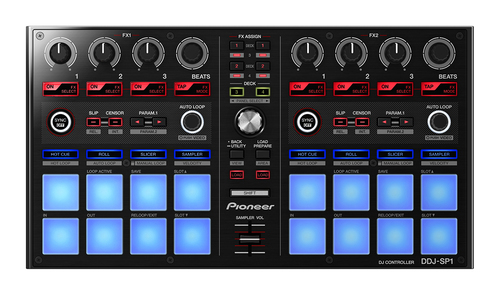
Tell us about your requirement

Price:
Quantity
Select Unit
- 50
- 100
- 200
- 250
- 500
- 1000+
Additional detail
Mobile number
Email

More Products in DJ Controller Category
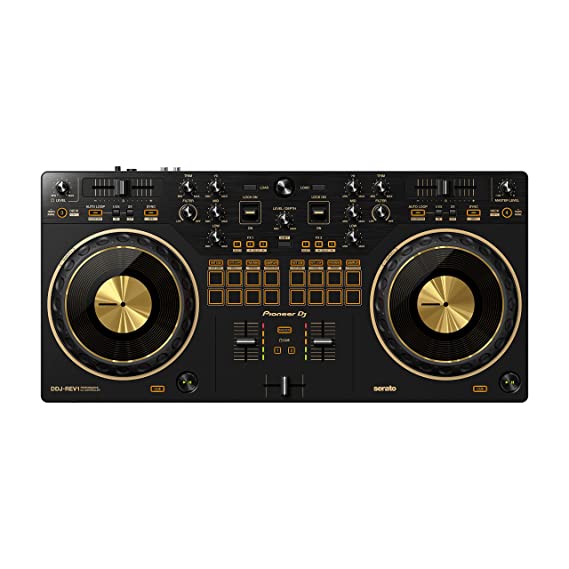
DDJ -REV1
Price 38140.0 INR / Piece
Minimum Order Quantity : 1 Piece
Channels : 2
Color : Black
Dimension (L*W*H) : 526 mm x 255 mm x 59.2 mm
Frequency Range (Hz) : 50 Hertz (HZ)
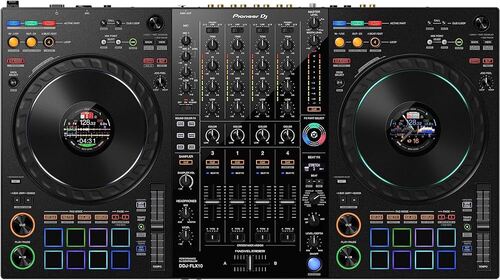
PIONEER DDJ-FLX10
Price 186390.0 INR / Piece
Minimum Order Quantity : 1 Piece
Channels : 4
Color : Black
Dimension (L*W*H) : 716 x 400 x 73.4 mm
Frequency Range (Hz) : 20 20000 Hz
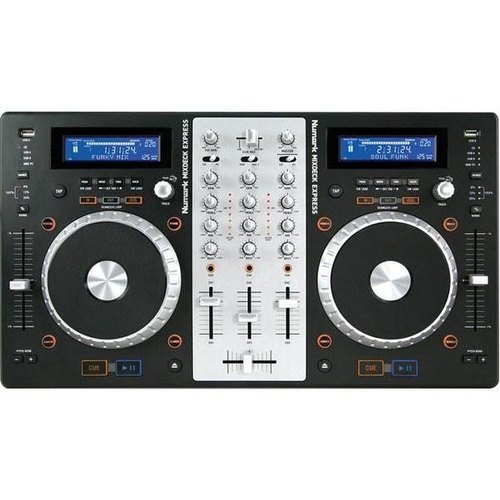
Numark Mixdeck Express All in One DJ Controller
Price 55000.0 INR / Piece
Minimum Order Quantity : 1 Piece
Channels : 3
Color : Black
Dimension (L*W*H) : 10.25 x 22.9 x 4 Inch (in)
Frequency Range (Hz) : 20 Hz 20,000 Hz
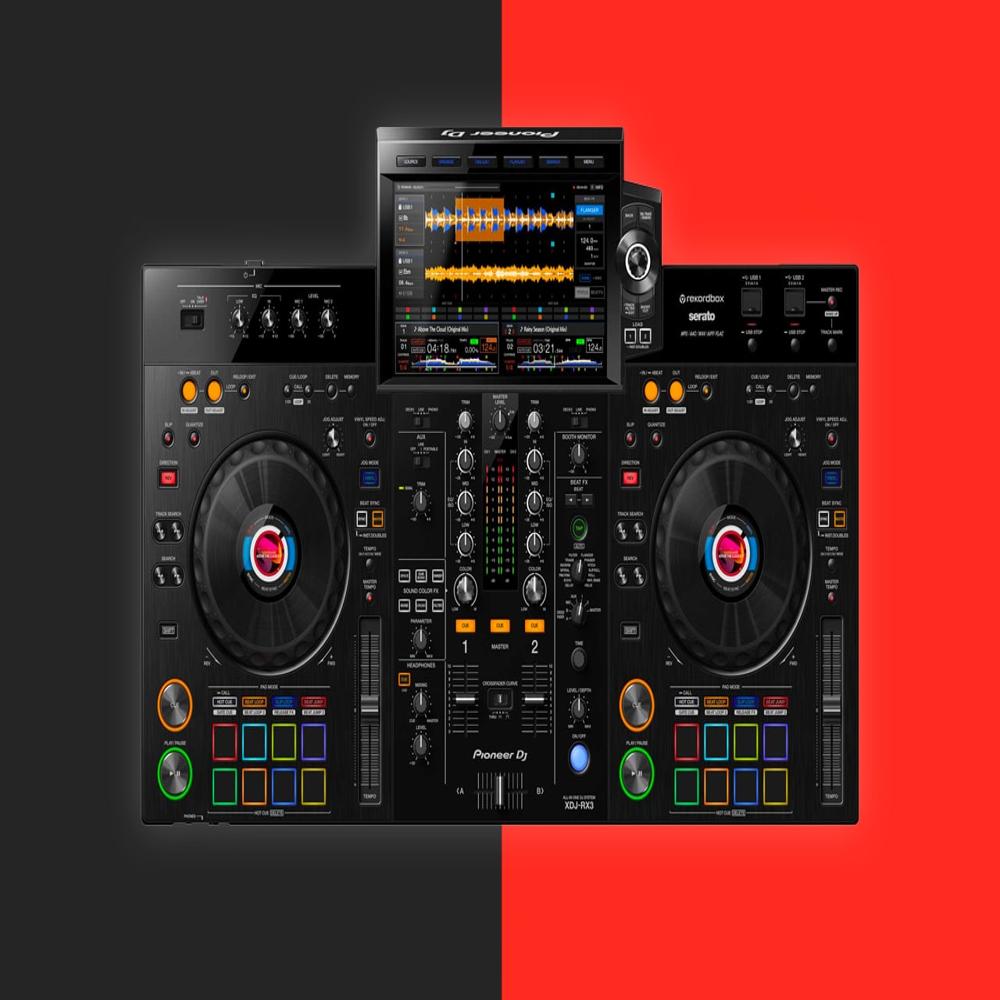
PIONEER XDJ-RX3
Price 224590.0 INR
Minimum Order Quantity : 1
Channels : 2
Color : Black
Dimension (L*W*H) : 728.1 x 469.5 x 118.4 mm
Frequency Range (Hz) : 20 20000 Hz


- B No. 67, Ganesh Chandra Avenue -Ground Floor, Near Hind Cinema,Kolkata - 700013, West Bengal, India
- Phone : 08071931135


- Mr Ashwin Jaiswal (Proprietor)
- Mobile : 08071931135
-
 Send Inquiry
 Send Inquiry
TECHNO VIBEZ
All Rights Reserved.(Terms of Use)
Developed and Managed by Infocom Network Private Limited.
Developed and Managed by Infocom Network Private Limited.

