


 Send Inquiry
Samsung Interactive Flat Panel WA75F
Price 115000.0 INR/ Piece
MOQ : 1 Piece
Samsung Interactive Flat Panel WA75F Specification
- Power Supply
- AC 100-240V, 50/60Hz
- Power Consumption
- 380 W (Max)
- Usage
- Education, Corporate, Conference Room, Classroom
- Voltage
- 100-240 V
- Product Type
- Interactive Flat Panel
- Material
- Toughened Glass, Metal Frame
- Size
- 75 Inches
- Style
- Wall Mounted / Floor Stand Compatible
- Weight
- Approx. 60 kg
- Feature
- 4K UHD Display, 20-Point Multi Touch, Wireless Screen Sharing, Built-in Whiteboard, Anti-Glare Panel
- Color
- Black
- Connectivity
- HDMI, USB, LAN, VGA, Audio In/Out
- Touch Points
- Up to 20 touch points
- Contrast Ratio
- 4000:1
- Remote Management
- Supported
- Operating System
- Embedded Android, Compatible with Windows
- Viewing Angle
- 178 (H/V)
- Response Time
- 8 ms
- Touch Technology
- Infrared (IR) Touch
- Brightness
- 400 cd/m2
- Resolution
- 3840 x 2160 (4K UHD)
- Audio Output
- 2 x 15W Built-in Speakers
- Supported File Formats
- JPG, PNG, PDF, PPT, DOC, XLS and more
Samsung Interactive Flat Panel WA75F About
Introducing the WAF Series, your new interactive display that delivers captivating educational experiences. Its familiar and intuitive Android OS interface is powered by a processor that guarantees smooth performance, intelligent AI processing and detailed graphics. Access a world of pre-installed tools and interactive educational apps to boost productivity and usher in a new era of learning. Plus, tap into the updated tools that make it easier to engage and collaborate with multiple students in real time, allowing for customizable learning environments that create a shared, yet personal, learning experienceLimitless Collaboration and Interactivity
With up to 20-point multi-touch support and a 75-inch ultra-high-definition display, the Samsung WA75F empowers teams and classrooms to collaborate effortlessly. The infrared touch technology ensures accuracy, making brainstorming and interactive sessions seamless for everyone involved.
Versatile Connectivity and Compatibility
The panel supports HDMI, USB, LAN, VGA, and audio connections, facilitating effortless integration with Windows and Android devices. Share content via wireless screen sharing or connect external peripherals to leverage the device's built-in whiteboard and multi-format file compatibility.
Durable Build and Smart Features
Wrapped in a toughened glass and metal frame, the WA75F ensures durability for daily use. The anti-glare, high brightness panel and powerful 15W speakers guarantee clear visuals and sound in any environment. Remote management and accessories like wall mounts and styluses add extra convenience.
FAQ's of Samsung Interactive Flat Panel WA75F:
Q: How do I connect my laptop to the Samsung Interactive Flat Panel WA75F?
A: You can connect your laptop to the WA75F using HDMI or VGA ports. The panel also supports USB connections for file sharing and LAN for network integration. Wireless screen sharing is available for quick content casting.Q: What operating systems are compatible with the Samsung WA75F?
A: The flat panel comes with an embedded Android operating system and is fully compatible with Windows devices, making it suitable for various user preferences and software needs.Q: When is the best time to use the WA75F for presentations or classes?
A: The WA75F excels in real-time, collaborative scenarios-such as during meetings, lectures, or brainstorming sessions-where interactive touch and visual clarity enhance engagement and productivity.Q: Where can the WA75F be installed, and what mounting options are available?
A: This flat panel can be wall mounted or used with a compatible floor stand. Its sturdy construction and versatile installation options make it ideal for classrooms, conference rooms, and corporate offices.Q: What is the process for remote management and control of the panel?
A: Remote management is supported, allowing administrators to control settings, update software, and monitor the panel's status from afar, ensuring smooth operation and minimal downtime.Q: How does the multi-touch feature benefit collaborative environments?
A: With up to 20 simultaneous touch points, multiple users can interact with the panel at once. This enables collaborative editing, brainstorming, and group learning, making discussions more engaging and effective.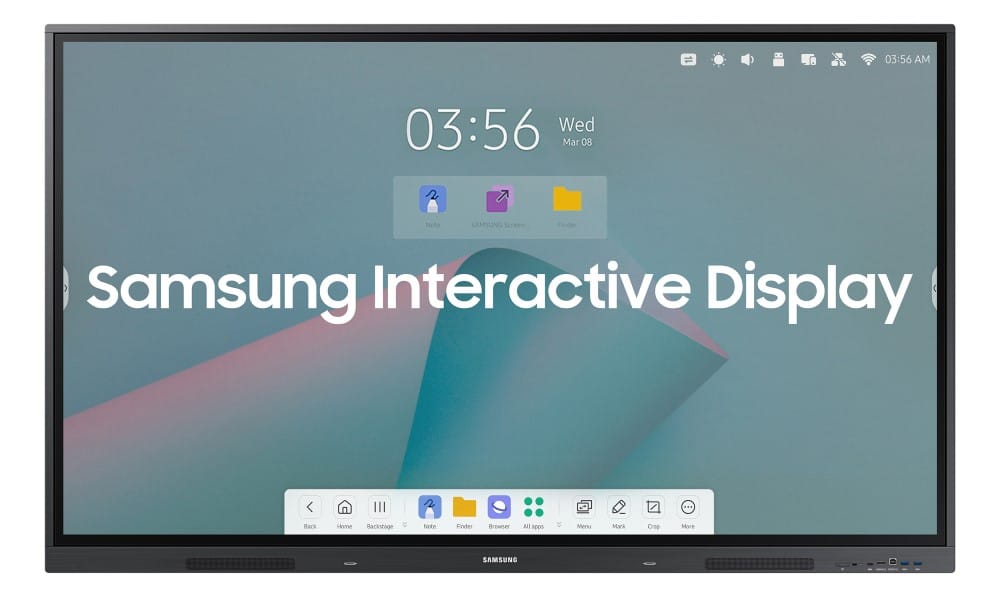
Tell us about your requirement

Price:
Quantity
Select Unit
- 50
- 100
- 200
- 250
- 500
- 1000+
Additional detail
Mobile number
Email

More Products in Interactive Panel Category
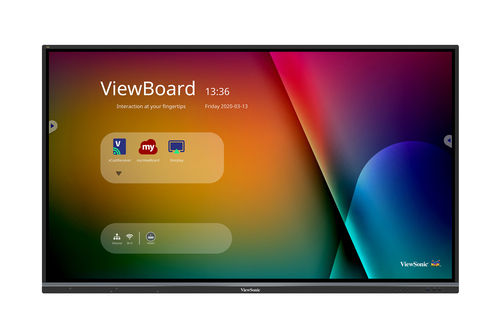
Viewsonic 75 inch Interactive Flat Panel - IFP7550-5
Price 160000 INR / Piece
Minimum Order Quantity : 1 Piece
Voltage : 100240V
Material : Tempered Glass, Metal Frame
Product Type : Interactive Panel
Size : 75"
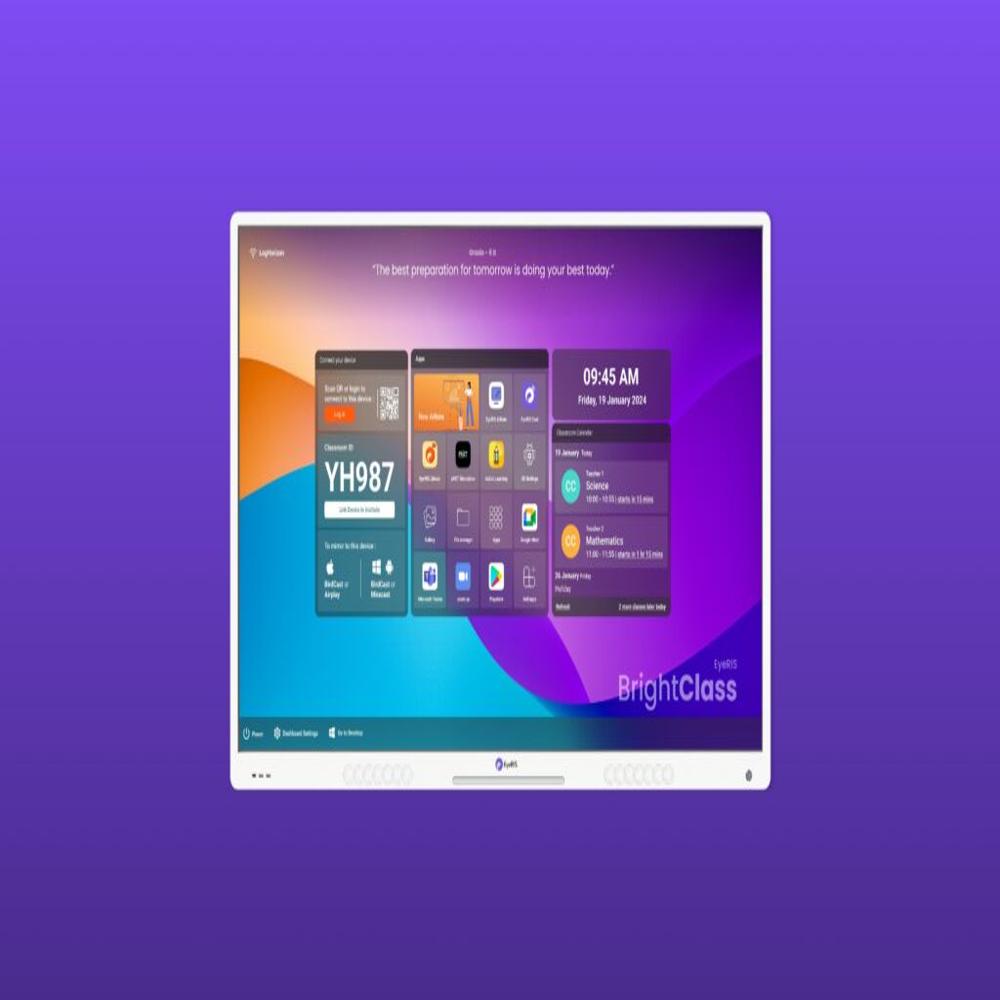
Cybernetyx Interactive Flat Panel 86inch Eyeris A10 Pro
Price 170000.0 INR / Piece
Minimum Order Quantity : 1 Piece
Voltage : 100240 V AC
Material : Aluminum Alloy Frame, Tempered Glass
Product Type : Interactive Flat Panel
Size : 86 inch
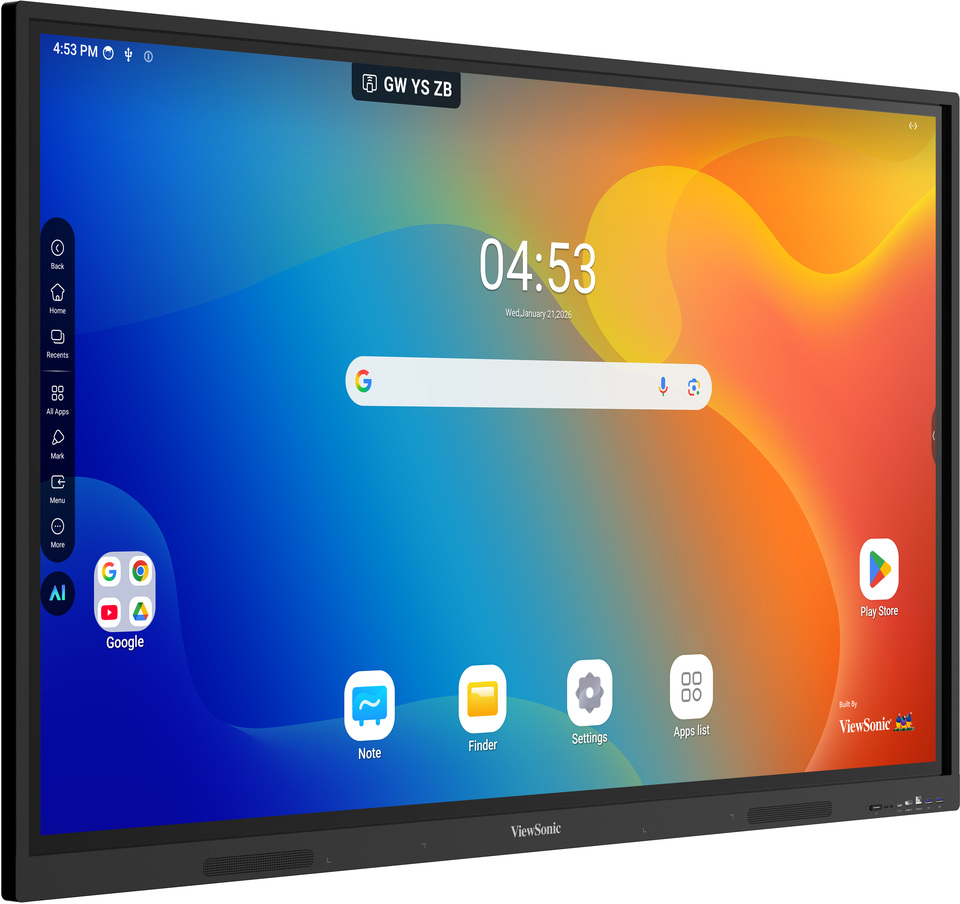
Viewsonic Interactive Flat Panel IN7505-N
Price 120000.0 INR / Peice
Minimum Order Quantity : 1 Peice
Voltage : 100240V
Material : Tempered Glass and Metal Frame
Product Type : Interactive Flat Panel
Size : 75 Inch
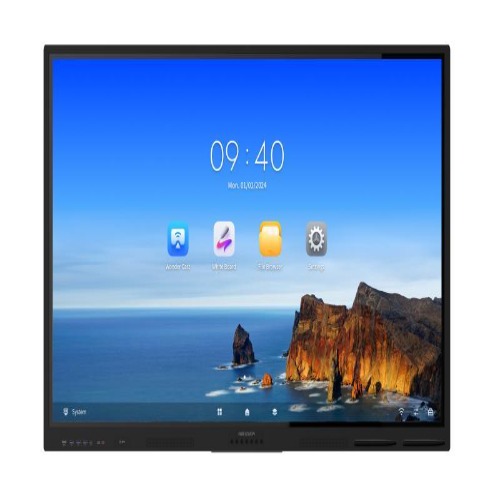
Hikvision Interactive Flat Panel DS-D5C65RB/B
Price 120000.0 INR / Piece
Minimum Order Quantity : 1 Piece
Voltage : 100240 V
Material : Metal and Tempered Glass
Product Type : Interactive Flat Panel
Size : 65 inch


- B No. 67, Ganesh Chandra Avenue -Ground Floor, Near Hind Cinema,Kolkata - 700013, West Bengal, India
- Phone : 08071931135


- Mr Ashwin Jaiswal (Proprietor)
- Mobile : 08071931135
-
 Send Inquiry
 Send Inquiry
TECHNO VIBEZ
All Rights Reserved.(Terms of Use)
Developed and Managed by Infocom Network Private Limited.
Developed and Managed by Infocom Network Private Limited.

