


 Send Inquiry
Viewsonic 75 inch Interactive Flat Panel - IFP7550-5
Price 160000 INR/ Piece
MOQ : 1 Piece
Viewsonic 75 inch Interactive Flat Panel - IFP7550-5 Specification
- Power Supply
- AC 100-240V, 50/60Hz
- Power Consumption
- 220W (typical)
- Voltage
- 100-240V
- Usage
- Education, Corporate Collaboration, Presentation
- Product Type
- Interactive Panel
- Material
- Tempered Glass, Metal Frame
- Size
- 75"
- Style
- Wall Mount/Standalone
- Weight
- 53.9 Kilograms (kg)
- Feature
- 4K Ultra HD Resolution, 20-Point Touch, Embedded OS, Wireless Connectivity
- Color
- Black
- Input Ports
- HDMI, VGA, USB 2.0/3.0, LAN, Audio
- Touch Technology
- Infrared, 20-Point Multi-touch
- Resolution
- 3840 x 2160 pixels (4K UHD)
- Dimensions (W x H x D)
- 1716 x 1027 x 103 mm
- Response Time
- 8 ms
- Brightness
- 350 nits
- Speaker Output
- 2 x 15W
- Operating System
- Embedded Android 9.0
- Wi-Fi/Bluetooth
- Supported
- Contrast Ratio
- 1200:1
- Display Type
- IPS LED
- Glass Hardness
- 7H Mohs
- RAM / Storage
- 4GB RAM / 32GB ROM
- Viewing Angle
- 178° horizontal / vertical
Viewsonic 75 inch Interactive Flat Panel - IFP7550-5 Trade Information
- Minimum Order Quantity
- 1 Piece
- Supply Ability
- 3 Pieces Per Month
- Delivery Time
- 2 Days
Viewsonic 75 inch Interactive Flat Panel - IFP7550-5 About
The Viewboard 50-5 Series offers an intuitive and interactive interface for a multi-user writing experience. With a single-cable USB-C for instant, worry-free connectivity, teachers can seamlessly plug-in and control their devices while continuing the lesson. Both students and educators enjoy smooth writing with Ultra Fine Touch Technology offering 40-point touch, and the dual-pen that comes in a range of colors and sizes. Rest assured you and your students eyes are cared for and protected as the Viewboard 50-5 Series comes with Flicker Free technology and an integrated TUV certified blue light filter for all brightness levels.Stunning 4K Ultra HD Visuals
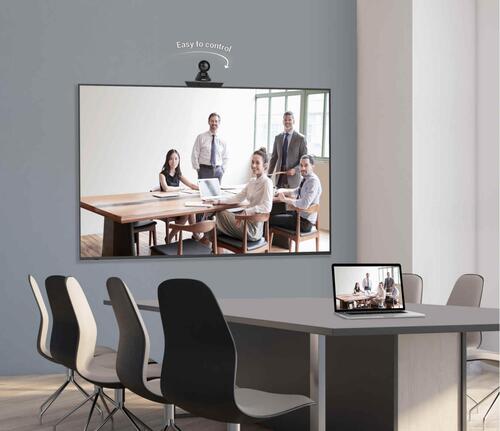
Equipped with a 3840 x 2160 pixel IPS LED panel, the IFP7550-5 ensures exceptionally high-definition visuals. The displays 350-nit brightness and 1200:1 contrast ratio provide sharp images and clear details, even in well-lit rooms. The 178 viewing angle guarantees excellent visibility for all participants, making it perfect for classrooms or meeting spaces.
Effortless Multi-User Touch
Thanks to its advanced 20-point infrared touch technology, multiple users can interact with the display simultaneously. Whether brainstorming in meetings or engaging students in the classroom, the fast 8 ms response time and precise touch recognition promote productive, seamless collaboration.
Flexible Connectivity and Embedded OS
This interactive flat panel offers diverse connectivity through HDMI, VGA, USB 2.0/3.0, LAN, and audio ports. Wi-Fi and Bluetooth are supported for wireless operations. The integrated Android 9.0 OS provides app flexibility, file management, and intuitive controlsall without needing an external PC.
FAQs of Viewsonic 75 inch Interactive Flat Panel - IFP7550-5:
Q: How do I set up the Viewsonic IFP7550-5 for first-time use?
A: To set up the IFP7550-5, mount it securely on a wall or use it as a standalone unit. Connect the power supply (AC 100-240V) and ensure all necessary input sources, such as HDMI or VGA, are connected. Power on the display, configure your Wi-Fi/Bluetooth settings, and follow the on-screen instructions to complete the embedded Android 9.0 initial setup.Q: What are the primary benefits of using the IFP7550-5 in education or corporate collaboration?
A: The IFP7550-5 enhances engagement with its 20-point multi-touch capability and 4K UHD clarity. In educational settings, it enables interactive lessons and group activities. For corporate use, its seamless touch response and wireless connectivity support efficient presentations, brainstorming, and real-time collaboration.Q: Where can the IFP7550-5 be installed and how much space does it require?
A: This panel is suitable for classrooms, conference rooms, or collaborative workspaces. It measures 1716 x 1027 x 103 mm and weighs approximately 53.9 kg, so ensure there is adequate wall space or a sturdy floor stand to support the device safely.Q: What is the process for connecting devices to the IFP7550-5?
A: Devices can be connected via HDMI, VGA, USB 2.0/3.0, LAN, or audio ports. For wireless connections, use the built-in Wi-Fi or Bluetooth features. Simply select the desired input source from the displays menu to begin sharing content from your laptop, smartphone, or tablet.Q: How does the glass hardness and material contribute to the panels durability?
A: With a 7H Mohs hardness tempered glass and a sturdy metal frame, the panel is resistant to scratches and impacts. This durability makes the IFP7550-5 well suited for environments with frequent interaction and helps ensure longevity in both educational and corporate use.Q: What features ensure the IFP7550-5 remains energy efficient during operation?
A: The flat panel operates at a typical power consumption of 220W and supports a wide voltage range (100-240V), allowing consistent performance while conserving energy. Its designed for efficient use in different settings without excessive power draw.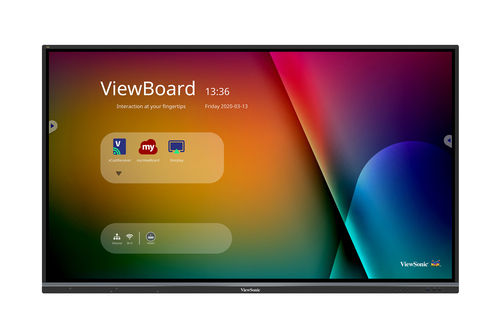
Tell us about your requirement

Price:
Quantity
Select Unit
- 50
- 100
- 200
- 250
- 500
- 1000+
Additional detail
Mobile number
Email

More Products in Interactive Panel Category
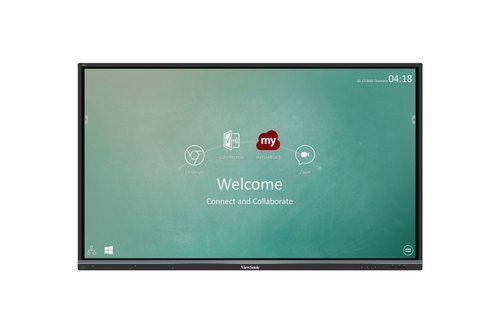
75" Viewsonic Interactive Panel
Price 164000.00 INR / Piece
Minimum Order Quantity : 1 Piece
Size : 75 inches
Power Supply : AC 100240V
Material : Glass Metal
Product Type : Interactive Panel
Viewsonic Interactive Flat Panel IN6501-2-1N
Price 100000.0 INR / Piece
Minimum Order Quantity : 1 Piece
Size : 65 Inch Display
Power Supply : AC 100240V, 50/60Hz
Material : Toughened Glass, Metal Frame
Product Type : Interactive Flat Panel
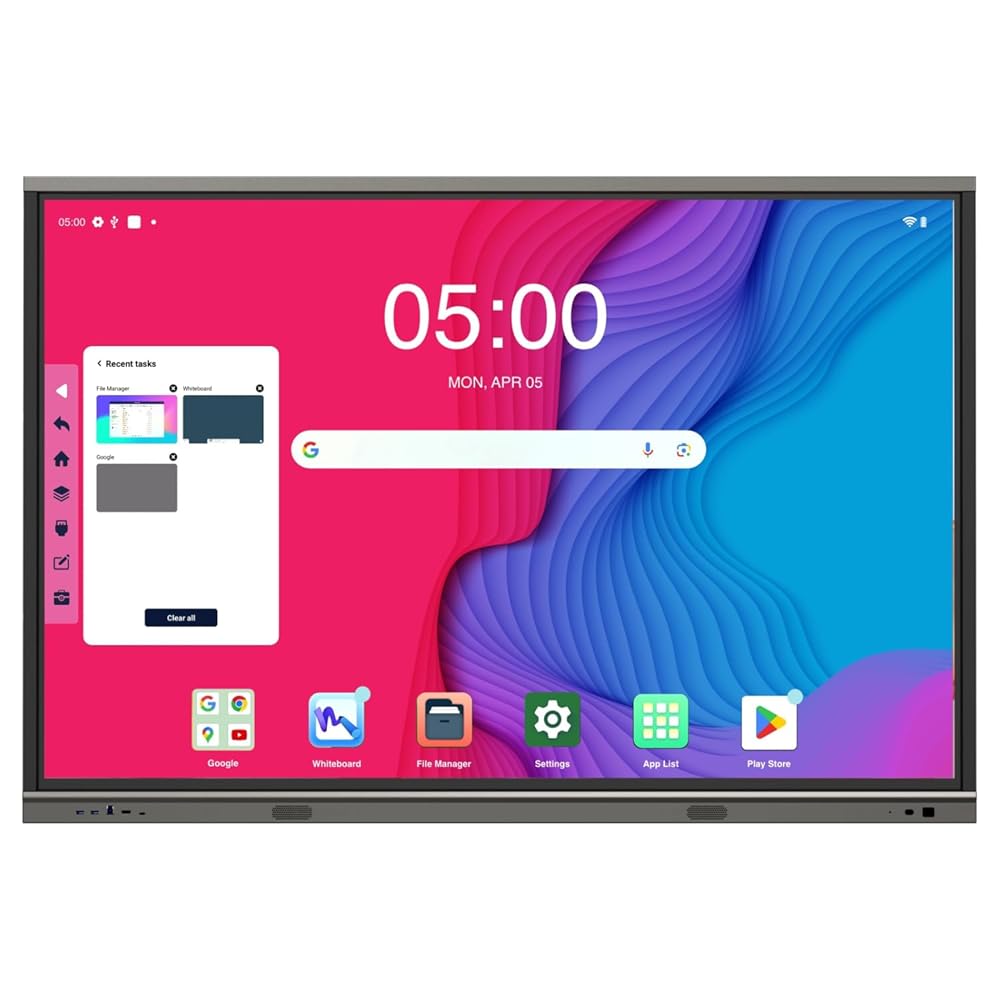
Maxhub Interactive Flat Panel U3 U6530
Price 120000.0 INR / Piece
Minimum Order Quantity : 1 Piece
Power Supply : Electric
Material : Plastic
Product Type : Maxhub Interactive Flat Panel U3 U6530
Maxhub 75 inch Interactive FLat Panel - E7520C
Price 130000 INR / Piece
Minimum Order Quantity : 1 Piece
Size : 75"
Power Supply : Electric
Material : Plastic
Product Type : Touch Screen Panel


- B No. 67, Ganesh Chandra Avenue -Ground Floor, Near Hind Cinema,Kolkata - 700013, West Bengal, India
- Phone : 08071931135


- Mr Ashwin Jaiswal (Proprietor)
- Mobile : 08071931135
-
 Send Inquiry
 Send Inquiry
TECHNO VIBEZ
All Rights Reserved.(Terms of Use)
Developed and Managed by Infocom Network Private Limited.
Developed and Managed by Infocom Network Private Limited.

