


 Send Inquiry
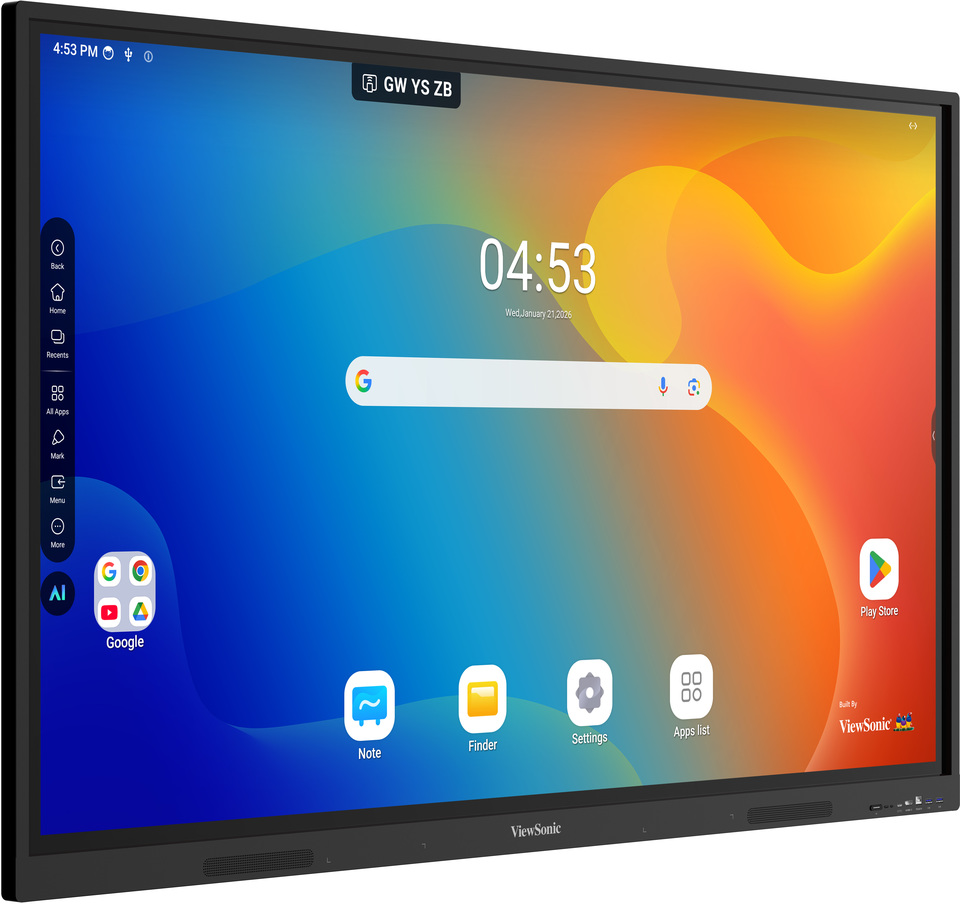
Viewsonic Interactive Flat Panel IN7502
Price 1150000 INR/ Piece
MOQ : 1 Piece
Viewsonic Interactive Flat Panel IN7502 Specification
- Power Consumption
- 300W
- Usage
- Education, Business Conferencing, Smart Classrooms, Meeting Rooms
- Power Supply
- AC 100-240V, 50/60 Hz
- Voltage
- 100-240 V
- Product Type
- Interactive Flat Panel
- Material
- Toughened Glass, Metal Frame
- Size
- 75 Inch
- Style
- Wall Mount or Stand
- Weight
- Approx. 51 kg
- Feature
- 4K UHD Resolution, Multi-Touch Support, Built-in Whiteboard, Annotation Tools
- Color
- Black
- Operating System
- Embedded Android, Compatible with Windows, macOS, Chrome OS
- Response Time
- 8 ms
- Contrast Ratio
- 1200:1
- Speaker Output
- 2 x 16W
- Aspect Ratio
- 16:9
- Output Ports
- Audio Out, HDMI Out, S/PDIF
- Display Resolution
- 3840 x 2160 (4K UHD)
- Surface Hardness
- 7H Mohs
- Accessories Included
- Remote Control, Wall Mount Kit, Touch Pens, Power Cable
- Touch Technology
- Infrared (IR) Touch, 20 Points Touch
- Brightness
- 350 cd/m
- Mounting
- VESA Standard
- Input Ports
- HDMI x3, VGA, USB x4, LAN, Audio In
- OPS Slot
- Yes, Compatible with OPS Module
- Viewing Angle
- 178 / 178 (H/V)
- Built-in Wi-Fi
- Yes
About Viewsonic Interactive Flat Panel IN7502
- Google certified EDLA with access to Google apps on Android 14
- Advanced security controls and compliance standards that safeguard your data
- Quick data transfer and power delivery with two USB-C ports
- Expandable micro SD storage options for superior performance and flexibility.
Crisp, Immersive Visual Experience
The IN7502 delivers true 4K UHD clarity at 3840 x 2160 resolution, showcasing details with brilliant color and contrast. With a wide 178-degree viewing angle, all participants enjoy consistent visuals from any seat, enhancing engagement in meetings and lessons alike.
Advanced Touch and Annotation Tools
With 20-point infrared touch recognition, multiple users can interact with the panel simultaneously. The built-in annotation tools and whiteboard make collaboration fluid, allowing for real-time note-taking, brainstorming, and dynamic presentations in classrooms or meetings.
Versatile Connectivity and Easy Integration
Equipped with multiple HDMI, USB, VGA, LAN, and audio ports, the IN7502 supports seamless integration with a variety of devices. Its OPS slot ensures compatibility with OPS modules and expandable features, fitting into any tech ecosystem for education or business.
FAQs of Viewsonic Interactive Flat Panel IN7502:
Q: How does the touch technology work on the ViewSonic IN7502?
A: The IN7502 uses advanced infrared (IR) touch with support for up to 20 simultaneous touch points, enabling multiple users to interact on-screen at once. This is ideal for collaborative lessons and group business sessions.Q: What operating systems and devices are compatible with the IN7502?
A: This interactive panel works seamlessly with Windows, macOS, and Chrome OS devices. Its embedded Android operating system allows standalone operation, while multiple input ports enable easy connection to laptops and other devices.Q: When is it best to use the IN7502 in an educational or business environment?
A: The IN7502 is optimal for smart classrooms, collaborative learning, video conferencing, and interactive presentations in meeting rooms, delivering sharp visuals and effortless multi-touch interaction to boost engagement.Q: Where can I mount the ViewSonic IN7502 and what accessories are included?
A: The panel supports VESA-standard wall mounting or can be placed on a stand. It comes complete with a remote control, wall mount kit, two touch pens, and a power cable for easy setup and use.Q: What are the benefits of the built-in annotation and whiteboard features?
A: Integrated annotation and whiteboard tools streamline real-time note-taking, brainstorming, and feedback, making meetings and lessons more interactive and productive without additional software.Q: How do I expand the panels functionality if needed?
A: The IN7502 features an OPS slot, allowing the addition of compatible OPS modules for expanded computing power or specific software needs. This future-proofs your investment for evolving requirements.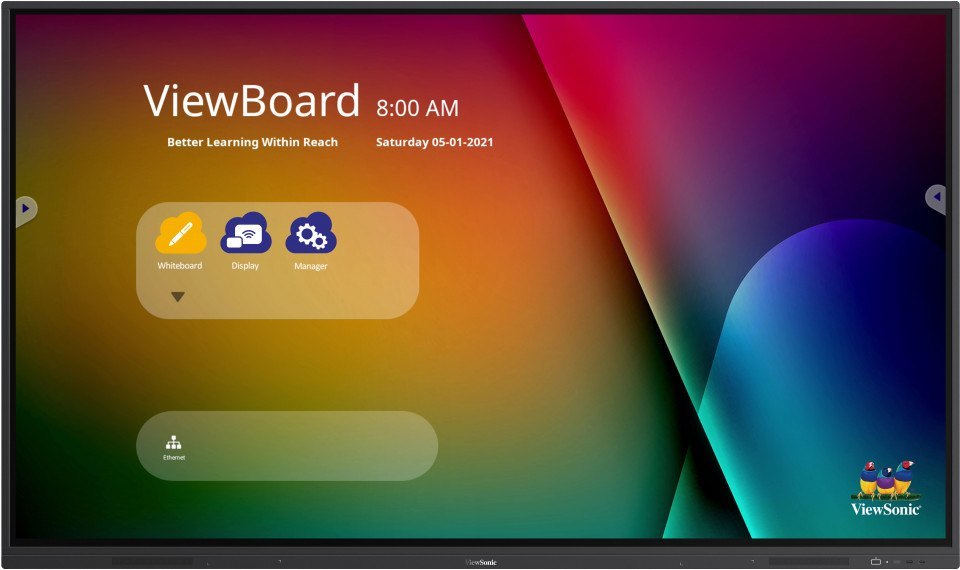
Tell us about your requirement

Price:
Quantity
Select Unit
- 50
- 100
- 200
- 250
- 500
- 1000+
Additional detail
Mobile number
Email

More Products in Interactive Panel Category
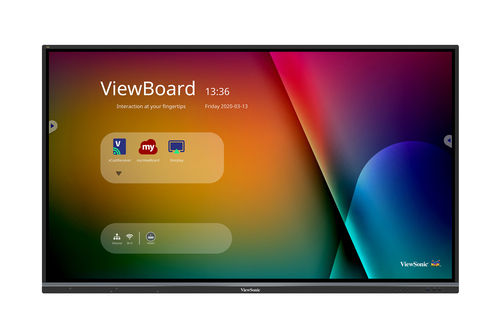
Viewsonic 75 inch Interactive Flat Panel - IFP7550-5
Price 160000 INR / Piece
Minimum Order Quantity : 1 Piece
Feature : 4K Ultra HD Resolution, 20Point Touch, Embedded OS, Wireless Connectivity
Color : Black
Style : Wall Mount/Standalone
Voltage : 100240V
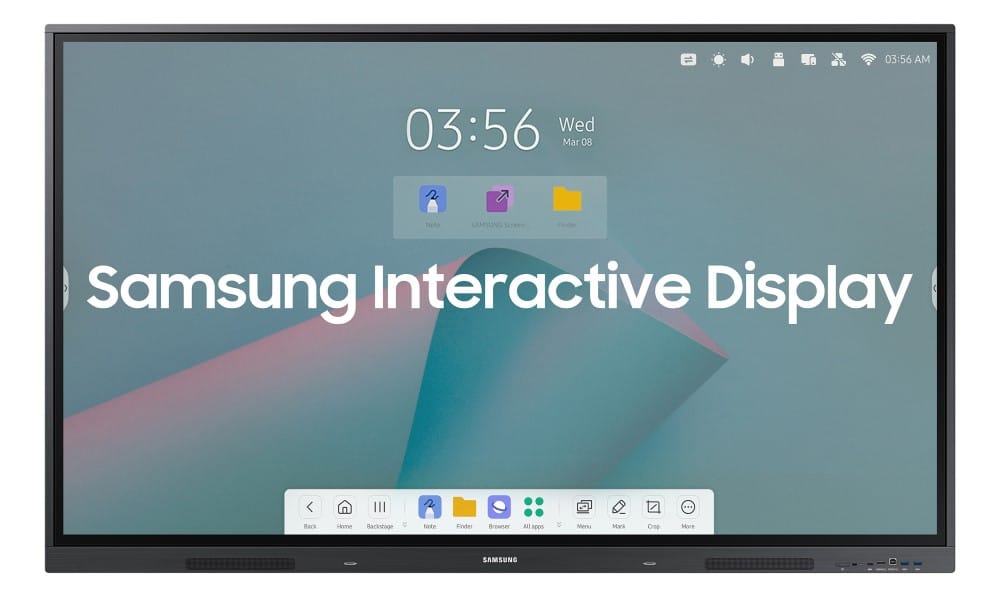
Samsung Interactive Flat Panel WA86F
Price 180000.0 INR / Piece
Minimum Order Quantity : 1 Piece
Feature : MultiTouch Interactive Display, 4K UHD Resolution, Responsive Writing Experience
Color : Black
Style : Wallmounted or Floor Stand
Voltage : 100240 V
Samsung Flip 2.0 85 inch Display Panel
Price 350000 INR / Piece
Minimum Order Quantity : 1 Piece
Feature : Touchscreen, Multiuser collaborative writing, UHD (4K) Resolution, Integrated software
Color : Black
Style : Modern Sleek
Voltage : AC 100~240V
Viewsonic Interactive Flat Panel IN8605-N
Price 160000.0 INR / Piece
Minimum Order Quantity : 1 Piece
Feature : 4K UHD, Touchscreen, MultiUser Collaboration
Color : Black
Style : Wall Mount or Stand Supported
Voltage : AC 100240V


- B No. 67, Ganesh Chandra Avenue -Ground Floor, Near Hind Cinema,Kolkata - 700013, West Bengal, India
- Phone : 08071781754


- Mr Ashwin Jaiswal (Proprietor)
- Mobile : 08071781754
-
 Send Inquiry
 Send Inquiry
TECHNO VIBEZ
All Rights Reserved.(Terms of Use)
Developed and Managed by Infocom Network Private Limited.
Developed and Managed by Infocom Network Private Limited.

