


 Send Inquiry
Viewsonic Interactive Flat Panel 105inch
Price 1500000.0 INR/ Piece
MOQ : 1 Piece
Viewsonic Interactive Flat Panel 105inch Specification
- Usage
- Education, Corporate Meetings, Conference Rooms
- Power Consumption
- 460W
- Power Supply
- AC 100-240V, 50/60Hz
- Voltage
- 100-240 V
- Product Type
- Interactive Flat Panel
- Material
- Tempered Glass, Metal Frame
- Size
- 105 Inch
- Style
- Modern
- Weight
- Approx. 130 kg
- Feature
- Multi-touch, 4K Ultra HD, Wireless Screen Sharing, Embedded Android, Integrated Speakers, Annotation Support, Anti-glare Surface
- Color
- Black
- Connectivity
- HDMI, VGA, USB, LAN, Audio Out, Wi-Fi, RS232
- Panel Type
- LED-backlit LCD
- Operating System
- Android 11 (embedded), Windows Compatible
- Touch Technology
- Infrared (IR) Touch, 20 Touch Points
- Viewing Angle
- 178 (H/V)
- Brightness
- 400 cd/m2
- Audio Output
- 2 x 15W Speakers + 1 x 15W Subwoofer
- Screen Resolution
- 5K (5120 x 2160 pixels)
- Aspect Ratio
- 21:9
- Mount Type
- Wall Mount/VESA Compatible
- Response Time
- Typical 8ms
Viewsonic Interactive Flat Panel 105inch About
Immersive Ultra-Wide Display
With a 105-inch LED-backlit LCD and a stunning 5K Ultra HD resolution, this interactive flat panel offers an exceptional panoramic experience. The ultra-wide 21:9 aspect ratio accommodates more content, enabling effective presentations, collaborative learning, and impactful meetings.
Intuitive Multi-Touch Interaction
Equipped with advanced infrared touch technology, the display recognizes up to 20 simultaneous touch points. This allows for smooth, responsive writing, gesture control, and annotation-perfect for group activities in educational and corporate spaces.
Seamless Connectivity and Compatibility
The panel offers versatile connectivity, including HDMI, VGA, USB, LAN, Wi-Fi, audio out, and RS232. Embedded with Android 11 and full support for Windows systems, it ensures compatibility with a wide range of devices and software, making integration effortlessly simple.
FAQ's of Viewsonic Interactive Flat Panel 105inch:
Q: How can the Viewsonic 105-inch Interactive Flat Panel be integrated into a corporate meeting room?
A: The panel can be wall-mounted or fitted using a VESA-compatible stand in a conference room. Its wide range of connectivity options-including HDMI, VGA, USB, and LAN-ensure it seamlessly integrates with laptops, video conferencing systems, and office networks, while its embedded Android OS and Windows compatibility facilitate flexible workflow management.Q: What are the main usage benefits of the 20-point touch functionality?
A: The 20-point IR touch functionality allows multiple users to interact with the display at the same time. This is particularly valuable for group brainstorming sessions, collaborative classroom activities, or interactive presentations, enhancing engagement and productivity.Q: When is wireless screen sharing especially useful with this panel?
A: Wireless screen sharing is highly beneficial during meetings or classes where participants need to quickly present or exchange digital content from their own devices. It reduces setup time, eliminates clutter from cables, and fosters a more dynamic and interactive environment.Q: Where can this interactive flat panel be utilized within educational institutions?
A: The panel is ideal for use in classrooms, lecture halls, libraries, and training centers. Its robust construction, anti-glare tempered glass, and intuitive touch features support diverse teaching styles, while its large screen facilitates viewing for sizeable groups.Q: What process is involved in annotating content on the display?
A: Annotation on the panel is simple: users can draw, highlight, or write directly on the screen using their fingers or a stylus. The Android 11 operating system provides built-in annotation tools, making it easy to emphasize key points during lessons or discussions.Q: How does the anti-glare surface benefit users?
A: The anti-glare tempered glass minimizes reflections from ambient lighting, ensuring clear visibility from different angles and reducing eye strain during prolonged use. This makes it an excellent choice for well-lit classrooms and meeting spaces.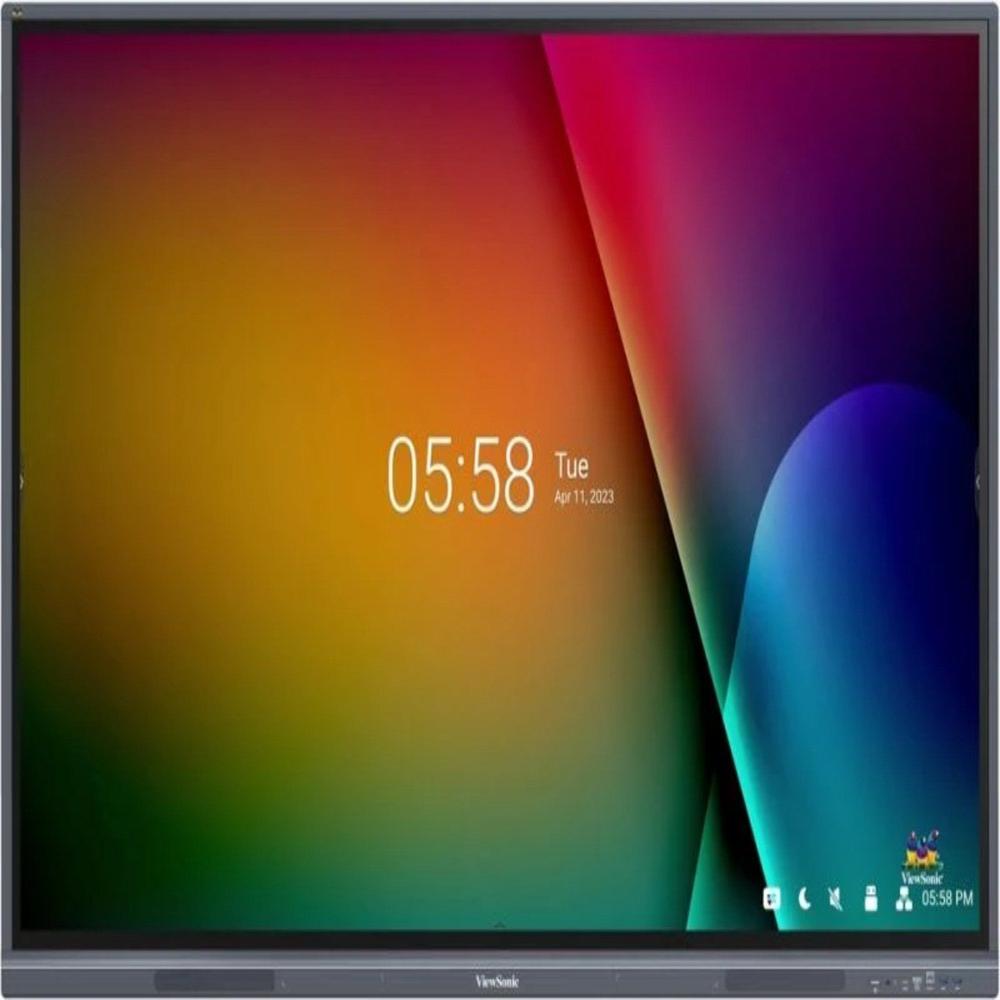
Tell us about your requirement

Price:
Quantity
Select Unit
- 50
- 100
- 200
- 250
- 500
- 1000+
Additional detail
Mobile number
Email

More Products in Interactive Panel Category
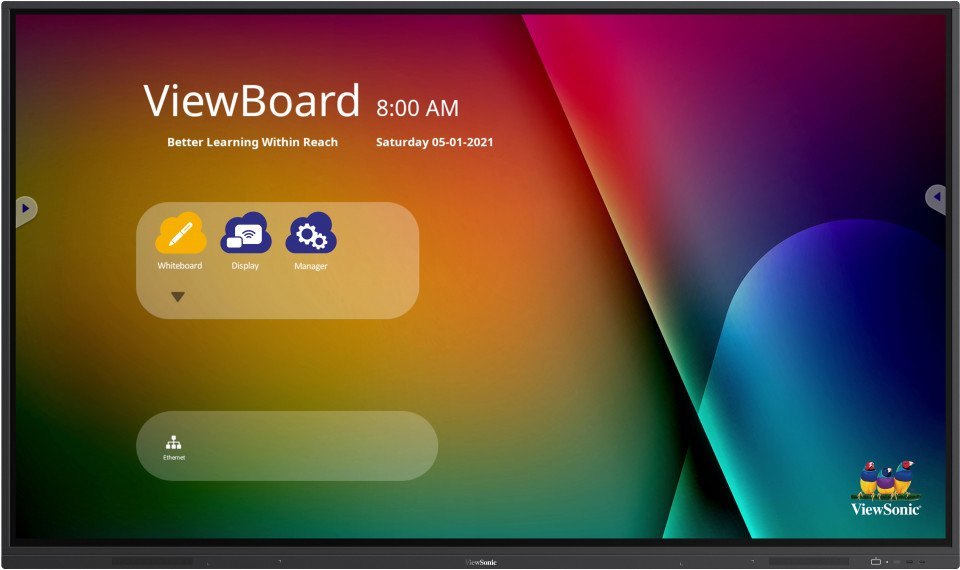
Viewsonic Interactive Flat Panel IN7501-G
Price 115000.0 INR / Piece
Minimum Order Quantity : 1 Piece
Product Type : Interactive Flat Panel
Color : Black
Power Supply : AC 100240V, 50/60Hz
Usage : Education, Business Presentations, Conference Rooms, Digital Collaboration
Viewsonic Interactive Flat Panel IN6501-2-1N
Price 100000.0 INR / Piece
Minimum Order Quantity : 1 Piece
Product Type : Interactive Flat Panel
Color : Black
Power Supply : AC 100240V, 50/60Hz
Usage : Meeting Rooms, Smart Classrooms, Presentations, Collaboration
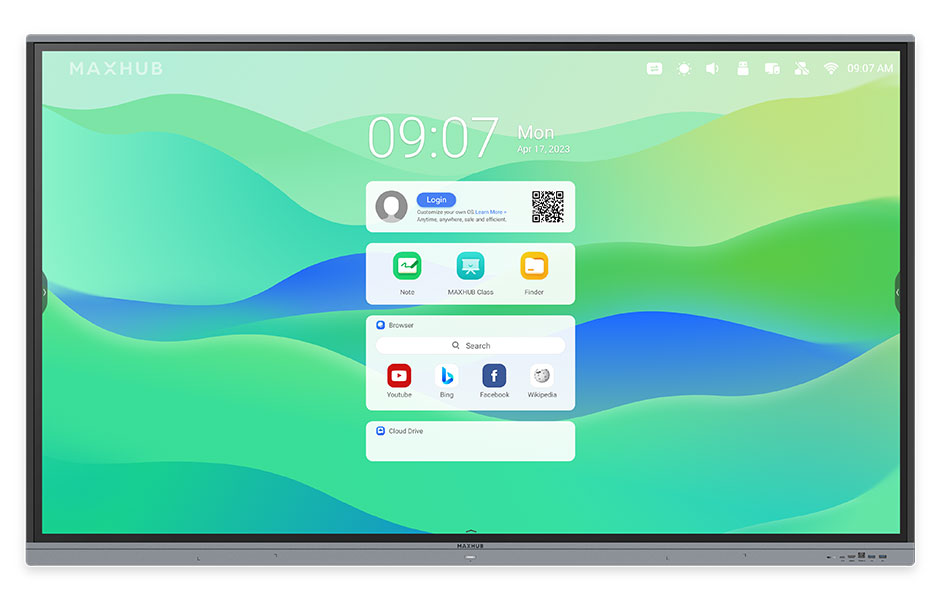
Maxhub Interactive Flat Panel E6521
Price 95000.0 INR / Piece
Minimum Order Quantity : 1 Piece
Product Type : Interactive Flat Panel
Color : Black
Power Supply : AC 100240V, 50/60Hz
Usage : Education, Conference, Presentation
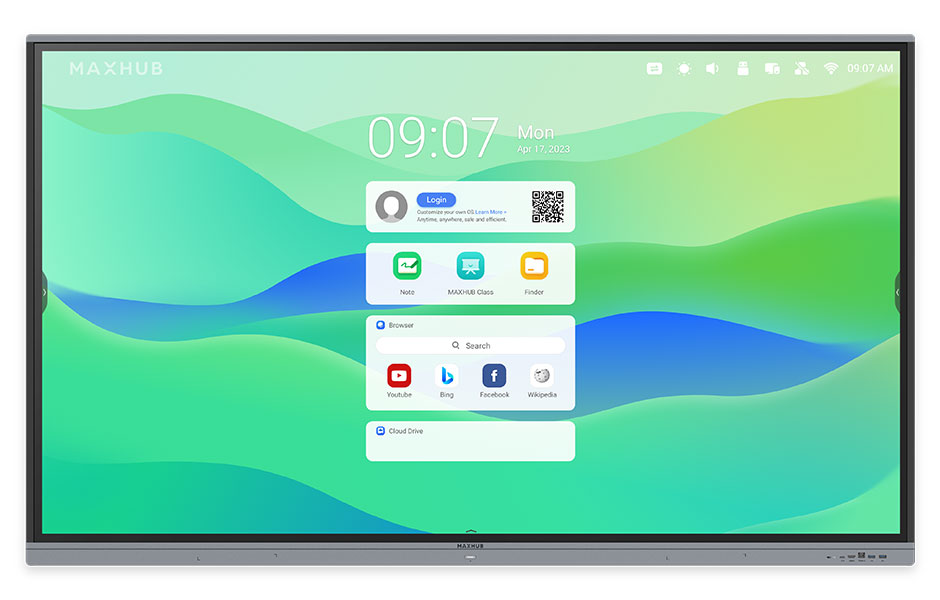
Maxhub Interactive Flat Panel E7521
Price 120000.0 INR / Piece
Minimum Order Quantity : 1 Piece
Product Type : Interactive Flat Panel
Color : Black
Power Supply : AC 100240V, 50/60Hz
Usage : Education, Office Conference, Training Rooms


- B No. 67, Ganesh Chandra Avenue -Ground Floor, Near Hind Cinema,Kolkata - 700013, West Bengal, India
- Phone : 08071781754


- Mr Ashwin Jaiswal (Proprietor)
- Mobile : 08071781754
-
 Send Inquiry
 Send Inquiry
TECHNO VIBEZ
All Rights Reserved.(Terms of Use)
Developed and Managed by Infocom Network Private Limited.
Developed and Managed by Infocom Network Private Limited.

