

 Send Inquiry
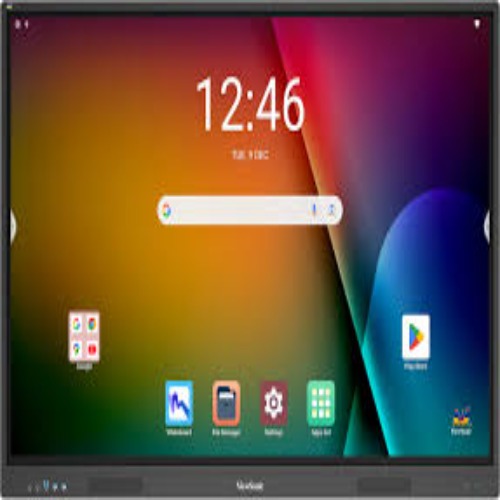
Viewsonic Interactive Flat Panel IN6501-2-1N
Price 100000.0 INR/ Piece
MOQ : 1 Piece
Viewsonic Interactive Flat Panel IN6501-2-1N Specification
- Usage
- Meeting Rooms, Smart Classrooms, Presentations, Collaboration
- Power Supply
- AC 100-240V, 50/60Hz
- Voltage
- 100-240V
- Power Consumption
- 250W
- Product Type
- Interactive Flat Panel
- Material
- High-strength aluminum frame, tempered anti-glare glass
- Size
- 65 Inch
- Style
- Flat Panel Display
- Weight
- Approx 40-45 kg
- Feature
- 4K UHD Display, Multi-touch (20 points), Wireless Screen Sharing, Built-in Android OS, Annotation Tools
- Color
- Black
- Resolution
- 3840 x 2160 (4K UHD)
- Wall Mountable
- Yes
- RAM/ROM
- 3GB RAM / 32GB ROM
- Included Accessories
- Remote Control, Wall Mount Kit, Stylus Pen, Power Cable, USB Cable
- Operating System
- Android 9.0 (built-in); supports Windows via OPS
- Touch Technology
- Infrared touch, up to 20-point touch support
- Supported File Formats
- JPEG, BMP, PNG, MP3, MP4, PDF, Office files (via embedded apps)
- Connectivity
- HDMI, VGA, USB 2.0/3.0, LAN, RS232, Audio In/Out, WiFi
- Audio Output
- 2 x 15W speakers
- Viewing Angle
- 178
- Aspect Ratio
- 16:9
- Brightness
- 350-400 nits
- Response Time
- 8 ms
- Panel Life
- 50,000 hours
- Contrast Ratio
- 4000:1
Viewsonic Interactive Flat Panel IN6501-2-1N About
Google certified EDLA with access to Google apps on Android 14 Advanced security controls and compliance standards that safeguard your data Efficient data transfer with the USB-C port Expandable micro-SD storage options for superior performance and flexibility. Smart AI for enhanced interaction in classrooms and boardrooms.Exceptional 4K UHD Visual Clarity
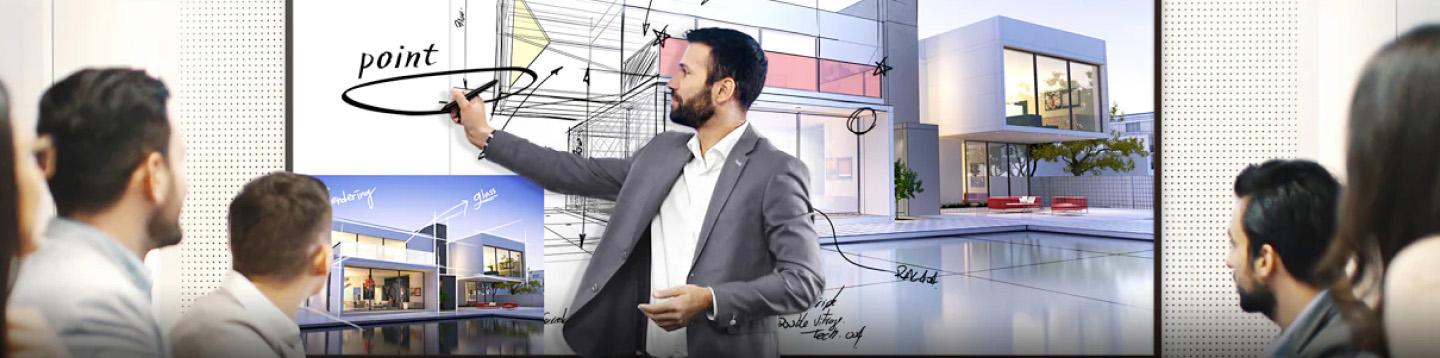
With its 3840 x 2160 resolution and 65-inch display, the IN6501-2-1N delivers crisp and vivid visuals. The 4000:1 contrast ratio, 350-400 nits brightness, and 178-degree wide viewing angle ensure everyone in the room sees clear and engaging content, even in well-lit environments.
Seamless Multi-User Collaboration
The advanced infrared touch technology allows up to 20 users to interact simultaneously. Whether annotating on presentations, brainstorming, or navigating content, this interactive panel fosters teamwork in classrooms and meeting spaces with accuracy and responsiveness.
Versatile Connectivity and File Support
Equipped with HDMI, VGA, multiple USB ports, RS232, LAN, audio in/out, and WiFi, the IN6501-2-1N accommodates a broad range of devices. Easily share content and access files through the built-in Android OS or connect Windows PCs via OPS for enhanced versatility.
FAQ's of Viewsonic Interactive Flat Panel IN6501-2-1N:
Q: How does the infrared touch technology benefit users in collaborative settings?
A: The infrared touch technology supports up to 20-point multi-touch, allowing multiple users to write, draw, and interact with the panel at once. This capability enhances group collaboration, enabling more dynamic meetings and engaging classroom experiences.Q: What file formats are supported by the IN6501-2-1N for presentations and media?
A: The panel supports a wide variety of formats, including JPEG, BMP, PNG, MP3, MP4, PDF, and Office files through embedded applications, making it suitable for multimedia presentations and interactive teaching materials.Q: When is it recommended to use the built-in Android OS versus connecting an external Windows device?
A: Use the built-in Android 9.0 OS for quick access to basic apps, wireless screen sharing, and annotation tools. Switch to an external Windows device via the OPS slot when advanced software or Windows-specific applications are needed.Q: Where can the Viewsonic IN6501-2-1N be installed, and is it wall mountable?
A: The panel is designed for installation in environments like meeting rooms and smart classrooms. It comes with an included wall mount kit, making secure installation straightforward on most standard walls.Q: What is the process for connecting external devices to the panel?
A: External devices such as laptops, PCs, or media players can be connected via HDMI, VGA, or USB ports. Wireless connections are also supported for seamless screen sharing, enhancing meeting efficiency and lesson interactivity.Q: Is the IN6501-2-1N suitable for long-term, frequent use?
A: Yes, the panel is constructed with high-strength aluminum and tempered anti-glare glass, offering a panel life of up to 50,000 hours. Its durable build and reliable performance are ideal for heavy use in classrooms and offices.Q: What are the main benefits of using this interactive flat panel for presentations and collaboration?
A: Key benefits include ultra-clear 4K UHD visuals, intuitive multi-touch collaboration, wireless screen sharing, and versatility with supported file formats. It streamlines group work, boosts participation, and enhances the quality of presentations.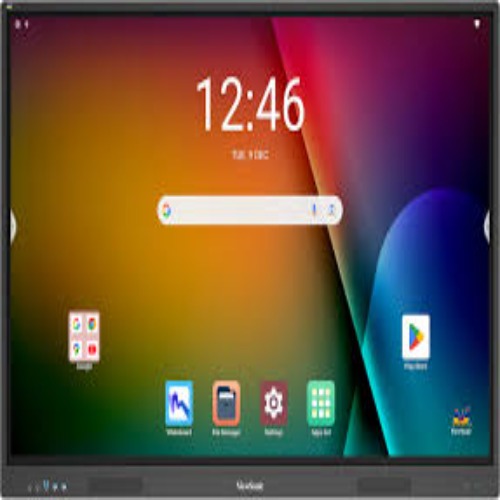
Tell us about your requirement

Price:
Quantity
Select Unit
- 50
- 100
- 200
- 250
- 500
- 1000+
Additional detail
Mobile number
Email

More Products in Interactive Panel Category
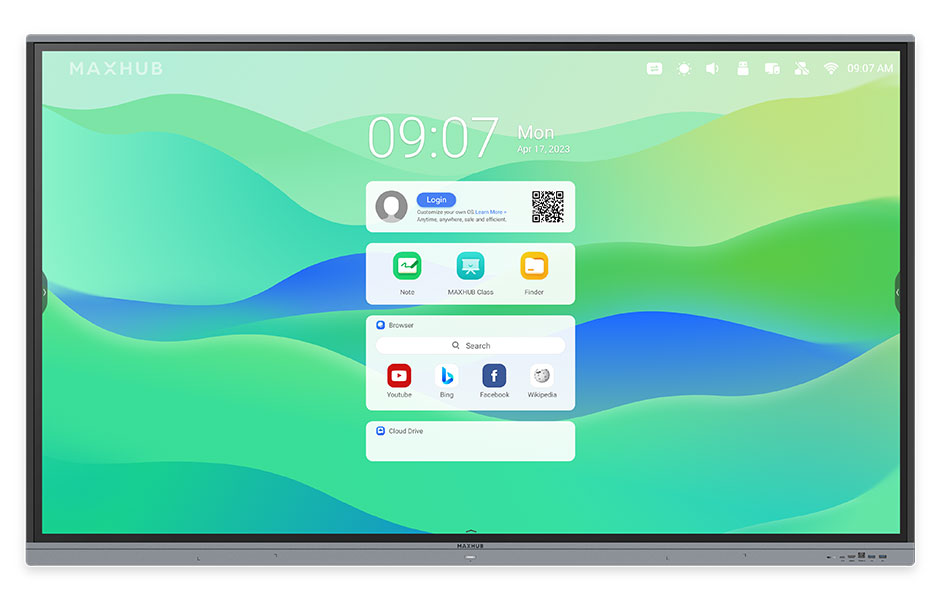
Maxhub Interactive Flat Panel 75inch E3 Series
Price 125000.0 INR / Piece
Minimum Order Quantity : 1 Piece
Power Supply : AC 100240V, 50/60Hz
Size : 75 Inch
Product Type : Interactive Flat Panel
Material : Aluminum Frame, Tempered Glass
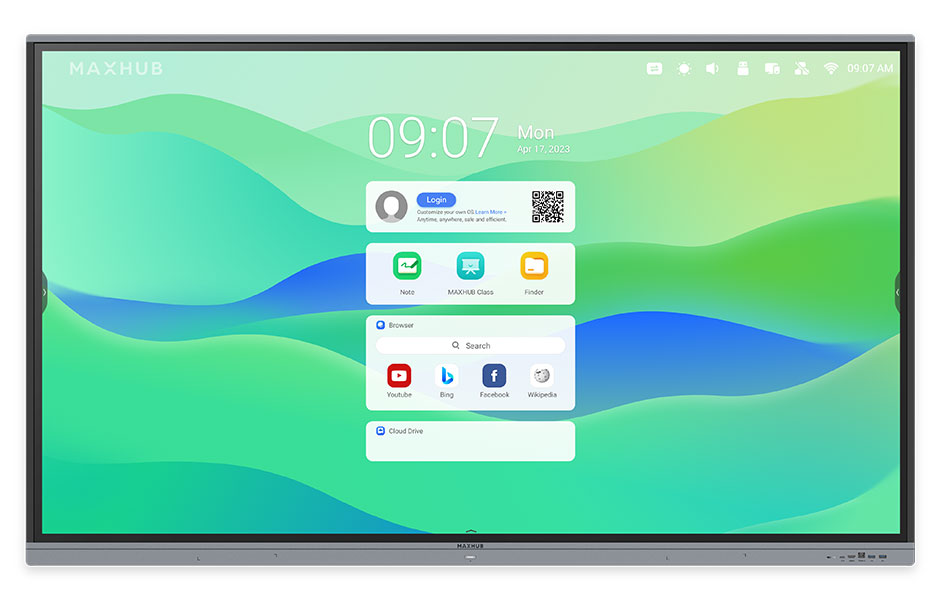
Maxhub Interactive Flat Panel E8621
Price 190000.0 INR / Piece
Minimum Order Quantity : 1 Piece
Power Supply : AC 100240V, 50/60Hz
Size : 86 Inch
Product Type : Interactive Flat Panel
Material : Metal Frame, Tempered Glass
Viewsonic Interactive Flat Panel IN6501-2-1N
Price 100000.0 INR / Piece
Minimum Order Quantity : 1 Piece
Power Supply : AC 100240V, 50/60Hz
Size : 65 Inch Display
Product Type : Interactive Flat Panel
Material : Toughened Glass, Metal Frame
Maxhub 75 inch Interactive FLat Panel - E7520C
Price 130000 INR / Piece
Minimum Order Quantity : 1 Piece
Power Supply : Electric
Size : 75"
Product Type : Touch Screen Panel
Material : Plastic


- B No. 67, Ganesh Chandra Avenue -Ground Floor, Near Hind Cinema,Kolkata - 700013, West Bengal, India
- Phone : 08071781754


- Mr Ashwin Jaiswal (Proprietor)
- Mobile : 08071781754
-
 Send Inquiry
 Send Inquiry
TECHNO VIBEZ
All Rights Reserved.(Terms of Use)
Developed and Managed by Infocom Network Private Limited.
Developed and Managed by Infocom Network Private Limited.

