


 Send Inquiry
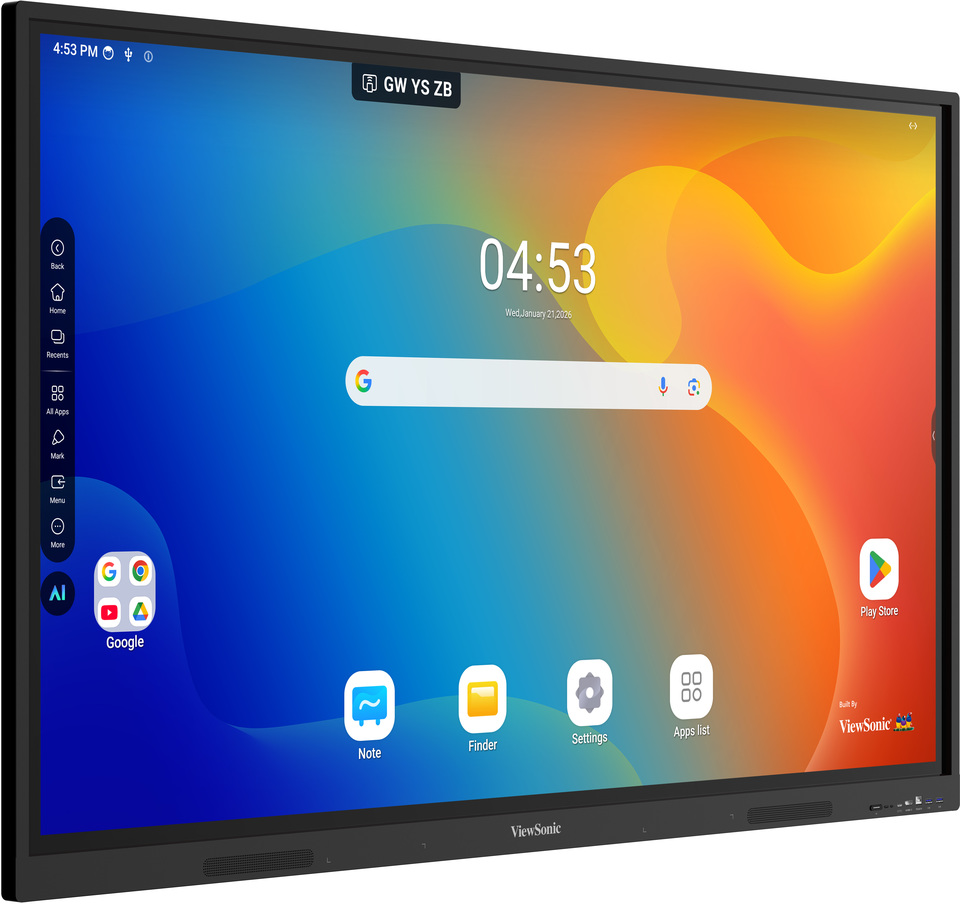
Viewsonic Interactive Flat Panel IN7501-G
Price 115000.0 INR/ Piece
MOQ : 1 Piece
Viewsonic Interactive Flat Panel IN7501-G Specification
- Usage
- Education, Business Presentations, Conference Rooms, Digital Collaboration
- Power Supply
- AC 100-240V, 50/60Hz
- Power Consumption
- Typical: 220W; Maximum: 470W; Standby: < 0.5W
- Voltage
- 100-240V
- Product Type
- Interactive Flat Panel
- Material
- Tempered Glass, Metal Frame
- Size
- 75 Inch
- Style
- Modern
- Weight
- Approx. 52 kg
- Feature
- 4K UHD Resolution, Multi-touch, Built-in Android, Wireless Sharing, Anti-glare, Pen Tray, Dual OS Support
- Color
- Black
- Camera
- Optional
- Operating System
- Android 8.0 Embedded, Optional Windows with Slot-in PC
- WiFi Module
- Optional via USB Dongle
- Viewing Angle
- 178 (Horizontal/Vertical)
- HDMI Ports
- 3 x HDMI (2.0)
- Speaker Output
- 2 x 16W
- Operating Temperature
- 0C to 40C
- Response Time
- 8 ms
- Brightness
- 350 nits
- Wall Mount
- VESA Compatible (800 x 600 mm)
- VGA Input
- 1 x VGA
- Storage Temperature
- -20C to 60C
- Pen Support
- 2 Stylus Included
- USB Ports
- 4 x USB 3.0, 2 x USB 2.0
- Aspect Ratio
- 16:9
- Contrast Ratio
- 5000:1
- Panel Type
- VA LCD Panel
- Touch Technology
- Infrared (IR) Touch, 40-point Touch
- LAN Connectivity
- 1 x RJ45
- Display Resolution
- 3840 x 2160 (Ultra HD 4K)
Viewsonic Interactive Flat Panel IN7501-G About
Panel Size:75"Panel Type:TFT LCD Module with DLED Backlight, ADS
Display Area (mm):1649.664(H) 927.936(V)
Aspect Ratio:16:9
Resolution:UHD 3840x2160(Pixels)
Colors:1.07B colors
Brightness:450 nits
Contrast Ratio:5000:1
Response Time:8ms
Viewing Angles:H=178, V=178
Backlight Life:50,000 Hours
Surface Treatment:Hardness: 9H Anti-glare coating
Orientation:Landscape
Processor:Octa-core ARM Cortex (A55*8 )
RAM:8GB DDR4
Storage:128GB
RAM:8GB DDR4
Storage:128GB
Type/ Tech:Ultra Fine Touch Technology
Touch Point:Windows: 40 Android: 40
Touch Point:Windows: 40 Android: 40
HDMI:x3 (Frontx1:HDMI2.0 ; Rearx2 [(HDMI2.0 with CEC/ARC)x1, (HDMI2.0 with CEC)x1]
RGB / VGA:x1
Audio:x1
RS232:x1
OPS:x1 (Optional Intel Standard OPS)
WiFi:x1(Built-in)
RGB / VGA:x1
Audio:x1
RS232:x1
OPS:x1 (Optional Intel Standard OPS)
WiFi:x1(Built-in)
Crisp 4K UHD Visuals and Multi-Touch Capability
Experience stunning clarity with the IN7501-G's 3840 x 2160 4K Ultra HD resolution and a high contrast ratio of 5000:1. The 40-point infrared touch technology enables smooth, simultaneous interactivity for multiple users, making it perfect for group activities and brainstorming sessions.
Versatile OS and Seamless Connectivity
The panel comes with Android 8.0 embedded, ensuring access to a suite of educational and productivity apps out of the box. For advanced computing, add an optional slot-in Windows PC. Ample HDMI, USB, and LAN ports, along with optional WiFi and camera support, guarantee seamless integration in various environments.
Durability and Flexibility for Modern Spaces
Featuring tempered glass and a sturdy metal frame, the panel withstands daily use in busy environments. The VESA-compatible wall mount (800 x 600 mm) allows straightforward installation, and dual styluses empower interactive lessons, digital collaboration, and impressive presentations with ease.
FAQ's of Viewsonic Interactive Flat Panel IN7501-G:
Q: How do I connect the IN7501-G to the internet or a local network?
A: You can connect the IN7501-G to a wired network using the RJ45 LAN port. For wireless connectivity, simply attach the optional WiFi module via USB dongle to enable internet access and wireless sharing.Q: What is the process to switch between Android and Windows operating systems?
A: The ViewSonic IN7501-G comes with Android 8.0 embedded for instant use. If a slot-in Windows PC module is installed, you can switch between Android and Windows directly from the main interface, allowing flexibility for different tasks or user preferences.Q: Where can the ViewSonic IN7501-G be installed?
A: This interactive flat panel is ideal for classrooms, business presentation rooms, conference spaces, and collaborative digital environments. Its VESA-compatible wall mount makes installation easy on most sturdy walls in both educational and professional settings.Q: What are the benefits of the panel's 40-point touch and infrared technology?
A: The 40-point infrared touch lets multiple users interact with the screen at once, which is perfect for collaborative activities. The precise touch response ensures smooth writing or drawing with included styluses, enhancing engagement in group lessons or meetings.Q: When should the optional accessories like WiFi module or camera be considered?
A: Optional accessories such as the WiFi module are recommended when wireless connectivity or screen sharing is necessary. The camera can be added for video conferencing needs, making the panel more versatile in digital collaboration or remote learning environments.Q: How does the tempered glass and metal frame construction add value?
A: The robust tempered glass provides durability and scratch resistance, essential for high-traffic areas, while the sturdy metal frame ensures longevity and modern aesthetics for professional spaces.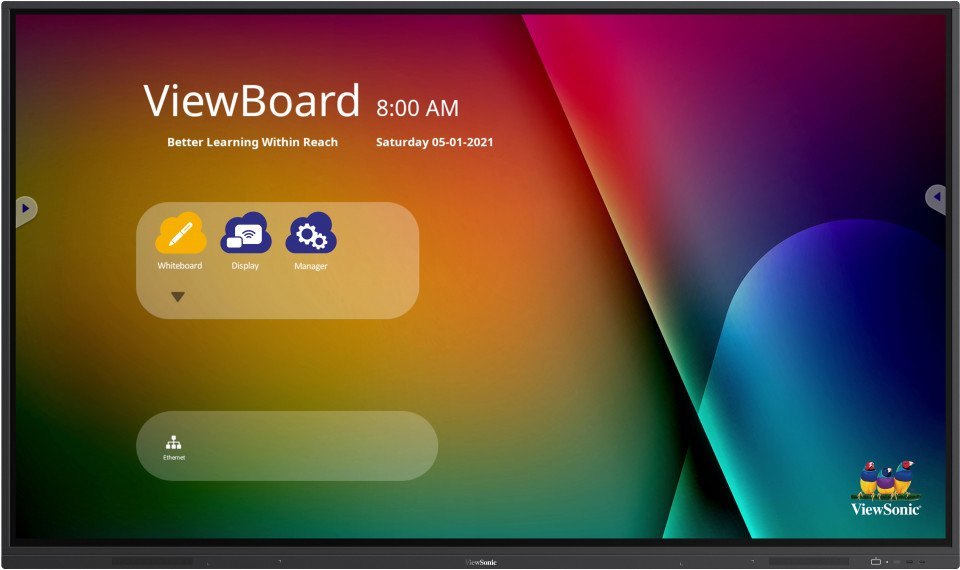
Tell us about your requirement

Price:
Quantity
Select Unit
- 50
- 100
- 200
- 250
- 500
- 1000+
Additional detail
Mobile number
Email

More Products in Interactive Panel Category
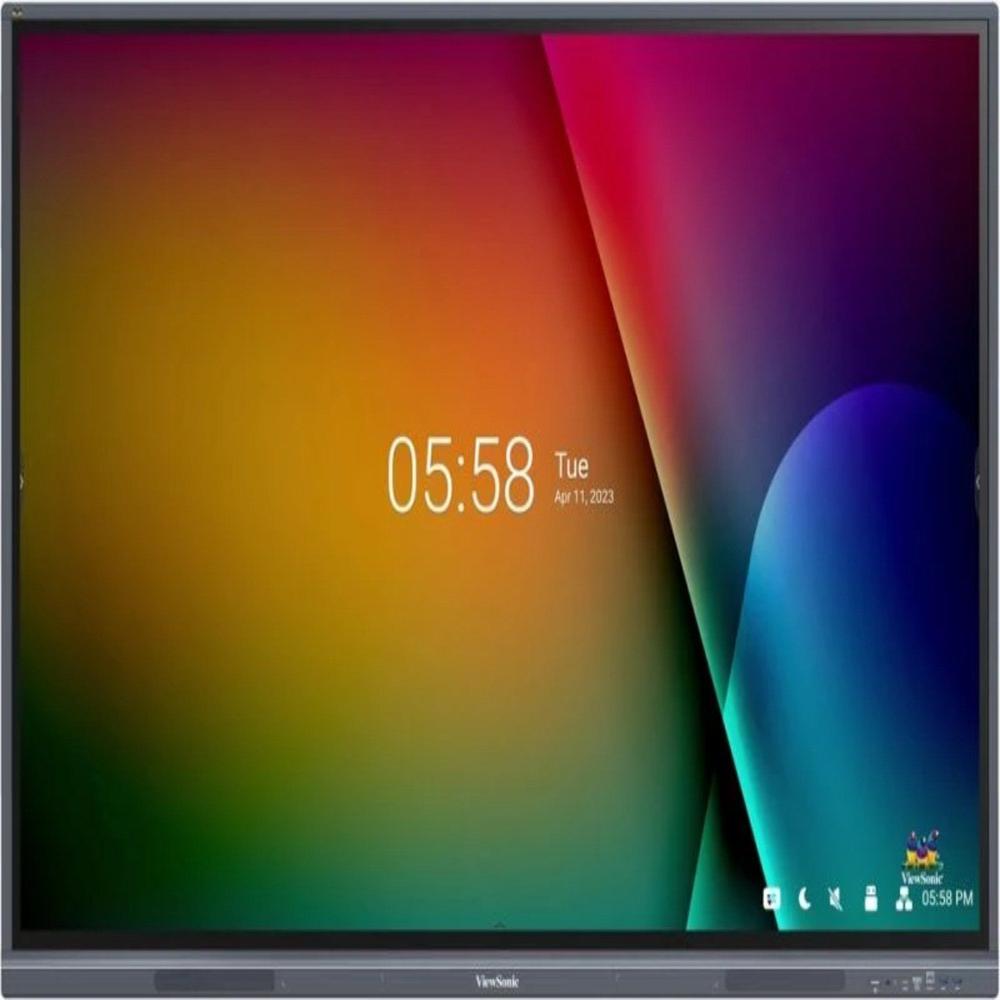
Viewsonic Interactive Flat Panel 110inch
Price 1800000.0 INR / Piece
Minimum Order Quantity : 1 Piece
Feature : 4K UHD Display, Multitouch Support, Builtin Android System, Antiglare Surface
Product Type : Interactive Flat Panel
Style : Slim Bezel Modern Design
Voltage : 220V (Typical)
Interactive Digital Board
Price 200000 INR / Piece
Minimum Order Quantity : 1 Piece
Feature : MultiTouch Support, Wireless Connectivity, AntiGlare, Remote Collaboration
Product Type : Interactive Digital Board
Style : WallMount or Stand Mount
Voltage : 110240V AC
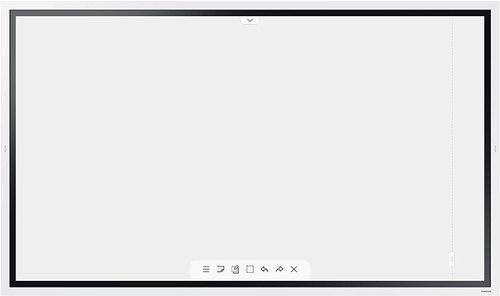
Samsung 55 inch Flip 2.0 Display Panel
Price 160000 INR / Piece
Minimum Order Quantity : 1 Piece
Feature : Touchscreen, Digital Writing, Multiuser Collaboration, UHD Resolution, Wireless Connectivity
Product Type : Interactive Display Panel
Style : Sleek and Modern
Voltage : 100~240V
Viewsonic Interactive Flat Panel IN8605-N
Price 160000.0 INR / Piece
Minimum Order Quantity : 1 Piece
Feature : 4K UHD, Touchscreen, MultiUser Collaboration
Product Type : Interactive Flat Panel
Style : Wall Mount or Stand Supported
Voltage : AC 100240V


- B No. 67, Ganesh Chandra Avenue -Ground Floor, Near Hind Cinema,Kolkata - 700013, West Bengal, India
- Phone : 08071931135


- Mr Ashwin Jaiswal (Proprietor)
- Mobile : 08071931135
-
 Send Inquiry
 Send Inquiry
TECHNO VIBEZ
All Rights Reserved.(Terms of Use)
Developed and Managed by Infocom Network Private Limited.
Developed and Managed by Infocom Network Private Limited.

