


 Send Inquiry
Samsung 55 inch Flip 2.0 Display Panel
Price 160000 INR/ Piece
MOQ : 1 Piece
Samsung 55 inch Flip 2.0 Display Panel Specification
- Power Supply
- AC 100~240V 50/60Hz
- Power Consumption
- 180W
- Voltage
- 100~240V
- Usage
- Collaborative Whiteboard, Meetings, Classrooms, Presentations
- Product Type
- Interactive Display Panel
- Material
- Premium Quality LCD
- Size
- 55 inch
- Style
- Sleek and Modern
- Weight
- 28 Kilograms (kg)
- Feature
- Touchscreen, Digital Writing, Multi-user Collaboration, UHD Resolution, Wireless Connectivity
- Color
- Black
- Touch Technology
- InGlass
- Viewing Angle
- 178°/178°
- Speaker Output
- 10W
- Dimensions (without stand)
- 1297.4 x 769.8 x 50.5 mm
- Compatible Devices
- Windows, Android, iOS
- Mounting Option
- Wall Mountable
- Response Time
- 8 ms
- Panel Type
- Edge LED
- Brightness
- 350 cd/m²
- Operating Humidity
- 10% ~ 80%
- Refresh Rate
- 60 Hz
- Screen Resolution
- 3840 x 2160 (UHD)
- Operating System
- Tizen 5.0
- Storage Temperature
- -20°C ~ 60°C
- Internal Memory
- 8GB
- Protection Glass
- Tempered Glass
- Connectivity
- HDMI, USB, RJ45, Wi-Fi
Samsung 55 inch Flip 2.0 Display Panel About
The 55" Flip 2 InGlass Touch Display from Samsung is a digital flipchart designed for any meeting environment. There are HDMI and USB inputs for connectivity and this display supports touch and RS-232C control. Pen-to-paper-like writing in a variety of colors, styles, and widths. Brush mode allows users to create art at the stroke of a brush in watercolor and oil painting modes. Up to four people can write simultaneously and erase drawings with a finger or palm swipe. Note layer button allows users to enjoy smooth writing anytime, anywhere on any content displayed, without affecting any work behind the original layer. Quickly and easily select, move, crop, capture, and edit any image.
Specifications:
- Diagonal Size : 55 inch
- Type : 60Hz New Edge
- Resolution : 3840*2160
- Brightness : 350 (without glass), 220 (with glass) nit
- Contrast Ratio : 4000:1
Immersive 4K UHD Touch Experience
Enjoy stunning visuals with the panels UHD 3840 x 2160 resolution and vibrant brightness of 350 cd/m. Thanks to InGlass touch technology and a wide 178 viewing angle, writing and drawing are highly responsive and visible from anywhere in the room, allowing multiple users to collaborate in real time.
Seamless Connectivity and Compatibility
Connect effortlessly to Windows, Android, or iOS devices with versatile options like HDMI, USB, RJ45, and Wi-Fi. The Flip 2.0 supports both wired and wireless connectivity, making it simple to integrate into any environment. With 8GB of internal memory, you can store and manage files directly on the device.
Designed for Modern Collaboration
The sleek, wall-mountable design and robust speaker output of 10W enhance meetings and classrooms. Its digital writing, multi-user collaboration features, and durable tempered glass make it suitable for high-traffic spaces, ensuring productivity and safety in every session.
FAQs of Samsung 55 inch Flip 2.0 Display Panel:
Q: How does the Samsung Flip 2.0s touch technology enhance collaboration during meetings and presentations?
A: The Flip 2.0 uses InGlass touch technology, which allows for smooth, precise writing and supports multi-user input. This means several participants can draw or write simultaneously, making it ideal for brainstorming sessions and collaborative work.Q: What steps are involved in setting up the Samsung 55 inch Flip 2.0 Display Panel?
A: To set up, simply mount the panel on a wall using the appropriate fixture, connect it to power (AC 100~240V), and utilize HDMI, USB, RJ45, or Wi-Fi for device integration. Once powered on, the Tizen 5.0 operating system guides you through the initial setup, making configuration straightforward.Q: When should I use the Flip 2.0 as part of my workflow?
A: The Flip 2.0 is perfect for meetings, classrooms, presentations, and collaborative brainstorming sessions. Its interactive functions help visualize concepts, annotate documents, and capture feedback instantly, streamlining both teaching and professional processes.Q: Where can the Samsung Flip 2.0 panel be effectively installed?
A: It can be wall-mounted in conference rooms, classrooms, team workspaces, and collaborative areas. Its modern, sleek design and robust tempered glass suit high-traffic or professional environments, ensuring durability and safety in use.Q: What are the main benefits of using the Samsung 55 inch Flip 2.0 for collaboration?
A: Key advantages include ultra-clear UHD resolution, real-time interactive touch, wireless connectivity, compatibility with major operating systems, and intuitive digital writing capabilities, supporting productive group discussions and fostering creativity.Q: How can I connect my mobile device or laptop to the Flip 2.0 for content sharing?
A: You can connect via HDMI or USB for wired sharing, or utilize built-in Wi-Fi for wireless transfers. The Flip 2.0 is compatible with Windows, Android, and iOS devices, making file sharing and screen mirroring straightforward.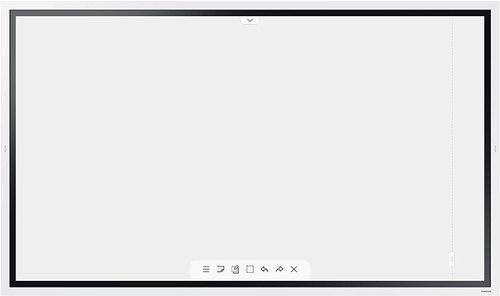
Tell us about your requirement

Price:
Quantity
Select Unit
- 50
- 100
- 200
- 250
- 500
- 1000+
Additional detail
Mobile number
Email

More Products in Interactive Panel Category
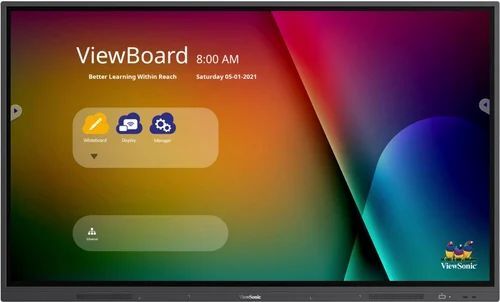
Viewsonic Interactive Flat Panel - IFP7532-2
Price 145000 INR / Piece
Minimum Order Quantity : 1 Piece
Color : Black
Size : 75 inch
Weight : 51.8 Kilograms (kg)
Power Supply : AC 100240V, 50/60Hz
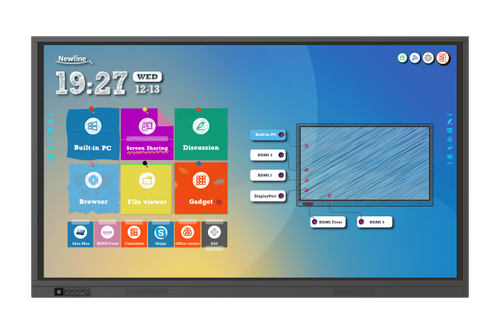
75 Newline Interactive Panel
Price 150000 INR / Piece
Minimum Order Quantity : 1 Piece
Color : Black
Size : 75 inches
Weight : Approx. 45 kg
Power Supply : AC 100240V 50/60Hz
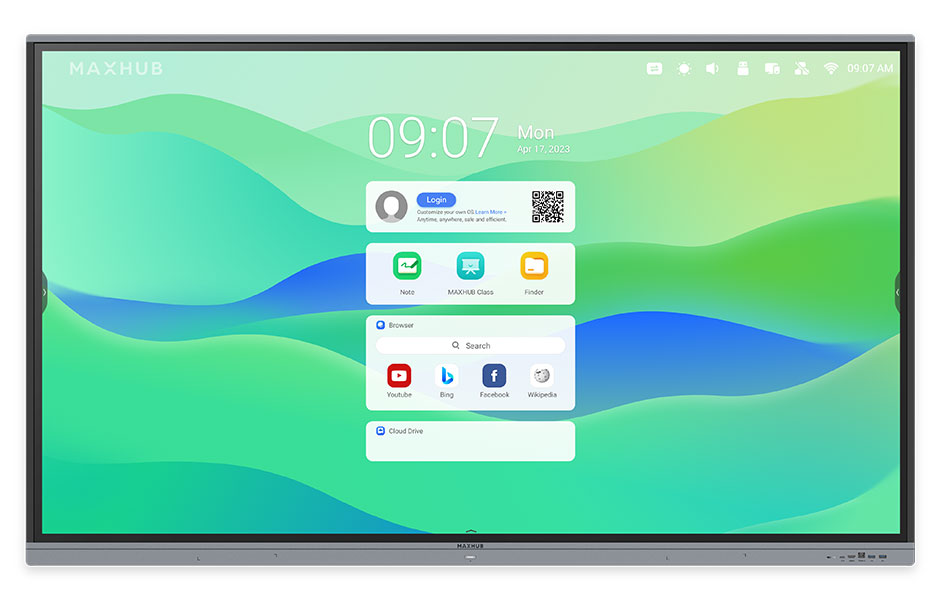
Maxhub Interactive Flat Panel E8621
Price 190000.0 INR / Piece
Minimum Order Quantity : 1 Piece
Color : Black
Size : 86 Inch
Weight : Approx. 62 kg
Power Supply : AC 100240V, 50/60Hz
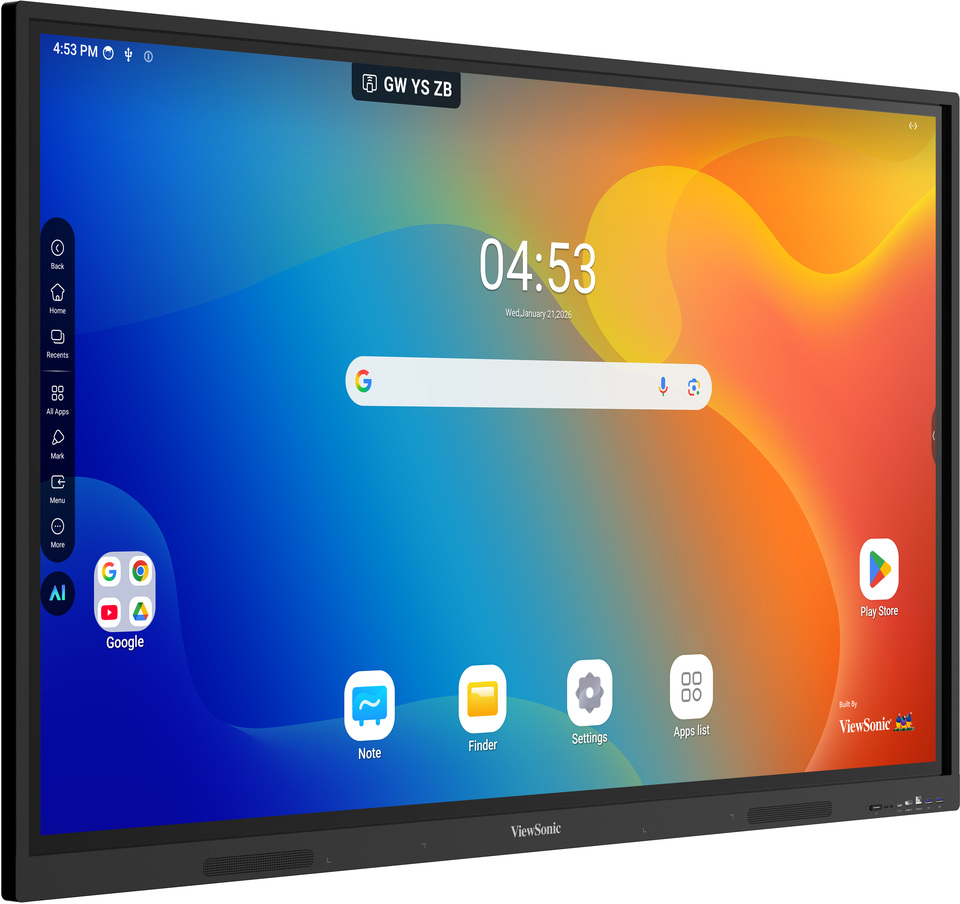
Viewsonic Interactive Flat Panel IN7505-N
Price 120000.0 INR / Peice
Minimum Order Quantity : 1 Peice
Color : Black
Size : 75 Inch
Weight : Approx. 54 kg
Power Supply : AC 100240V, 50/60Hz


- B No. 67, Ganesh Chandra Avenue -Ground Floor, Near Hind Cinema,Kolkata - 700013, West Bengal, India
- Phone : 08071931135


- Mr Ashwin Jaiswal (Proprietor)
- Mobile : 08071931135
-
 Send Inquiry
 Send Inquiry
TECHNO VIBEZ
All Rights Reserved.(Terms of Use)
Developed and Managed by Infocom Network Private Limited.
Developed and Managed by Infocom Network Private Limited.

