

 Send Inquiry
75inch Samsung Interactive Flat Panel WA75FX-P
Price 185000.0 INR/ Piece
MOQ : 1 Piece
75inch Samsung Interactive Flat Panel WA75FX-P Specification
- Power Supply
- AC 100-240V, 50/60Hz
- Power Consumption
- 400W
- Voltage
- 100-240 V
- Usage
- Education, Business, Meeting Rooms, Presentation
- Product Type
- Interactive Flat Panel
- Material
- Tempered Glass and Metal Body
- Size
- 75 Inch
- Style
- Wall Mount / Stand Mount
- Weight
- Approx. 56 kg
- Feature
- Touch Panel, Multi-Touch, Wireless Screen Sharing, Android OS, UHD Display
- Color
- Black / Grey
- Aspect Ratio
- 16:9
- Working Temperature
- 0C - 40C
- Wall Mount Support
- VESA Standard Compatible
- Camera Support
- Optional Modular Camera
- Touch Technology
- Infrared Touch
- Response Time
- Less than 5ms
- Contrast Ratio
- 4000:1
- Viewing Angle
- 178 (H/V)
- Language Support
- Multi-Language UI
- Wireless Connectivity
- Wi-Fi, Bluetooth
- Integrated Software
- Whiteboard, Note, Web Browser, Annotation, File Manager
- Audio Output
- 2 x 15W Built-in Speakers
- Pen Type
- Passive Stylus, Dual Pen Recognition
- Touch Points
- Up to 20 Points
- Bezel Width
- 13.5 mm
- Operating System
- Android 11 (Built-in), Optional Windows with OPS
- Inputs
- HDMI x 3, USB x 3, VGA, LAN (RJ45), Audio In/Out, RS232
- Brightness
- 350 cd/m2
- Display Resolution
- 3840 x 2160 (4K UHD)
75inch Samsung Interactive Flat Panel WA75FX-P Trade Information
- Minimum Order Quantity
- 1 Piece
- Delivery Time
- 5-7 Days
About 75inch Samsung Interactive Flat Panel WA75FX-P
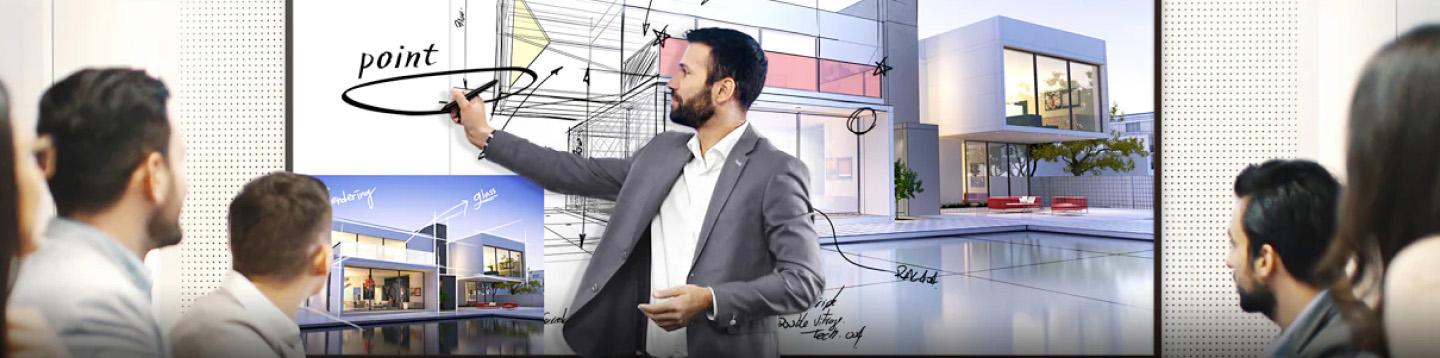
Introducing the WAFX-P series, a next-generation interactive display built for both classrooms and meeting rooms. Powered by Android 15 and a high-performance Octa-core CPU, it delivers a fast, intuitive experience for accessing essential apps and tools. As an EDLA-certied device, WAFX-P provides ofcial access to Google apps and services. It also features a built-in 48MP camera, far-eld mic, dual 20W speakers with woofer, and embedded AI functionsenabling seamless teaching, presenting, and collaboration with no extra setup.Premium 4K UHD Visual Experience
Experience vibrant, crystal-clear visuals with a 3840 x 2160 resolution and 350 cd/m2 brightness on the 75-inch Samsung Interactive Flat Panel. The 178 wide viewing angle ensures remarkable clarity from every seat, making presentations and lessons more engaging.
Advanced Touch and Writing Capabilities
Featuring infrared touch technology and supporting up to 20 simultaneous touch points, this flat panel enables ultra-responsive, smooth interactions. Dual pen recognition and passive stylus compatibility empower users to annotate, draw, and collaborate with precision.
Seamless Connectivity and Integration
With built-in Wi-Fi, Bluetooth, and various input options-HDMI, USB, VGA, and LAN-the panel connects effortlessly to multiple devices. Modular camera support enhances remote meetings, while wall and stand mounting options provide flexibility in any space.
FAQ's of 75inch Samsung Interactive Flat Panel WAFX-P:
Q: How does the Samsung Interactive Flat Panel enhance collaboration in meetings and classrooms?
A: The 75-inch panel enables up to 20 simultaneous touch points and supports dual pen recognition, allowing multiple users to interact, annotate, and collaborate in real-time, making group activities more dynamic and engaging.Q: What are the main connectivity options available on the WAFX-P model?
A: This model offers three HDMI inputs, three USB ports, VGA, LAN (RJ45), audio in/out, RS232 for control, wireless connectivity through Wi-Fi and Bluetooth, and optional camera support for flexible classroom and meeting setups.Q: When should the panel be mounted on a wall versus using a stand?
A: Wall mounting is ideal for permanent installations in classrooms or conference rooms, ensuring efficient space use. Using a stand offers mobility, which is beneficial for multi-purpose spaces where the panel needs to be relocated frequently.Q: Where can the Samsung Interactive Flat Panel be effectively utilized?
A: It is designed for diverse environments such as educational institutions, business offices, meeting rooms, and presentation halls, thanks to its large size, robust build, and integrated software for teaching and collaboration.Q: What are the key steps to set up the WAFX-P for first-time use?
A: Begin by securely mounting the panel (using VESA standard support), power it on, connect to Wi-Fi or LAN, and complete the Android setup. Connect additional devices via HDMI, USB, or wireless screen sharing to start utilizing its features.Q: How does the built-in Android 11 operating system benefit users?
A: Android 11 allows users to access integrated software tools such as the whiteboard, annotation, web browser, and file manager directly from the panel, eliminating the need for external computers for most operations.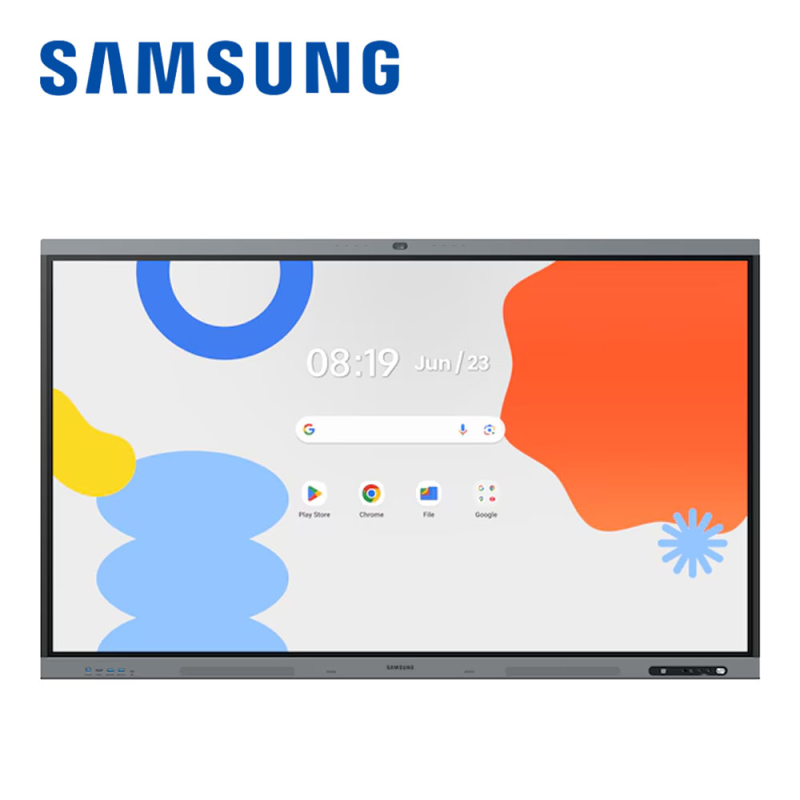
Tell us about your requirement

Price:
Quantity
Select Unit
- 50
- 100
- 200
- 250
- 500
- 1000+
Additional detail
Mobile number
Email

More Products in Interactive Panel Category
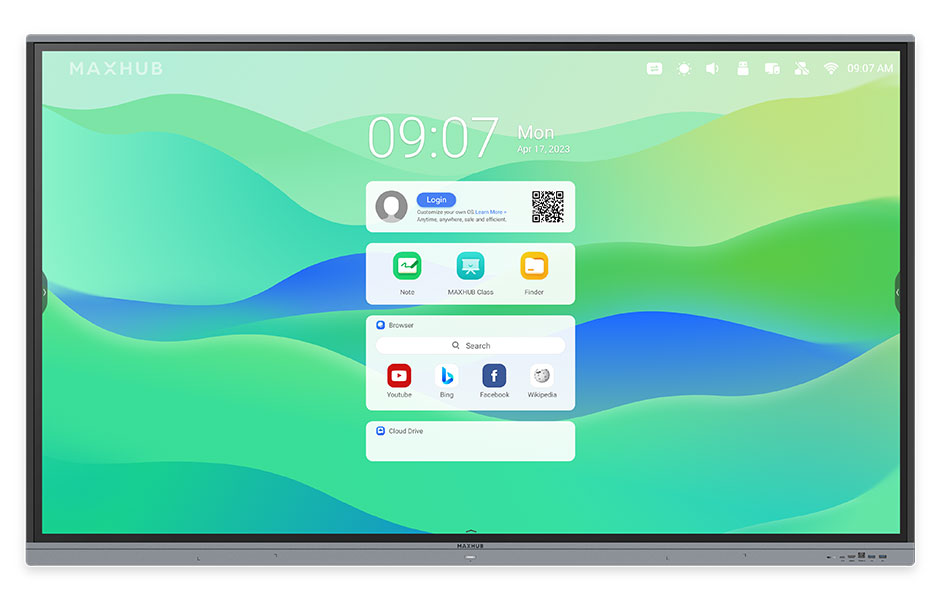
Maxhub Interactive Flat Panel 75inch E3 Series
Price 125000.0 INR / Piece
Minimum Order Quantity : 1 Piece
Material : Aluminum Frame, Tempered Glass
Color : Black
Style : Modern
Usage : Meeting Room, Classroom, Conference
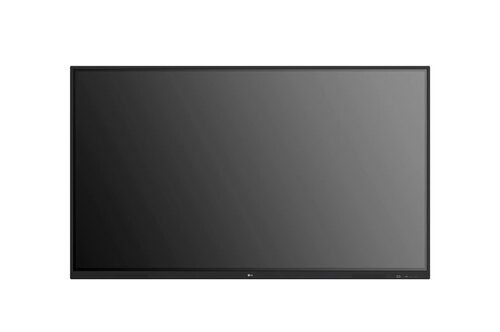
Benq 86Inch Interactive Flat Panel
Price 190000 INR / Piece
Minimum Order Quantity : 1 Piece
Material : Aluminum Frame, Tempered Glass
Color : Black
Style : Wall Mount, Slim Bezel
Usage : Conference Rooms, Classrooms, Digital Presentation
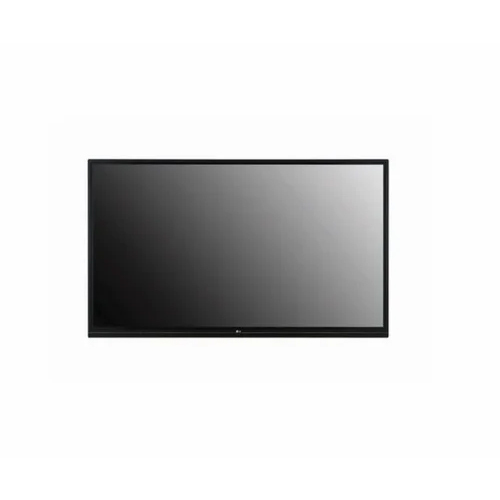
86inch LG Interactive Flat Panel TR3ER
Price 180000.0 INR / Piece
Minimum Order Quantity : 1 Piece
Material : Tempered Glass, Metal Frame
Color : Black
Style : Wallmount / Standmount
Usage : Education, Corporate, Conference Rooms, Smart Classrooms
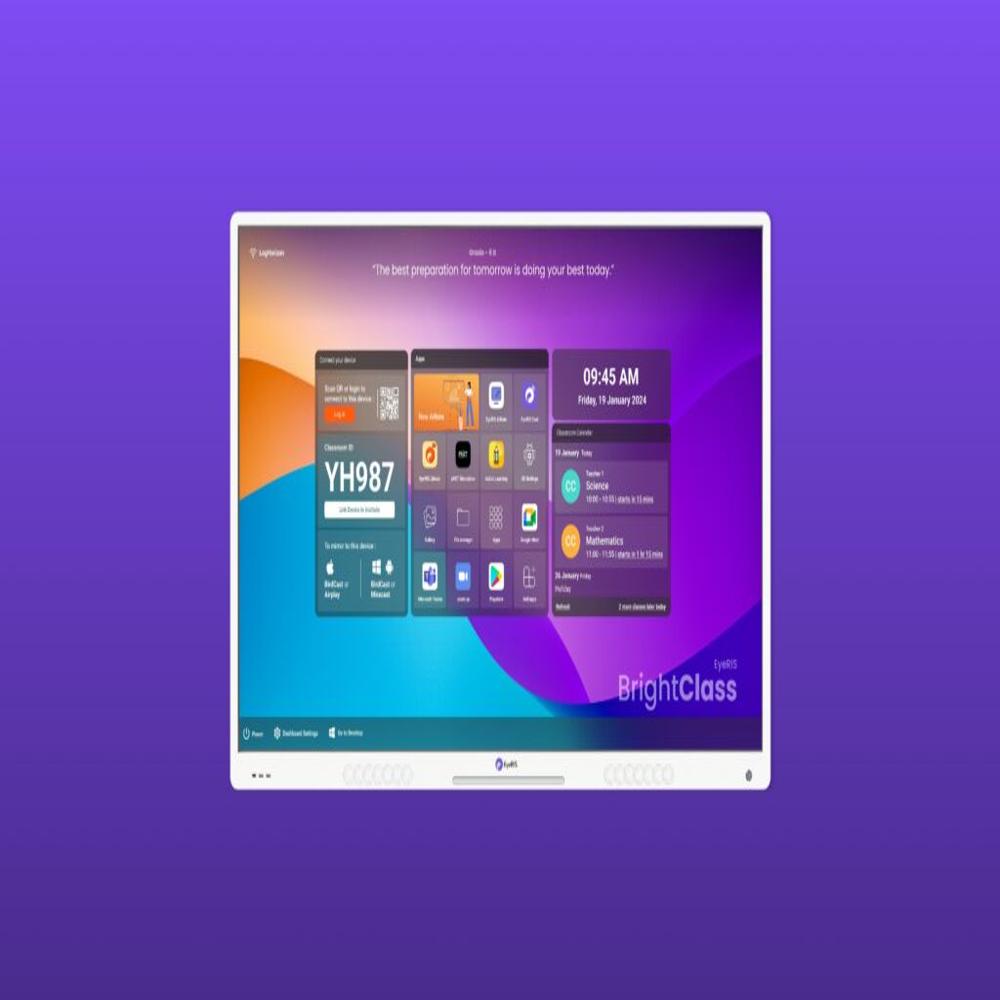
Cybernetyx Interactive Flat Panel 86inch Eyeris A10 Pro
Price 170000.0 INR / Piece
Minimum Order Quantity : 1 Piece
Material : Aluminum Alloy Frame, Tempered Glass
Color : Black
Style : Wall Mount or Mobile Stand Compatible
Usage : Education, Corporate, Conference Room Collaboration


- B No. 67, Ganesh Chandra Avenue -Ground Floor, Near Hind Cinema,Kolkata - 700013, West Bengal, India
- Phone : 08071781754


- Mr Ashwin Jaiswal (Proprietor)
- Mobile : 08071781754
-
 Send Inquiry
 Send Inquiry
TECHNO VIBEZ
All Rights Reserved.(Terms of Use)
Developed and Managed by Infocom Network Private Limited.
Developed and Managed by Infocom Network Private Limited.

