


 Send Inquiry
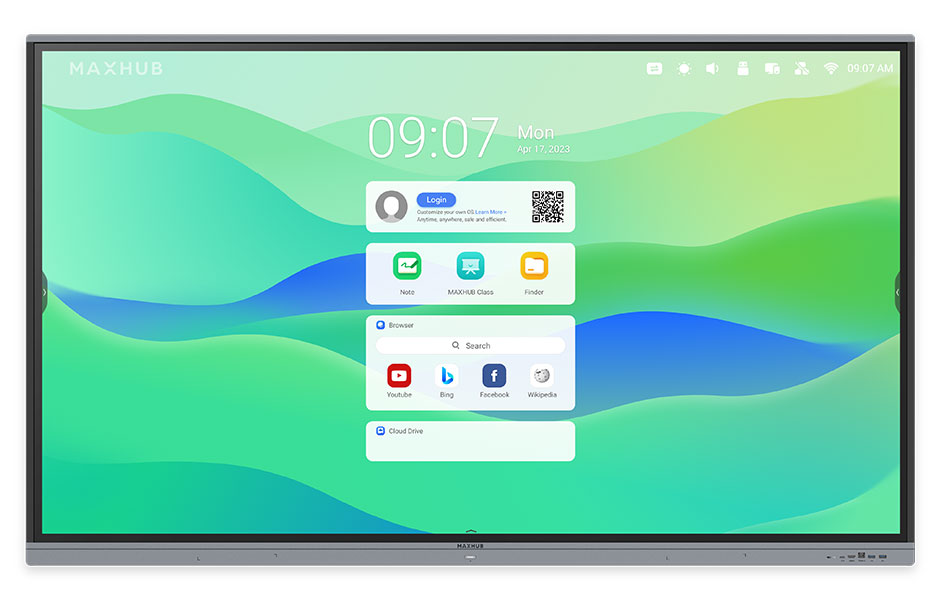
Maxhub Interactive Flat Panel 75inch E3 Series
Price 125000.0 INR/ Piece
MOQ : 1 Piece
Maxhub Interactive Flat Panel 75inch E3 Series Specification
- Power Supply
- AC 100-240V, 50/60Hz
- Power Consumption
- < 370W
- Usage
- Meeting Room, Classroom, Conference
- Voltage
- 100-240V
- Product Type
- Interactive Flat Panel
- Material
- Aluminum Frame, Tempered Glass
- Size
- 75 Inch
- Style
- Modern
- Weight
- Approx. 49.6 kg
- Feature
- 4K UHD Resolution, Multi-Touch, Wireless Screen Share, Built-in Whiteboard, Eye Protection Mode
- Color
- Black
- Contrast Ratio
- 1200:1
- Relative Humidity
- 10% to 90% (non-condensing)
- Touch Technology
- IR Touch, Up to 20 Points
- Response Time
- <8 ms
- Operating Temperature
- 0C to 40C
- RAM/Storage (Built-in OPS)
- 4GB/32GB (varies by configuration)
- Wall Mount
- Standard VESA Mounting Support
- Viewing Angle
- 178
- Glass Hardness
- 7H Mohs
- Camera/Microphone
- Optional (External Support)
- Display Technology
- LED Backlight
- Resolution
- 3840 x 2160 (4K UHD)
- Dimensions (W x H x D)
- 1700 x 996 x 93 mm
- Operating System
- Android 9.0 (Built-in), Optional Windows Module
- Connectivity Ports
- HDMI, VGA, USB, Audio In/Out, RS232, LAN, Wi-Fi
- Speaker Output
- 2 x 10W
Maxhub Interactive Flat Panel 75inch E3 Series About
Secure, stable, and e icient, MAXHUB EDU is Google EDLA-certified
and built on Android 14. Enjoy seamless Google ecosystem
integration, including YouTube, Classroom, and Google Play access.
Immersive 4K Visuals and Responsive Touch
Experience stunning image clarity with the Maxhub E3 Series' 4K UHD resolution and wide viewing angle of 178, ensuring that visuals are vibrant and consistent from any seat. The ultra-fast IR touch technology recognizes up to 20 touchpoints, perfect for seamless collaboration and interactive presentations in large spaces.
Cutting-Edge Connectivity and Flexibility
The panel supports multiple connectivity options, including HDMI, VGA, USB, audio in/out, RS232, LAN, and Wi-Fi. Users also have the flexibility to add a Windows module or external camera and microphones, accommodating a broad range of professional or educational needs. Standard VESA wall mounting ensures straightforward installation.
All-in-One Meeting and Learning Solution
With its built-in Android 9.0 OS, 4GB RAM, 32GB storage, and an intuitive whiteboard feature, the Maxhub E3 Series fosters efficient discussions and brainstorming sessions. Additional features like wireless screen sharing, eye protection mode, and robust aluminum-tempered glass construction cater to daily use in demanding environments.
FAQ's of Maxhub Interactive Flat Panel 75inch E3 Series:
Q: How do I use the wireless screen share feature on the Maxhub Interactive Flat Panel?
A: To use wireless screen sharing, connect your device (laptop, tablet, or smartphone) to the same Wi-Fi network as the panel. Open the Maxhub wireless sharing application on the display and follow the on-screen instructions to connect your device. This allows you to mirror content seamlessly for presentations and collaboration.Q: What are the benefits of having a 4K UHD resolution and multi-touch support?
A: The 4K UHD resolution ensures exceptionally clear and detailed visuals, making content easy to view even in large rooms. With multi-touch support (up to 20 points), multiple users can interact with the panel simultaneously, enhancing collaboration, teamwork, and interactive learning or meetings.Q: Where can I install the Maxhub 75inch E3 Series panel?
A: The Maxhub E3 Series panel is designed for versatile use and can be installed in meeting rooms, classrooms, and conference spaces. Its standard VESA mounting compatibility enables easy wall installation, while its robust construction makes it suitable for high-traffic environments.Q: What is the process for upgrading the operating system or adding modules?
A: The Maxhub E3 Series comes with Android 9.0 built in, which receives updates periodically. For enhanced functionality, you can optionally add a Windows module by installing it via the OPS slot. Contact your supplier or authorized service provider for detailed upgrade or installation support.Q: When is eye protection mode most beneficial during usage?
A: Eye protection mode is particularly beneficial during extended usage sessions, such as long meetings or classes, as it reduces blue light emission and minimizes eye strain, helping protect users' eyesight during prolonged viewing.Q: How robust and durable is the Maxhub Interactive Flat Panel for frequent usage?
A: The panel is built with a strong aluminum frame and 7H Mohs tempered glass, offering durability against daily wear and potential impacts. This design ensures longevity, making it ideal for heavy use in educational and professional settings.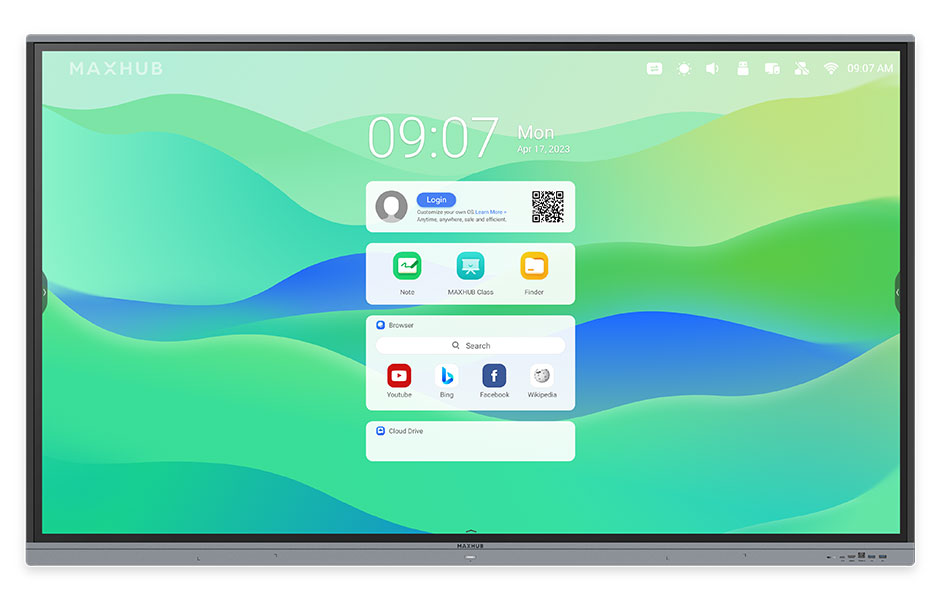
Tell us about your requirement

Price:
Quantity
Select Unit
- 50
- 100
- 200
- 250
- 500
- 1000+
Additional detail
Mobile number
Email

More Products in Interactive Panel Category
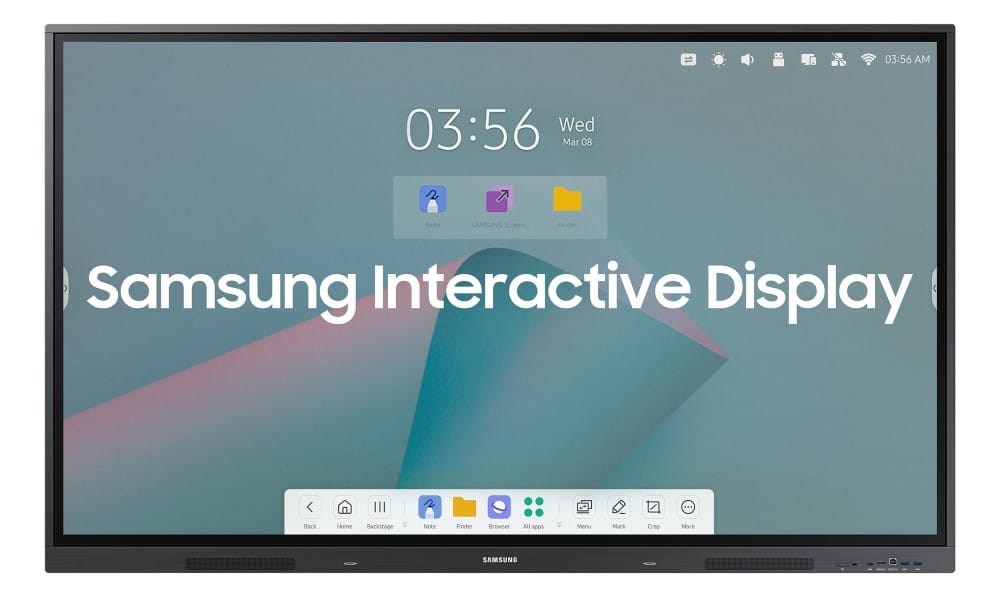
Samsung Interactive Flat Panel WA65F
Price 81000.0 INR / Piece
Minimum Order Quantity : 1 Piece
Color : Black
Power Supply : AC 100240V, 50/60Hz
Voltage : 100240 V
Usage : Education, Corporate, Conference Rooms, Collaborative Spaces
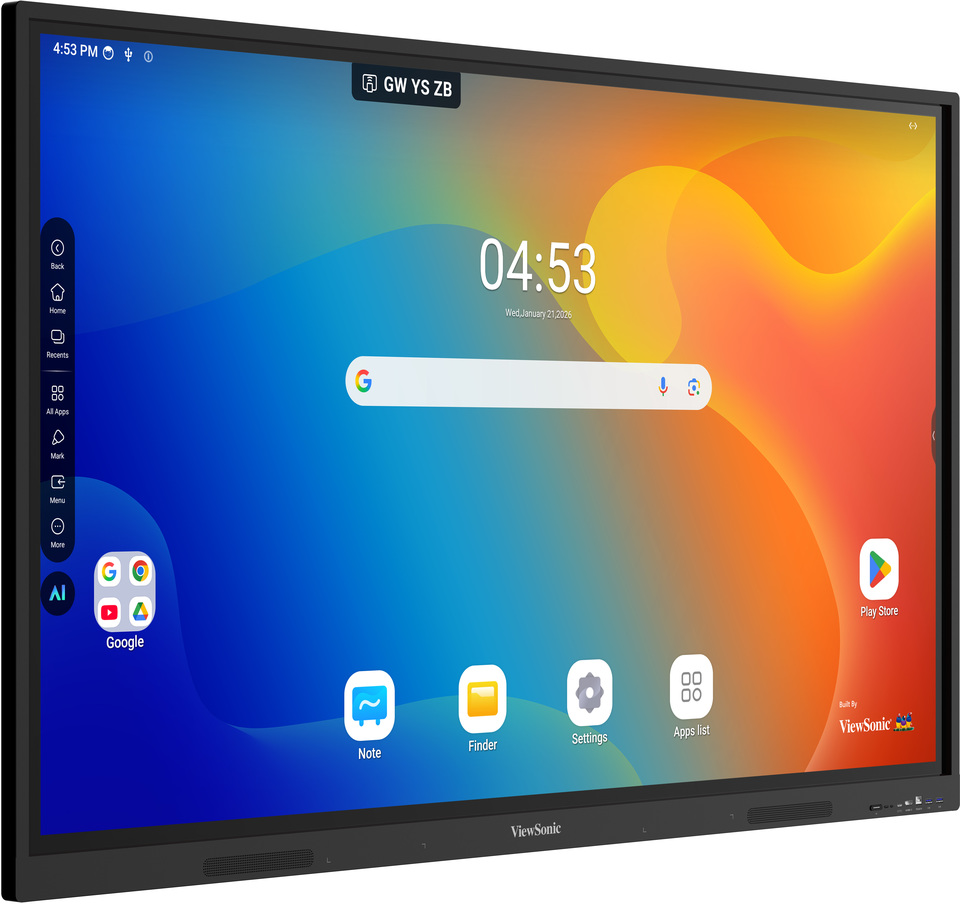
Viewsonic Interactive Flat Panel IN8605-N
Price 160000.0 INR / Piece
Minimum Order Quantity : 1 Piece
Color : Black
Power Supply : AC 100240V, 50/60Hz
Voltage : AC 100240V
Usage : Education, Office, Conference Rooms
Viewsonic Interactive Flat Panel IN9801-2-1N
Price 600000.0 INR / Piece
Minimum Order Quantity : 1 Piece
Color : Black
Power Supply : AC 100240V, 50/60Hz
Voltage : 100240 Volts
Usage : Educational, Corporate Presentations, Conference Rooms
Maxhub Interactive Flat Panel 65inch U3 Series
Price 125000.0 INR
Minimum Order Quantity : 1
Color : Black, Silver Bezel
Power Supply : AC 100240V, 50/60Hz
Voltage : 100~240V
Usage : Education, Conference Room, Office Collaboration


- B No. 67, Ganesh Chandra Avenue -Ground Floor, Near Hind Cinema,Kolkata - 700013, West Bengal, India
- Phone : 08071931135


- Mr Ashwin Jaiswal (Proprietor)
- Mobile : 08071931135
-
 Send Inquiry
 Send Inquiry
TECHNO VIBEZ
All Rights Reserved.(Terms of Use)
Developed and Managed by Infocom Network Private Limited.
Developed and Managed by Infocom Network Private Limited.

