


 Send Inquiry
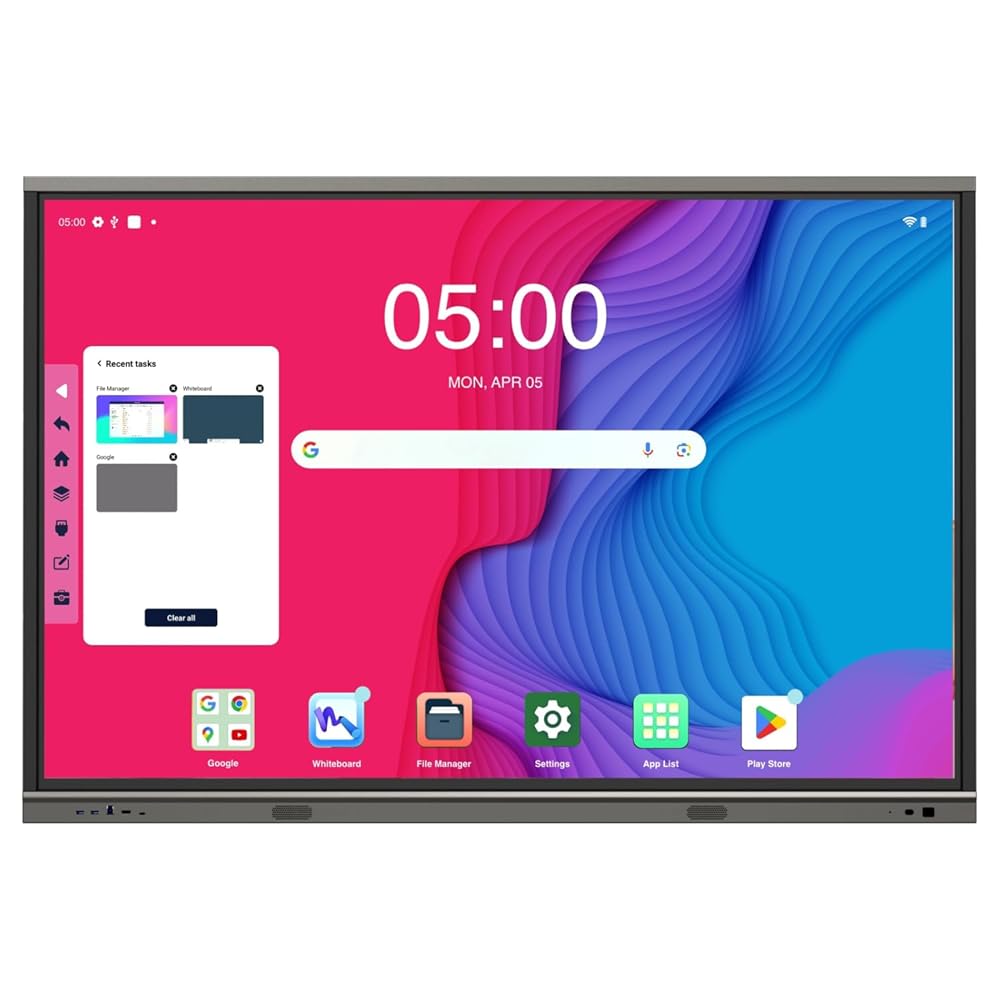
Hikvision Interactive Flat Panel DS-D5B86RB/EL
Price 155000.0 INR/ Piece
MOQ : 1 Piece
Hikvision Interactive Flat Panel DS-D5B86RB/EL Specification
- Usage
- Education, Conference, Presentation
- Power Consumption
- 450W
- Voltage
- 100-240V AC
- Power Supply
- AC 100-240V, 50/60Hz
- Product Type
- Interactive Flat Panel
- Material
- Metal and Tempered Glass
- Size
- 86 Inch
- Style
- Wall-Mounted/Stand Compatible
- Weight
- Approx. 63.6 kg
- Feature
- 4K UHD Display, 20-point Touch, Wireless Screen Sharing, Anti-glare Glass, Built-in Dual System (Android & Windows Support), Built-in Wi-Fi, Integrated Whiteboard, Eye Protection Mode
- Color
- Black
- Storage Temperature
- -20C to 60C
- Operating Temperature
- 0C to 40C
- Installation
- Wall Mount / Optional Mobile Stand
- Brightness
- 350 cd/m2
- RAM/ROM (Android)
- 4GB RAM / 32GB ROM
- Contrast Ratio
- 1200:1
- OS Compatibility
- Windows, Android, macOS, iOS
- Display Resolution
- 3840 x 2160 (4K UHD)
- Built-in Microphone
- Yes
- Aspect Ratio
- 16:9
- Response Time
- 8 ms
- Dimensions (WHD)
- 1956 x 1177 x 88 mm
- Input Interfaces
- HDMI x 3, VGA x 1, USB x 6, RJ45, Audio, RS232
- Output Interfaces
- HDMI, Audio Out
- Frame Material
- Aluminum Alloy
- PC Module Support
- OPS Slot (Optional)
- Viewing Angle
- 178
- Speaker Output
- 2 x 16W
- Android System Version
- Android 8.0
- Touch Technology
- Infrared, 20-point touch
Hikvision Interactive Flat Panel DS-D5B86RB/EL About
- 8GB RAM/ 128GB STORAGE ANDROID-14 UHD 4K display with resolution of 3840 2160.
- Anti-glare and anti-blocking design to ensure smooth interaction.
- Dual systems of Android and Windows (optional) saving cost and easy to use, video conference software are recommended to run under Windows system.
- Quick response, at most 40-point touch controls and smooth writing experience.
- Multi-button design in front, convenient for classroom use.
- Compatible with OPS/OPS-C devices, realizing smooth switch between built-in systems.
Ultra HD Visuals and Durable Build
Experience vivid imagery with 3840 x 2160 (4K UHD) resolution and a high 1200:1 contrast ratio, ensuring crisp visuals and bright colors in any lighting condition. The panel's sturdy metal and tempered glass construction provides lasting durability and enhanced safety, making it suitable for heavy-use environments.
Effortless Collaboration and Multi-Touch Capabilities
Facilitate interactive group sessions with 20-point infrared touch technology, allowing multiple users to write, draw, and interact simultaneously. Integrated whiteboard tools and wireless screen sharing make teamwork intuitive and engaging, whether in classrooms or boardrooms.
Versatile Connectivity and Dual Platform Support
The flat panel includes a wide range of input options-HDMI, VGA, USB, RJ45, RS232-supporting seamless connections with laptops, tablets, and other devices. Its dual-system setup allows users to switch between Android and Windows environments (OPS slot required for Windows), accommodating diverse operational needs.
FAQ's of Hikvision Interactive Flat Panel DS-D5B86RB/EL:
Q: How do I install the Hikvision DS-D5B86RB/EL interactive flat panel?
A: You can install the flat panel using the included wall-mount hardware or opt for a mobile stand (sold separately). Ensure the installation surface is strong enough to support its approximate 63.6 kg weight. Detailed mounting instructions are provided in the user manual.Q: What types of devices and operating systems are compatible with this flat panel?
A: The panel supports Windows, Android, macOS, and iOS devices. With multiple input ports-including HDMI, VGA, and USB-you can connect laptops, tablets, smartphones, and more for maximum flexibility in education and business environments.Q: When should I use the built-in whiteboard feature?
A: The integrated whiteboard is perfect for interactive lessons, brainstorming sessions, or collaborative presentations. Use it whenever you want to encourage active participation and visual engagement from your audience or students.Q: Where is the panel best suited for use?
A: This flat panel is ideal for modern classrooms, conference rooms, training centers, and collaborative workspaces due to its robust features and large 86-inch screen. Its eye protection mode and anti-glare glass further enhance user comfort in bright settings.Q: What is the process for switching between Android and Windows systems?
A: To switch between Android and Windows, you need to install a compatible OPS PC module into the optional OPS slot. Once the module is installed, toggle between the systems via the on-screen menu for seamless transitions based on your needs.Q: How does the 20-point touch benefit users?
A: The 20-point touch feature allows multiple users to interact with the display simultaneously, making group activities, collaborative learning, and team presentations much more dynamic and productive.Q: What built-in features enhance user interaction and eye safety?
A: Beyond its responsive touch technology, the panel includes anti-glare tempered glass for reduced reflection, an eye protection mode to limit blue light exposure, and integrated dual 16W speakers for clear audio during presentations.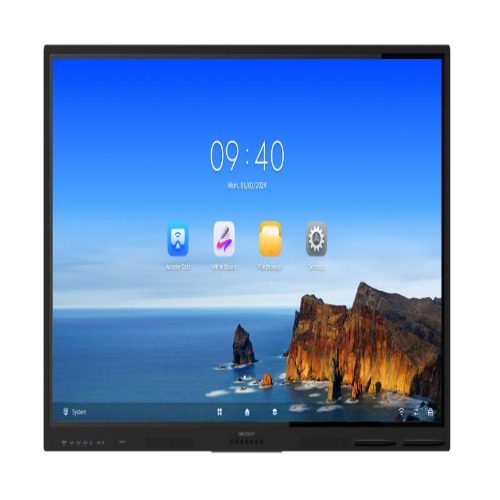
Tell us about your requirement

Price:
Quantity
Select Unit
- 50
- 100
- 200
- 250
- 500
- 1000+
Additional detail
Mobile number
Email

More Products in Interactive Panel Category
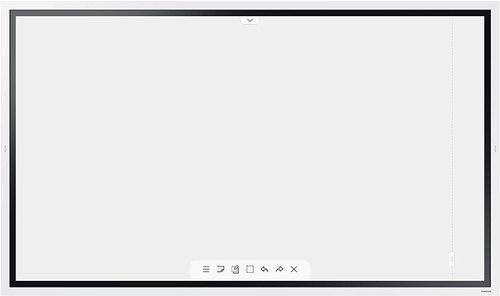
Samsung 55 inch Flip 2.0 Display Panel
Price 160000 INR / Piece
Minimum Order Quantity : 1 Piece
Style : Sleek and Modern
Usage : Collaborative Whiteboard, Meetings, Classrooms, Presentations
Material : Premium Quality LCD
Color : Black
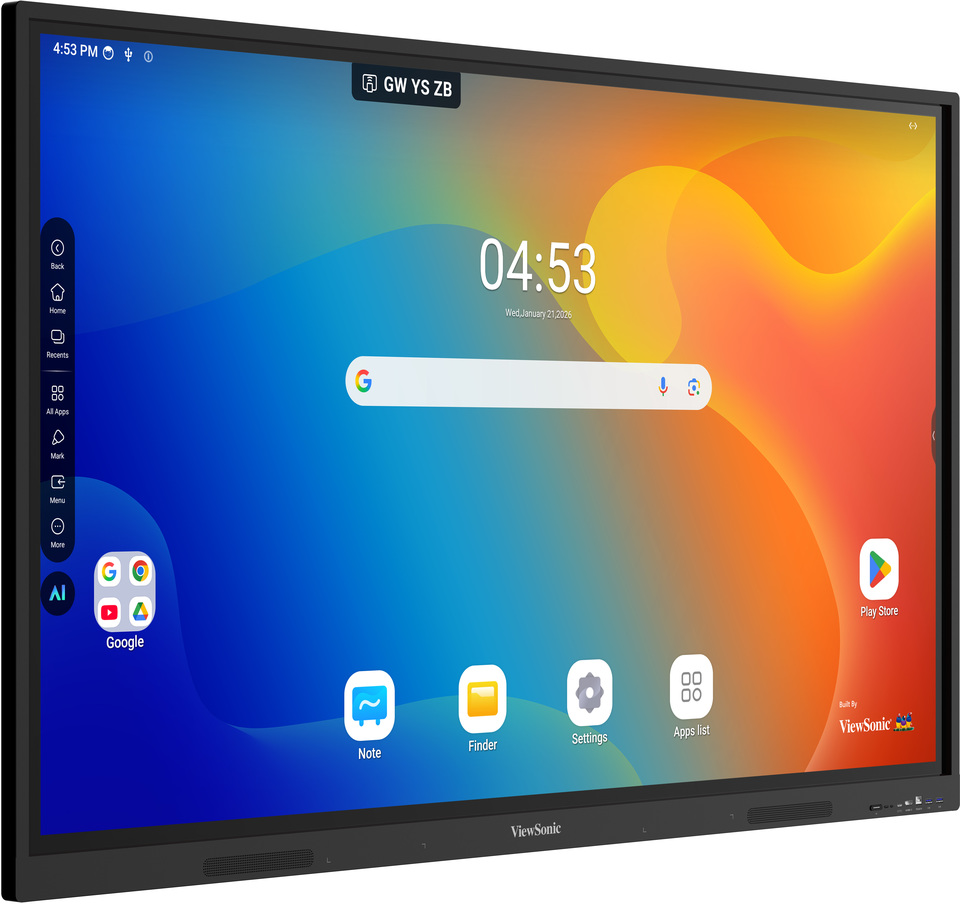
Viewsonic Interactive Flat Panel IN8605-N
Price 160000.0 INR / Piece
Minimum Order Quantity : 1 Piece
Style : Wall Mount or Stand Supported
Usage : Education, Office, Conference Rooms
Material : Tempered Glass, Metal Frame
Color : Black
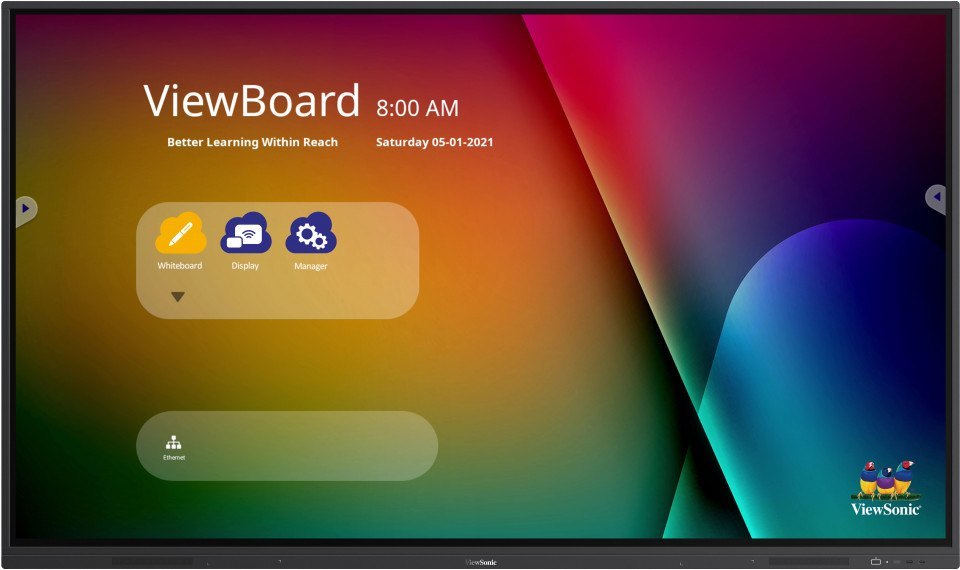
Viewsonic Interactive Flat Panel IN7502
Price 1150000 INR / Piece
Minimum Order Quantity : 1 Piece
Style : Wall Mount or Stand
Usage : Education, Business Conferencing, Smart Classrooms, Meeting Rooms
Material : Toughened Glass, Metal Frame
Color : Black
Maxhub Interactive Flat Panel U3 U6530
Price 120000.0 INR / Piece
Minimum Order Quantity : 1 Piece
Style : Plain
Usage : Industrial
Material : Plastic
Color : Black


- B No. 67, Ganesh Chandra Avenue -Ground Floor, Near Hind Cinema,Kolkata - 700013, West Bengal, India
- Phone : 08071931135


- Mr Ashwin Jaiswal (Proprietor)
- Mobile : 08071931135
-
 Send Inquiry
 Send Inquiry
TECHNO VIBEZ
All Rights Reserved.(Terms of Use)
Developed and Managed by Infocom Network Private Limited.
Developed and Managed by Infocom Network Private Limited.

