


 Send Inquiry
Maxhub Interactive Flat Panel E8621
Price 190000.0 INR/ Piece
MOQ : 1 Piece
Maxhub Interactive Flat Panel E8621 Specification
- Power Supply
- AC 100-240V, 50/60Hz
- Power Consumption
- 450W
- Usage
- Classroom, Conference Room, Office Collaboration
- Voltage
- 100V-240V
- Product Type
- Interactive Flat Panel
- Material
- Metal Frame, Tempered Glass
- Size
- 86 Inch
- Style
- Modern
- Weight
- Approx. 62 kg
- Feature
- Multi-Touch, 4K UHD, Built-in Speakers, Wireless Screen Sharing, Whiteboard Function, Android OS, Optical Bonding, Dual System Switch
- Color
- Black
- Viewing Angle
- 178 (H/V)
- Glass Type
- Anti-glare, 4mm Tempered Glass
- Resolution
- 3840 2160 (4K UHD)
- Contrast Ratio
- 4000:1
- Speaker Output
- 2 10W
- RAM / ROM (Android)
- 4GB / 32GB
- I/O Ports
- HDMI, USB, LAN, VGA, Audio In/Out, RS232
- Touch Technology
- Infrared Touch
- Touch Points
- 20 Points
- Operating System
- Android 9.0, Optional Windows OPS
- Installation Type
- Wall Mount / Stand (Optional)
- Display Type
- DLED Backlight
- Dimensions (WHD)
- 1957 1150 90 mm
- Brightness
- 400 cd/m2
- WiFi Support
- Built-in
- Recommended Environment
- Indoor
Maxhub Interactive Flat Panel E8621 About
Care for your eyes with Flicker Free and Low Blue Light certifications from TV. The E2 Series features glass with a high haze factor for improved anti-glare efficacy and optimal eye protection. With certifications from SGS, SIAA ISO22196 for KOHKIN, and TV, the antibacterial screen, alongside the TV-certified stylus,buttons, and remote control, effectively inhibits the spread of bacteria, ensuring a cleaner and healthier learning space.Crystal Clear Ultra HD Display
Boasting a 3840 x 2160 (4K UHD) resolution and a high-brightness DLED panel, the Maxhub E8621 ensures sharp images and stunning clarity for every presentation. Its 178-degree viewing angle allows everyone in the room to enjoy true-to-life color and impeccable detail, enhancing both learning and collaboration experiences.
Seamless Multi-Touch & Collaboration
The Maxhub E8621 supports up to 20 simultaneous touch points with infrared touch technology. This enables multiple users to write, draw, and interact at once, making brainstorming sessions and classroom activities more engaging. The anti-glare, tempered glass surface provides a smooth and protected workspace for all users.
Flexible Connectivity & Dual Operating Systems
Equipped with multiple I/O ports, including HDMI, USB, LAN, VGA, RS232, and audio, this interactive flat panel integrates smoothly into a range of environments. With Android 9.0 built-in and optional Windows OPS, you can switch systems as needed for different applications, maximizing productivity.
FAQ's of Maxhub Interactive Flat Panel E8621:
Q: How does the Maxhub E8621 enhance group collaboration in classrooms and meeting rooms?
A: The Maxhub E8621 offers multi-touch capability with up to 20 simultaneous touch points, allowing multiple users to interact, annotate, and collaborate directly on the screen, which fosters group participation and brainstorming.Q: What are the installation options and what environments is it suitable for?
A: The E8621 can be wall-mounted or placed on an optional stand, making it adaptable for various indoor spaces such as classrooms, conference rooms, or offices.Q: When switching between Android and Windows, is it a seamless process?
A: Yes, the panel's dual operating system feature allows users to switch smoothly between Android 9.0 and an optional Windows OPS module for an uninterrupted workflow.Q: Where can the Maxhub E8621 be utilized most effectively?
A: This device is ideal for educational institutions, business meeting spaces, and collaborative office environments thanks to its robust display, connectivity, and interactive features.Q: What technology ensures accurate touch response and how many users can interact simultaneously?
A: The panel utilizes infrared (IR) touch technology, which supports up to 20 simultaneous touch points for highly responsive and collaborative user interaction.Q: How does the anti-glare, tempered glass surface benefit everyday use?
A: The anti-glare, 4mm tempered glass provides both durability and comfortable viewing by minimizing reflections, protecting the display, and ensuring a smooth touch experience.Q: What process is involved in connecting external devices to the Maxhub E8621?
A: Simply use one of the multiple available ports (such as HDMI, USB, or VGA) to connect your preferred external devices for video, audio, or data sharing, making setup straightforward and flexible.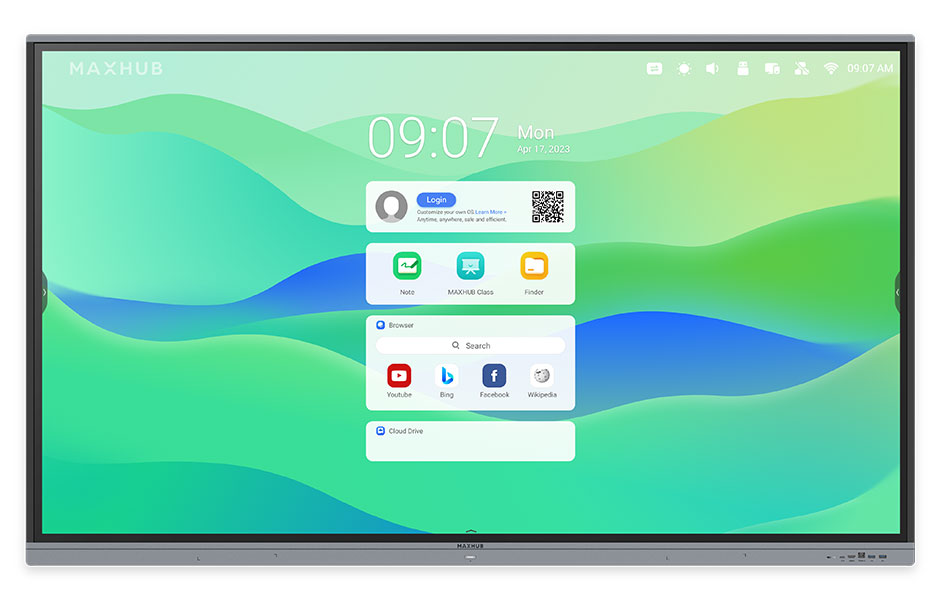
Tell us about your requirement

Price:
Quantity
Select Unit
- 50
- 100
- 200
- 250
- 500
- 1000+
Additional detail
Mobile number
Email

More Products in Interactive Panel Category
Viewsonic Interactive Flat Panel IN7501-2-1N
Price 115000.0 INR / Piece
Minimum Order Quantity : 1 Piece
Usage : Education, Conference, Meeting Room, Presentation
Voltage : 100240V
Power Supply : AC 100240V, 50/60Hz
Style : Modern/Professional
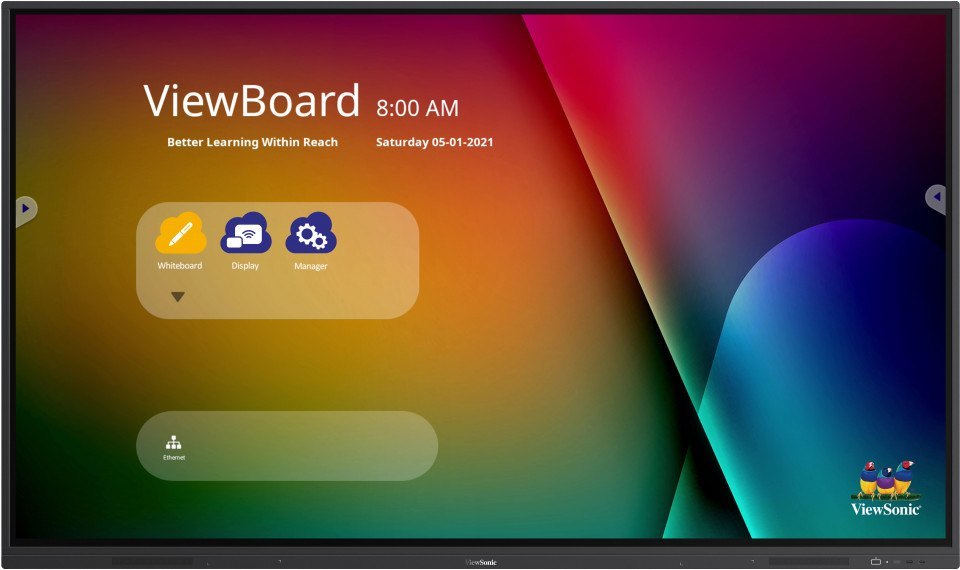
Viewsonic Interactive Flat Panel IN7502
Price 1150000 INR / Piece
Minimum Order Quantity : 1 Piece
Usage : Education, Business Conferencing, Smart Classrooms, Meeting Rooms
Voltage : 100240 V
Power Supply : AC 100240V, 50/60 Hz
Style : Wall Mount or Stand
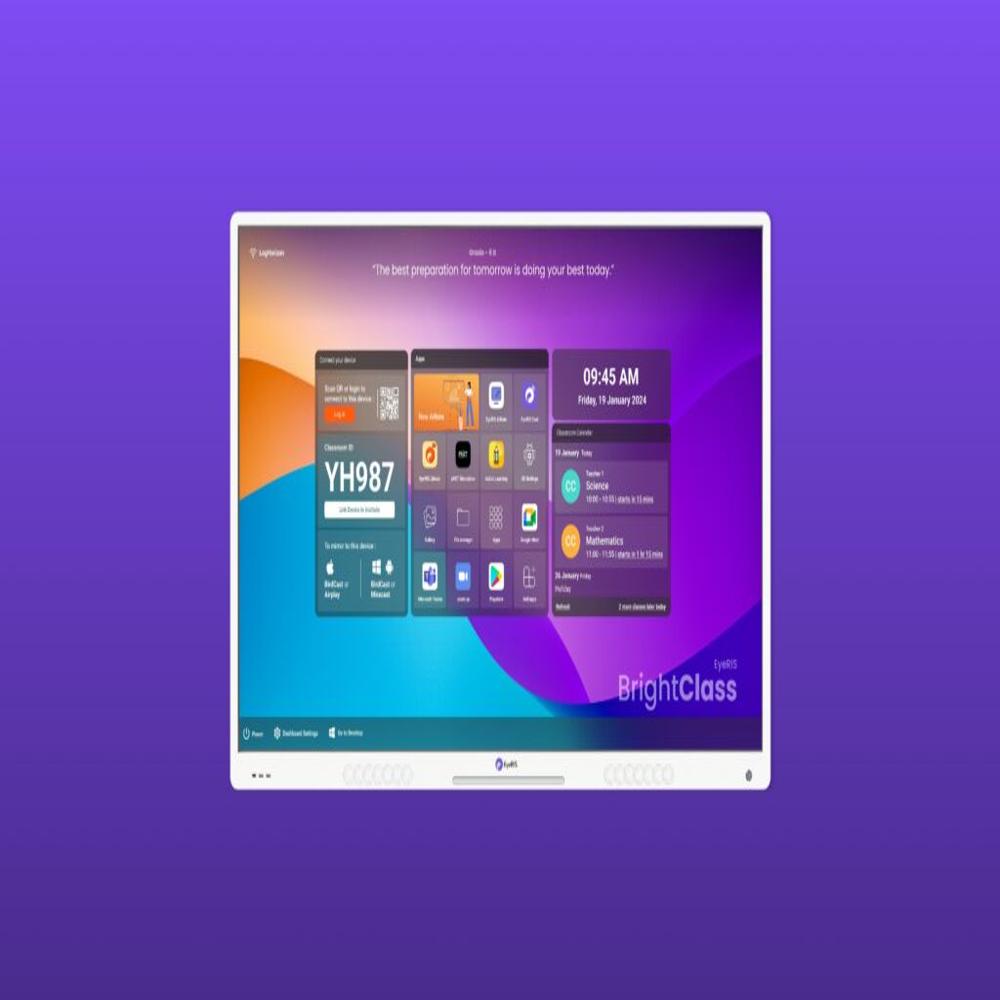
Cybernetyx Interactive Flat Panel 86inch Eyeris A10 Pro
Price 170000.0 INR / Piece
Minimum Order Quantity : 1 Piece
Usage : Education, Corporate, Conference Room Collaboration
Voltage : 100240 V AC
Power Supply : AC 100240V, 50/60Hz
Style : Wall Mount or Mobile Stand Compatible
Samsung 55 inch Flip 2.0 Display Panel
Price 160000 INR / Piece
Minimum Order Quantity : 1 Piece
Usage : Collaborative Whiteboard, Meetings, Classrooms, Presentations
Voltage : 100~240V
Power Supply : AC 100~240V 50/60Hz
Style : Sleek and Modern


- B No. 67, Ganesh Chandra Avenue -Ground Floor, Near Hind Cinema,Kolkata - 700013, West Bengal, India
- Phone : 08071931135


- Mr Ashwin Jaiswal (Proprietor)
- Mobile : 08071931135
-
 Send Inquiry
 Send Inquiry
TECHNO VIBEZ
All Rights Reserved.(Terms of Use)
Developed and Managed by Infocom Network Private Limited.
Developed and Managed by Infocom Network Private Limited.

