


 Send Inquiry
Maxhub Interactive Flat Panel E7521
Price 120000.0 INR/ Piece
MOQ : 1 Piece
Maxhub Interactive Flat Panel E7521 Specification
- Usage
- Education, Office Conference, Training Rooms
- Power Supply
- AC 100-240V, 50/60Hz
- Power Consumption
- 330W
- Voltage
- 100~240V
- Product Type
- Interactive Flat Panel
- Material
- Metal Frame, Tempered Glass
- Size
- 75 Inch
- Style
- Modern, Slim Bezel Design
- Weight
- Approx. 48 Kg
- Feature
- 4K UHD Resolution, Multi-touch, Wireless Screen Sharing, Built-in Whiteboard, Android System
- Color
- Black
- Operating System
- Android 8.0 (Built-in), Windows (Optional)
- Touch Technology
- Infrared 20-point Touch
- Bluetooth
- Yes, Built-in
- Audio Output
- 2 x 12W Stereo Speakers
- Glass Type
- Anti-glare, 4mm Tempered
- Contrast Ratio
- 4000:1
- Brightness
- 400 cd/m2
- Dimensions (W x H x D)
- 1702 x 1013 x 87 mm
- WiFi
- Yes, Built-in
- Storage
- 32GB eMMC
- Response Time
- 8 ms
- RAM
- 3GB
- Resolution
- 3840 x 2160 (4K UHD)
- Viewing Angle
- 178
- Ports
- HDMI, VGA, USB 2.0/3.0, LAN, Audio In/Out, RS232
- Mounting
- Wall-mount or Mobile Stand Compatible
About Maxhub Interactive Flat Panel E7521
Care for your eyes with Flicker Free and Low Blue Light certifications from TV. The E2 Series features glass with a high haze factor for improved anti-glare efficacy and optimal eye protection. With certifications from SGS, SIAA ISO22196 for KOHKIN, and TV, the antibacterial screen, alongside the TV-certified stylus,buttons, and remote control, effectively inhibits the spread of bacteria, ensuring a cleaner and healthier learning space.Exceptional Visual Performance
Experience stunning clarity with the Maxhub E7521's 4K UHD resolution and 4000:1 contrast ratio, delivering vivid images from any angle. The 75-inch anti-glare, tempered glass screen ensures comfortable and immersive viewing, even in brightly lit spaces. With a rapid 8 ms response time, users enjoy smooth and responsive touch actions, whether presenting, drawing, or annotating.
Seamless Collaboration and Connectivity
The E7521 panel supports wireless screen sharing, 20-point multi-touch, and a built-in digital whiteboard, empowering group engagement and teamwork. Its comprehensive port selection (HDMI, VGA, USB, LAN, RS232), combined with wireless connectivity (WiFi, Bluetooth), facilitates effortless integration with various devices and systems.
Efficient Installation and Versatile Use
Designed for flexibility, this interactive panel can be wall-mounted or fitted onto a mobile stand to suit different room layouts. It is constructed with a robust metal frame and tempered glass for reliability. With applications spanning education, office meetings, and training environments, the E7521 adapts seamlessly to diverse usage patterns.
FAQ's of Maxhub Interactive Flat Panel E7521:
Q: How can I connect my devices to the Maxhub Interactive Flat Panel E7521?
A: You can connect your devices using a range of ports including HDMI, VGA, USB 2.0/3.0, LAN, audio in/out, or RS232. Additionally, built-in WiFi and Bluetooth offer wireless connectivity, and you can wirelessly share your screen from compatible devices using the panel's screen sharing feature.Q: What are the benefits of the 20-point touch technology on this panel?
A: The infrared 20-point touch technology allows up to twenty simultaneous touch inputs, enabling multiple users to draw, write, or interact at the same time. This is ideal for collaborative learning, brainstorming, and dynamic group presentations.Q: When should I choose a wall-mount versus a mobile stand for installation?
A: Wall-mounting is recommended for permanent installations in classrooms or boardrooms, optimizing space and security. If you need flexible arrangements or plan to use the panel in multiple locations, a mobile stand provides convenient mobility and adaptability.Q: What operating systems are compatible with the E7521?
A: The Maxhub E7521 comes with Android 8.0 built-in, delivering a wide range of apps and features. It also supports optional Windows integration, expanding its versatility for office and IT applications.Q: How does the anti-glare, tempered glass benefit users?
A: The 4mm anti-glare tempered glass surface reduces reflections and eye strain, ensuring clear visibility from any of the 178-degree viewing angles. It also enhances durability, protecting the interactive panel in busy environments.Q: Where is the Maxhub Interactive Flat Panel E7521 most effectively used?
A: This panel is ideally suited for educational institutions, office conference rooms, and training facilities. Its multi-functional features support interactive teaching, collaborative meetings, and engaging presentations.Q: What is the process for using the built-in whiteboard feature?
A: Simply launch the whiteboard app from the Android interface to start drawing, annotating, or writing. The 20-point touch capacity allows multiple participants to contribute at the same time, making it perfect for collaborative sessions.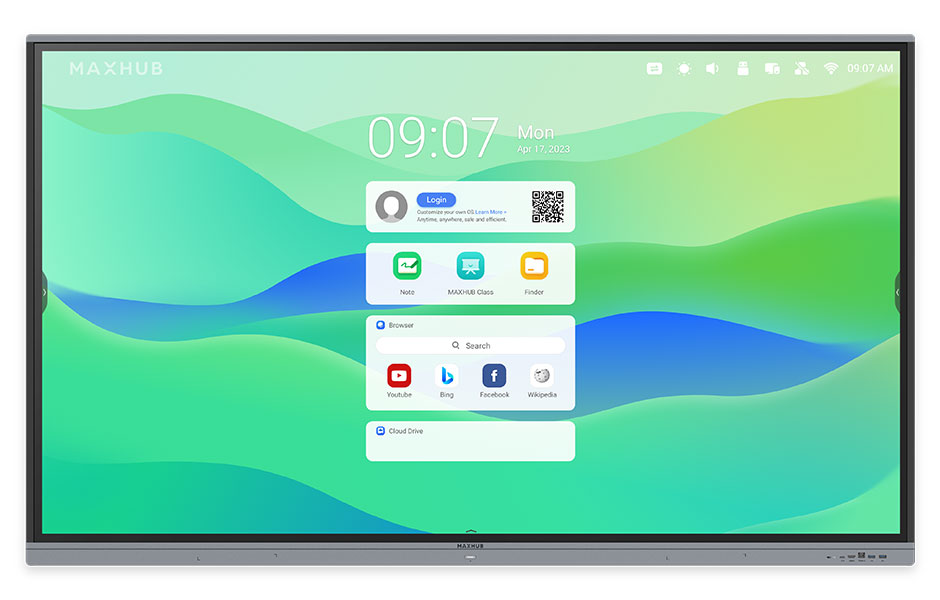
Tell us about your requirement

Price:
Quantity
Select Unit
- 50
- 100
- 200
- 250
- 500
- 1000+
Additional detail
Mobile number
Email

More Products in Interactive Panel Category
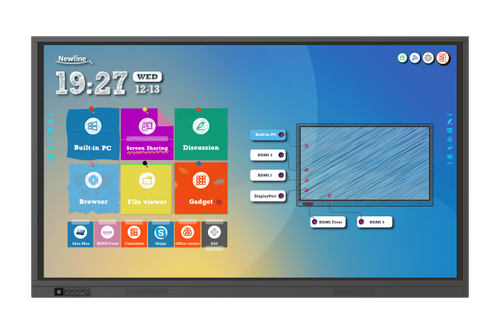
75 Newline Interactive Panel
Price 150000 INR / Piece
Minimum Order Quantity : 1 Piece
Size : 75 inches
Color : Black
Power Supply : AC 100240V 50/60Hz
Usage : Business meetings education and collaborative workspaces
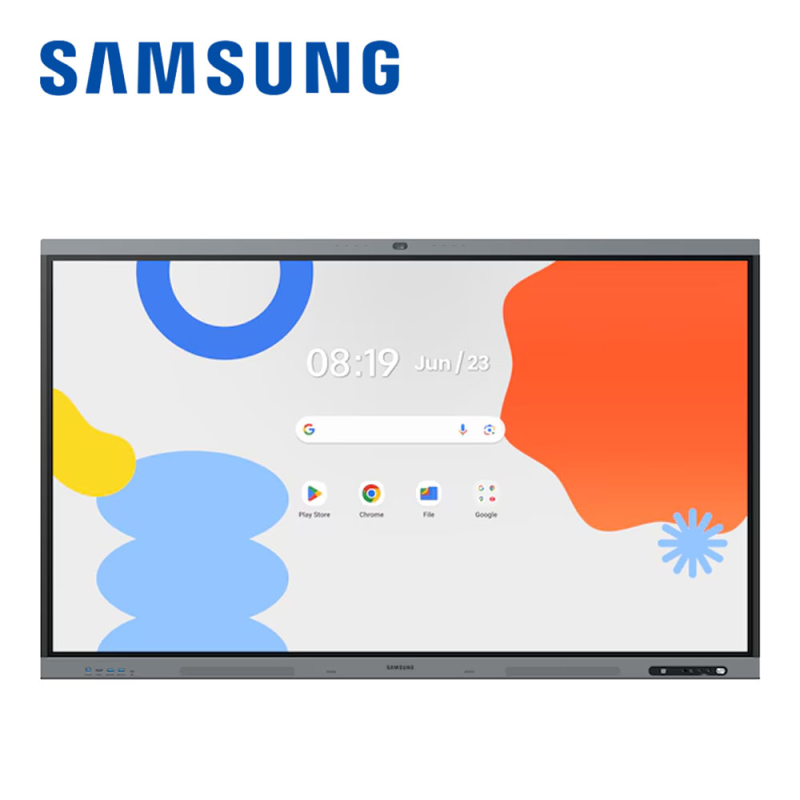
75inch Samsung Interactive Flat Panel WA75FX-P
Price 185000.0 INR / Piece
Minimum Order Quantity : 1 Piece
Size : 75 Inch
Color : Black / Grey
Power Supply : AC 100240V, 50/60Hz
Usage : Education, Business, Meeting Rooms, Presentation
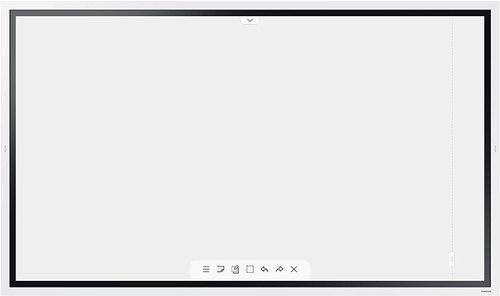
Samsung 55 inch Flip 2.0 Display Panel
Price 160000 INR / Piece
Minimum Order Quantity : 1 Piece
Size : 55 inch
Color : Black
Power Supply : AC 100~240V 50/60Hz
Usage : Collaborative Whiteboard, Meetings, Classrooms, Presentations
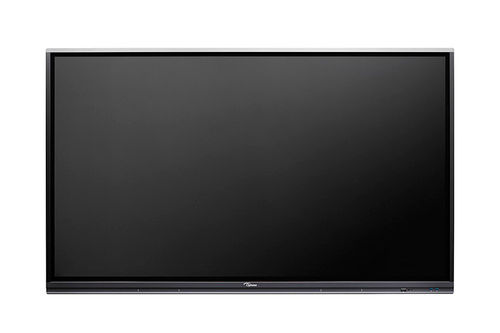
OPTOMA 3 SERIES IFP-65 5652RK
Price 120000 INR / Piece
Minimum Order Quantity : 1 Piece
Size : 65 inch
Color : Black
Power Supply : 100240V, 5060Hz
Usage : Industrial


- B No. 67, Ganesh Chandra Avenue -Ground Floor, Near Hind Cinema,Kolkata - 700013, West Bengal, India
- Phone : 08071781754


- Mr Ashwin Jaiswal (Proprietor)
- Mobile : 08071781754
-
 Send Inquiry
 Send Inquiry
TECHNO VIBEZ
All Rights Reserved.(Terms of Use)
Developed and Managed by Infocom Network Private Limited.
Developed and Managed by Infocom Network Private Limited.

