


 Send Inquiry
Viewsonic Interactive Flat Panel IN6505-N
Price 100000.0 INR/ Piece
MOQ : 1 Piece
Viewsonic Interactive Flat Panel IN6505-N Specification
- Power Supply
- AC 100-240V, 50/60Hz
- Voltage
- 100-240V
- Power Consumption
- 450W
- Usage
- Conference, Education, Office, Classroom Solutions
- Product Type
- Interactive Flat Panel
- Material
- Tempered Glass, Metal Frame
- Size
- 65 Inch
- Style
- Wall Mount & Floor Stand Compatible
- Weight
- Approx. 44 kg
- Feature
- 4K UHD Resolution, Multi-touch, Built-in Android, Anti-Glare, Wireless Sharing
- Color
- Black
- Wi-Fi Module
- Built-in
- Connectivity
- HDMI x3, VGA, USB 2.0 x3, USB 3.0 x3, LAN, Audio In/Out, RS232, SPDIF
- Operating Temperature
- 0-40C
- Aspect Ratio
- 16:9
- Glass Hardness
- 7H, Anti-glare Tempered Glass
- Accessories Included
- Remote Control, Power Cable, Wall Mount, Stylus Pens, USB Cable, User Manual
- Operating System
- Embedded Android 8.0 OS
- RAM/Storage
- 3GB DDR4 / 32GB Storage
- Brightness
- 400 cd/m2
- Speaker Output
- 2 x 15W
- Viewing Angle
- 178/178 (Horizontal/Vertical)
- Panel Type
- LED Backlit LCD
- Resolution
- 3840 x 2160 (Ultra HD 4K)
- Touch Technology
- Infrared Recognition, 20-point Multi-touch
- Contrast Ratio
- 1200:1 (typical)
- Remote Management
- Available
- VESA Mount
- 600 x 400 mm
Viewsonic Interactive Flat Panel IN6505-N Trade Information
- Minimum Order Quantity
- 1 Piece
- Delivery Time
- 5-7 Days
About Viewsonic Interactive Flat Panel IN6505-N
- Google certified EDLA with access to Google apps on Android 16
- Advanced security controls and compliance standards that safeguard your data
- Efficient data transfer with the USB-C port
- Built-in AI tools enhance convenience and teaching experience
Ultra 4K Visual Clarity
Enjoy stunning visuals with a 3840 x 2160 Ultra HD resolution on a spacious 65-inch display. The advanced LED Backlit LCD panel, 1200:1 contrast ratio, and 400 cd/m2 brightness guarantee exceptional clarity and vibrant colors from any angle, making content easy to view for all participants.
Intuitive Multi-touch Technology
Experience smooth, precise interaction with 20-point infrared recognition that enables multiple users to write, draw, and manipulate content simultaneously. This feature enhances group collaboration and supports dynamic presentations in both educational and corporate settings.
Robust Connectivity & Compatibility
Connect a range of devices effortlessly with HDMI, USB 2.0/3.0, VGA, LAN, audio, RS232, and SPDIF ports. The built-in Wi-Fi module supports wireless sharing, allowing users to easily display content from their devices. Wall mount and floor stand compatibility ensure flexible installation options.
FAQ's of Viewsonic Interactive Flat Panel IN6505-N:
Q: How does the ViewSonic IN6505-N support collaborative work in education and business environments?
A: The IN6505-N features 20-point infrared multi-touch technology, allowing multiple users to interact with the panel at once. This enables real-time collaboration, brainstorming, and interactive presentations, ideal for classrooms and conference rooms.Q: What devices can I connect to the IN6505-N interactive flat panel?
A: You can connect laptops, PCs, document cameras, and other devices through HDMI, USB 2.0/3.0, VGA, LAN, audio ports, and wirelessly via the built-in Wi-Fi module. This wide range of connectivity ensures seamless integration with most commonly used devices.Q: Where is the best place to install the IN6505-N panel for optimal performance?
A: The panel can be wall-mounted or placed on a compatible floor stand in classrooms, offices, conference rooms, and other collaborative spaces. Installation in areas with moderate lighting and temperatures between 0C and 40C ensures best performance and longevity.Q: What is the process for setting up and using the interactive features?
A: Simply mount the panel, connect it to power, and turn it on. The embedded Android 8.0 OS enables quick access to apps and settings. Use the included stylus pens or your fingers for touch input, and connect devices as needed for interactive presentations or lessons.Q: What are the main benefits of the anti-glare tempered glass and 7H hardness?
A: The anti-glare tempered glass minimizes reflection, ensuring visibility even in brightly lit environments, while the 7H hardness provides robust protection against scratches and daily wear, maintaining screen clarity and durability.Q: When should remote management be utilized for the IN6505-N?
A: Remote management is useful for IT administrators who need to monitor, update, or troubleshoot the panel across multiple rooms or buildings, reducing on-site visits and enabling efficient operation in enterprise or educational settings.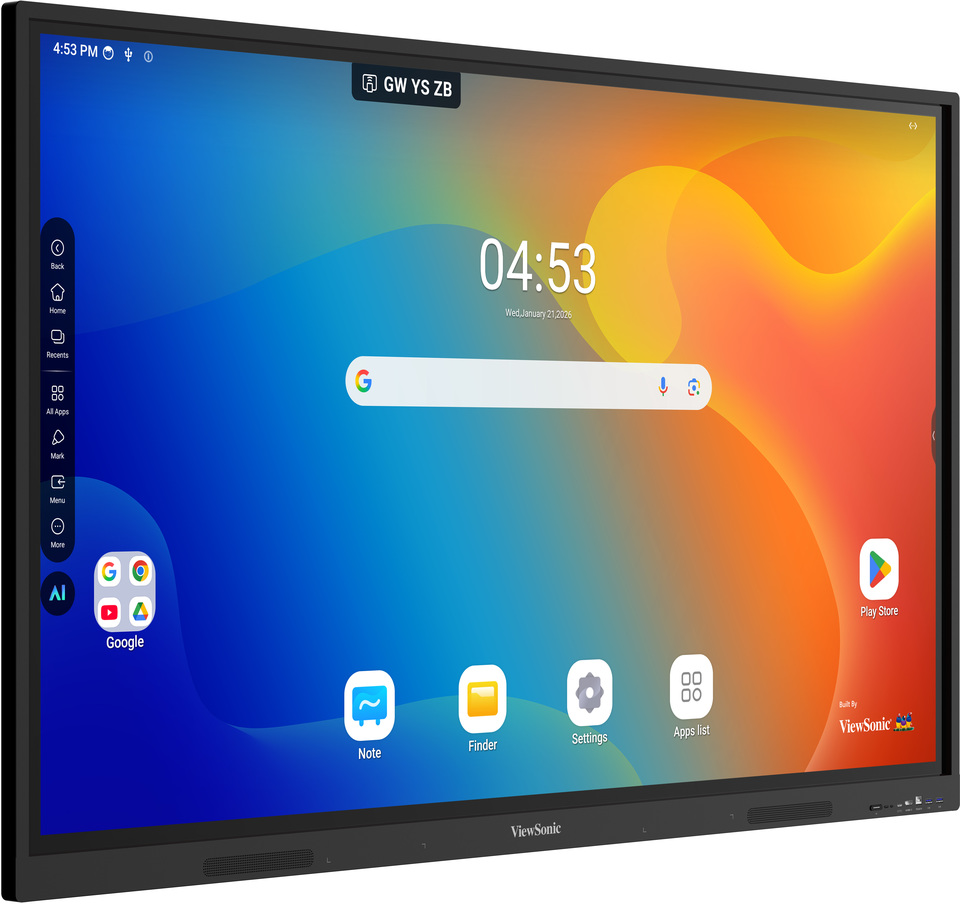
Tell us about your requirement

Price:
Quantity
Select Unit
- 50
- 100
- 200
- 250
- 500
- 1000+
Additional detail
Mobile number
Email

More Products in Interactive Panel Category
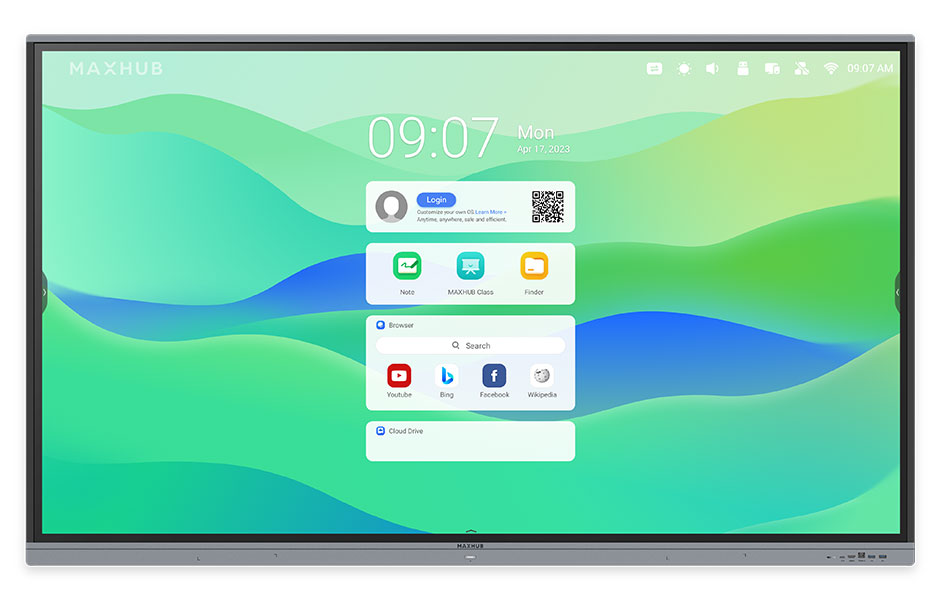
Maxhub Interactive Flat Panel E8621
Price 190000.0 INR / Piece
Minimum Order Quantity : 1 Piece
Power Supply : AC 100240V, 50/60Hz
Size : 86 Inch
Power Consumption : 450W
Weight : Approx. 62 kg
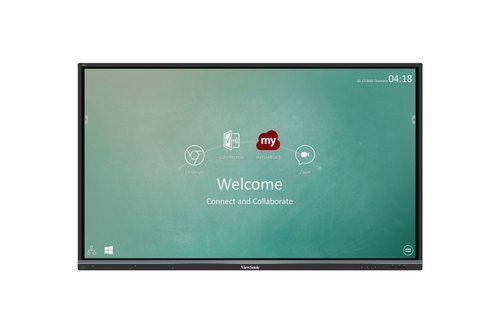
75" Viewsonic Interactive Panel
Price 164000.00 INR / Piece
Minimum Order Quantity : 1 Piece
Power Supply : AC 100240V
Size : 75 inches
Power Consumption : 180W
Weight : 45 kg
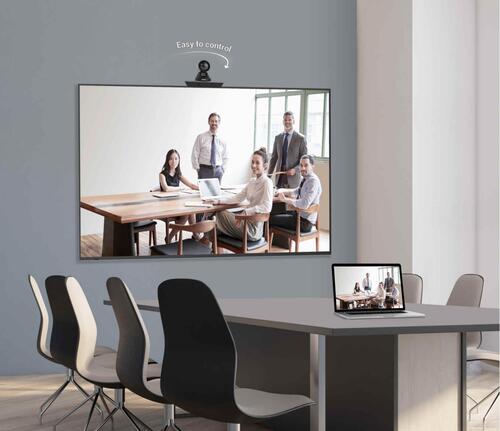
Maxhub 65 inch Interactive Panel - E6520C
Price 100000 INR / Piece
Minimum Order Quantity : 1 Piece
Power Supply : Electric
Size : 65"
Power Consumption : 150 220 Watt (W)
Weight : 45.6 Kilograms (kg)
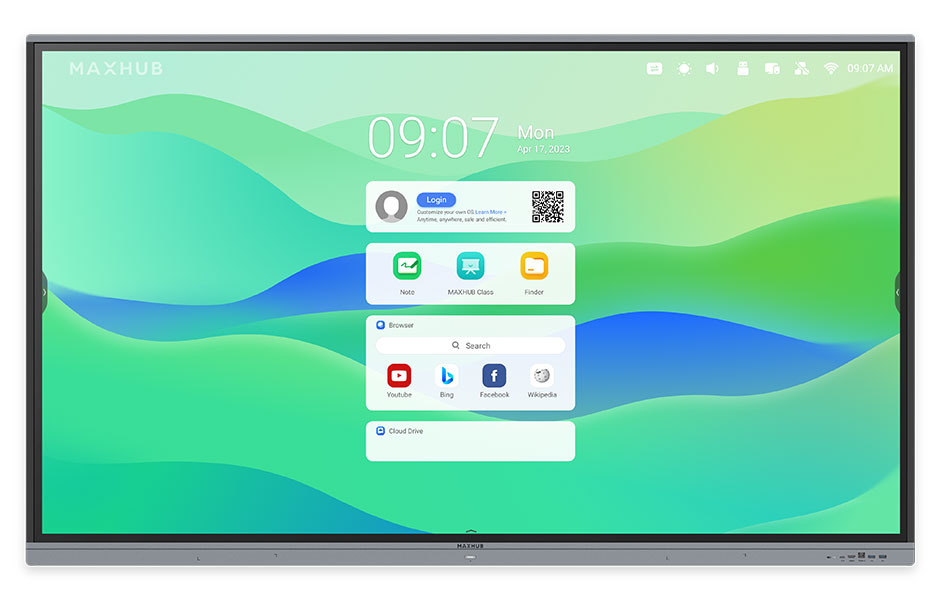
Maxhub Interactive Flat Panel 86inch E3 Series
Price 200000.0 INR
Minimum Order Quantity : 1
Power Supply : AC 100240V, 50/60Hz
Size : 86 inch
Power Consumption : 400W
Weight : Approx. 58 kg


- B No. 67, Ganesh Chandra Avenue -Ground Floor, Near Hind Cinema,Kolkata - 700013, West Bengal, India
- Phone : 08071781754


- Mr Ashwin Jaiswal (Proprietor)
- Mobile : 08071781754
-
 Send Inquiry
 Send Inquiry
TECHNO VIBEZ
All Rights Reserved.(Terms of Use)
Developed and Managed by Infocom Network Private Limited.
Developed and Managed by Infocom Network Private Limited.

